
This week my school switched to remote learning Tuesday through Friday. Monday, obviously, was an in-person day. (I thought about typing ‘in-person, normal day’ – but there really aren’t normal days in middle school). This week was a continuation of our Quest Unit through the Early Republic. The unit can be found on my website here: newrepublicquest.weebly.com.
Students were finishing up learning about Federalists, Democratic Republicans, and creating a character/avatar for our quest before we switched to remote learning. As a result, I had to slow things down and switch up the lesson a bit to make things less stressful.
- Monday – finish up the Federalist/Democratic-Republican Choice Board and create a character using the Hero Builder.
- Tuesday – first day of remote learning – Create a Google Site.
- Wednesday – choose to write a blog (rubric and scaffold) or design a Facebook profile from your character’s perspective.
- Thursday – finish writing blog or designing Facebook profile.
- Friday – finish writing blog or designing Facebook profile OR begin Hamilton’s Financial Plan lesson with a Quizizz.
Even with remote learning, I like the way this lesson and unit are going. My goal throughout this unit is to find a way to incorporate some more games and gamification from EMC2Learning. The gamification element works perfectly with the Quest idea and EduProtocols.
Monday
Monday was a continuation of some students finishing the Federalist vs. Democratic-Republicans choice board. However some students were creating characters/avatars for the Quest Unit. (Again my goal with this unit is to have students create a character that lives during the New Republic with the first 5 presidents. Their character is either a Federalist or Democratic-Republican and critiques the decisions of the first 5 presidents through a blog post, Facebook post, or Yelp review).
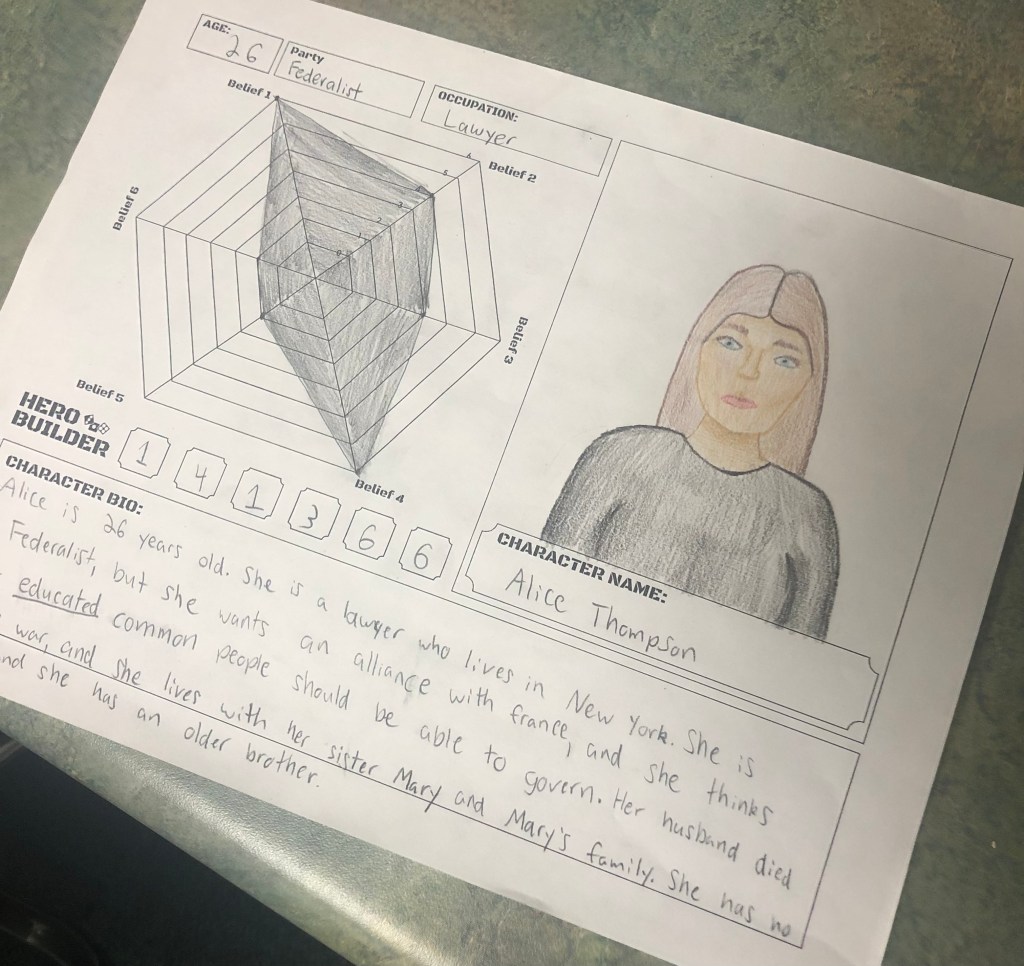
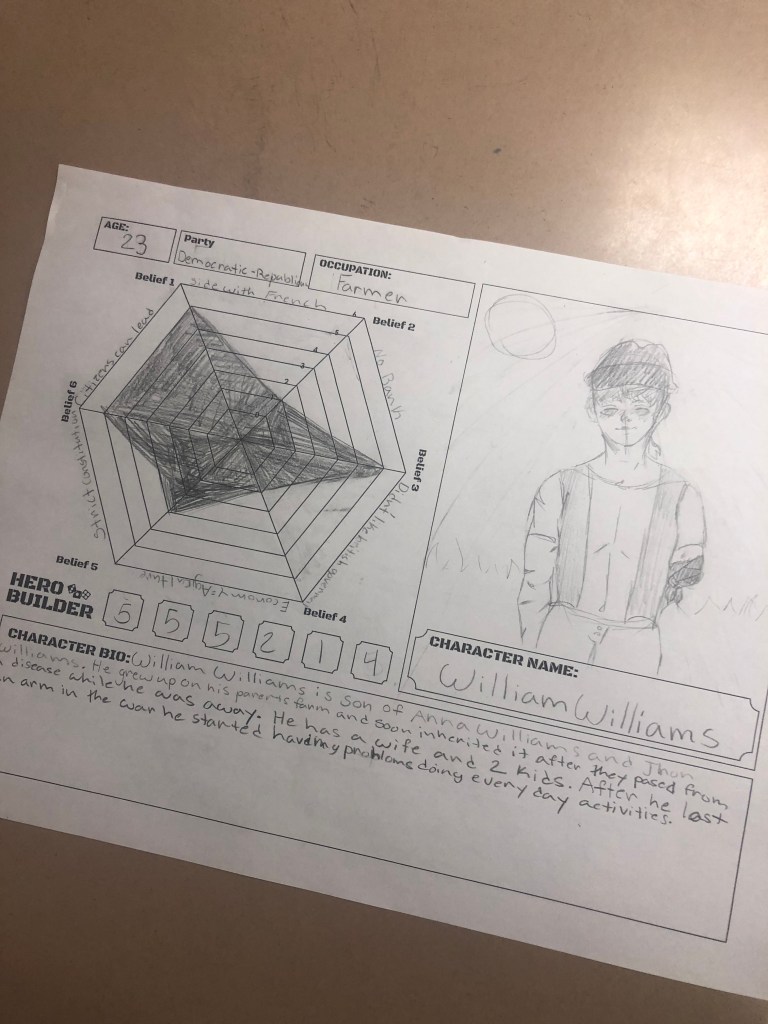
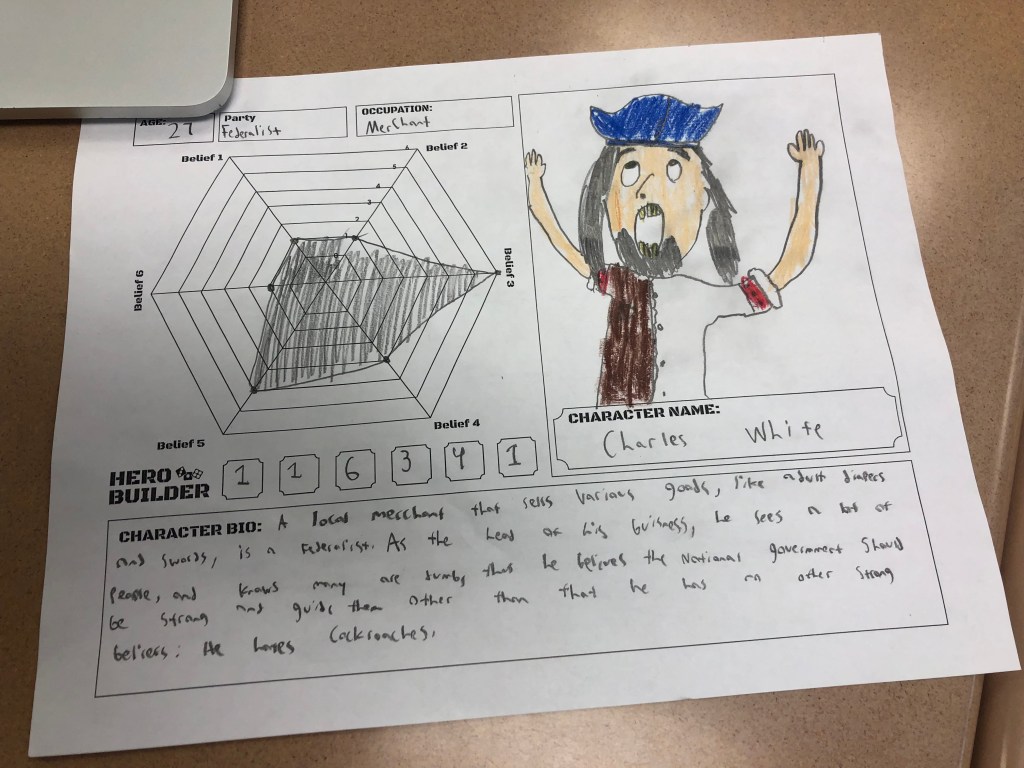
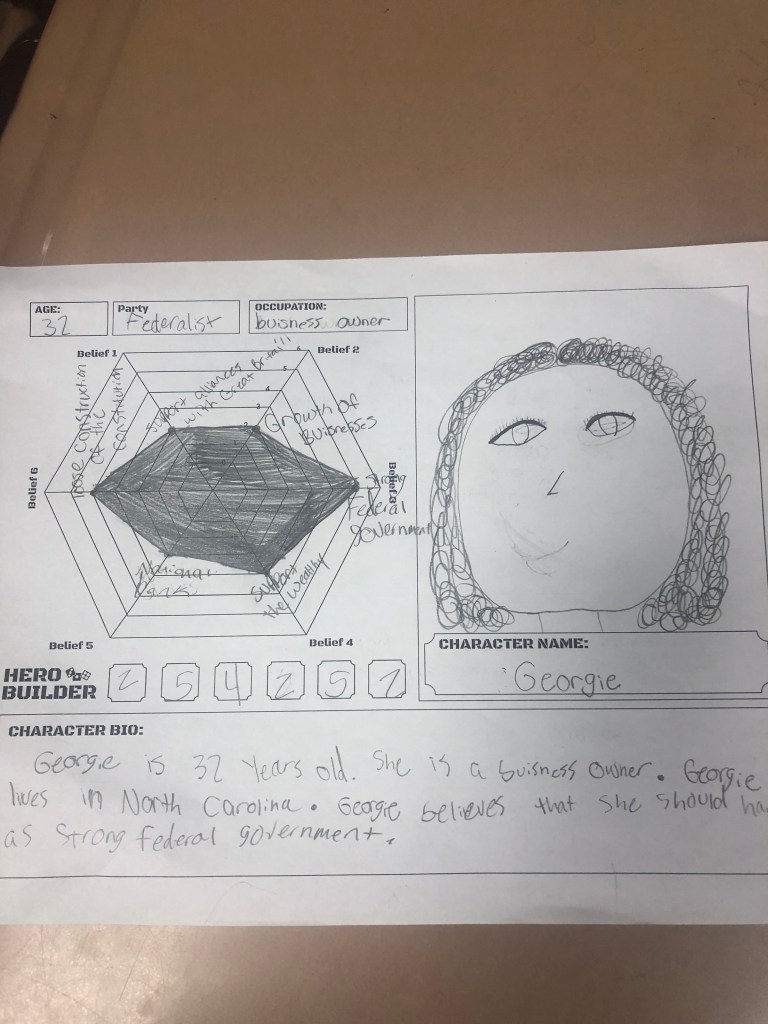
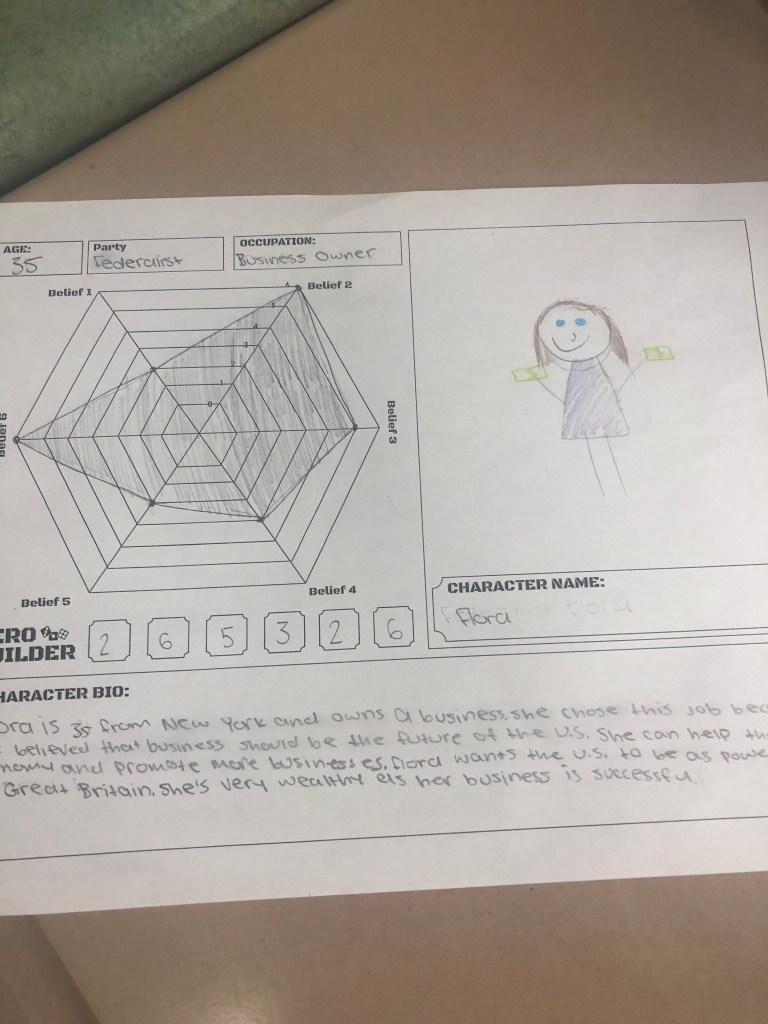
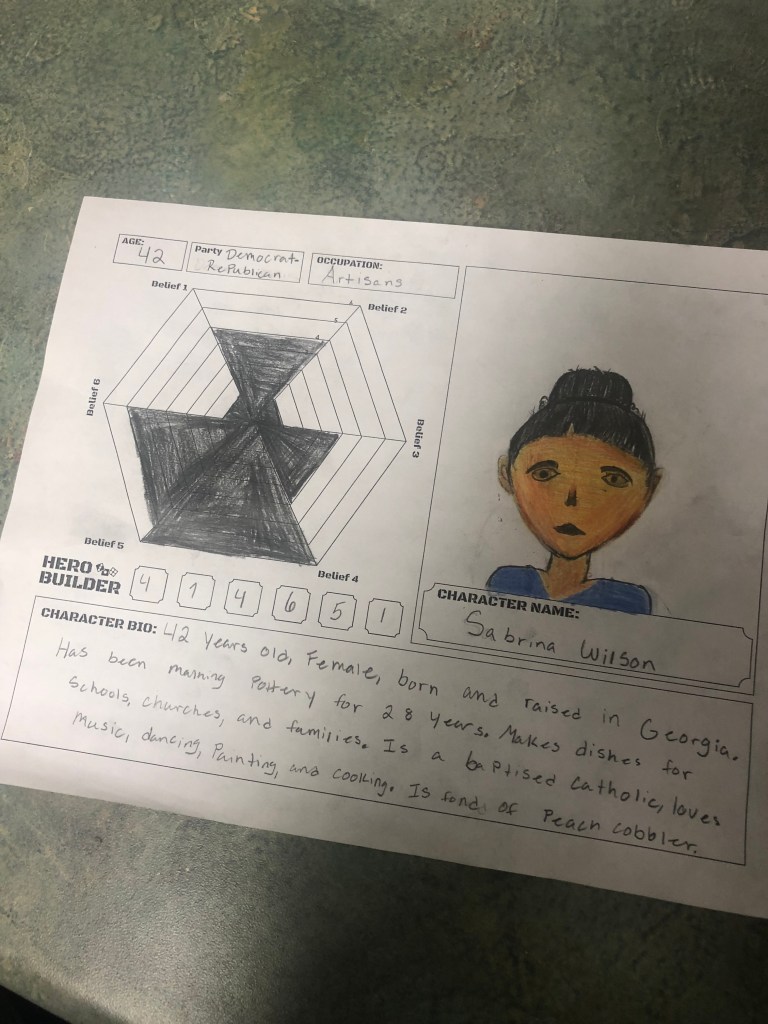
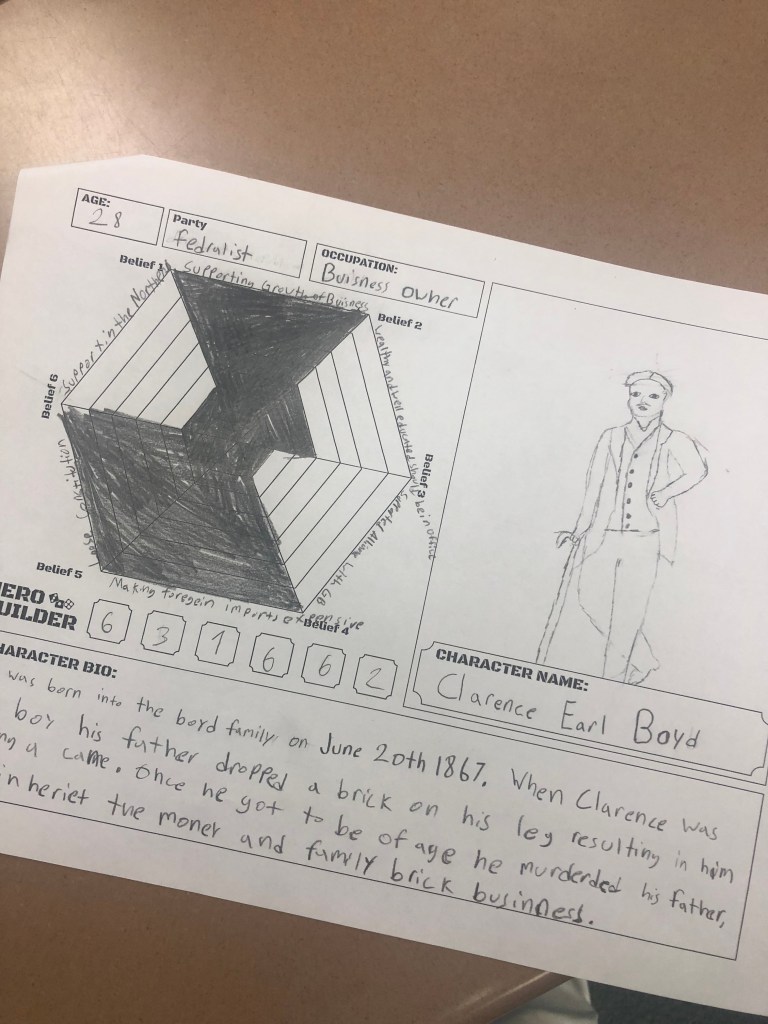
I really liked the Hero Builder (character creator) lesson from EMC2Learning. At first I was unsure how this would fit into the lesson, but it made sense and worked out. Students that created a character with the Hero Builder really loved the idea and were super engaged. Anything that involves dice is always engaging. Students really liked rolling the dice and having to weigh, or apply, values to their beliefs as a Federalist or Democratic-Republican. As a result, they really got into creating their characters. Here are some examples:
Tuesday, Wednesday, Thursday
Tuesday was out first day of remote learning. My plan for remote is to keep things as simple as possible. When your expectations are the same as in-person learning, things can get out of hand quickly. As a result, if I think something would take 1 class period with in-person, I will give 2-3 days for completion during remote learning. I will share some more thoughts on remote learning at the end of this post.
Tuesday
Tuesday was a simple day – create a Google Site and add titles and pictures. That’s it. The Google Site will be used a portfolio to write blogs or embed Facebook profiles or Yelp Reviews throughout the unit. In order to teach this, I created a screencastify video where I walked the students through creating a Google Site and using the Google Site template tools.
I decided to cancel the Hero Builder (character creation) assignment. Many students needed some guidance with this activity and it would have been to overwhelming for remote. So, I would just have students create a character, using a rubric, within their blog or Facebook profile choice.
Wednesday and Thursday
Once Google sites were created I used a couple of Google Meets to walk students through the project choices for our first Quest. Students had 2 options:
- Write a blog from there characters perspective. Students had a rubric to follow. Click here for the rubric. I also included a scaffolded blog writing to help guide students through organizing their information. Click here for the scaffold.
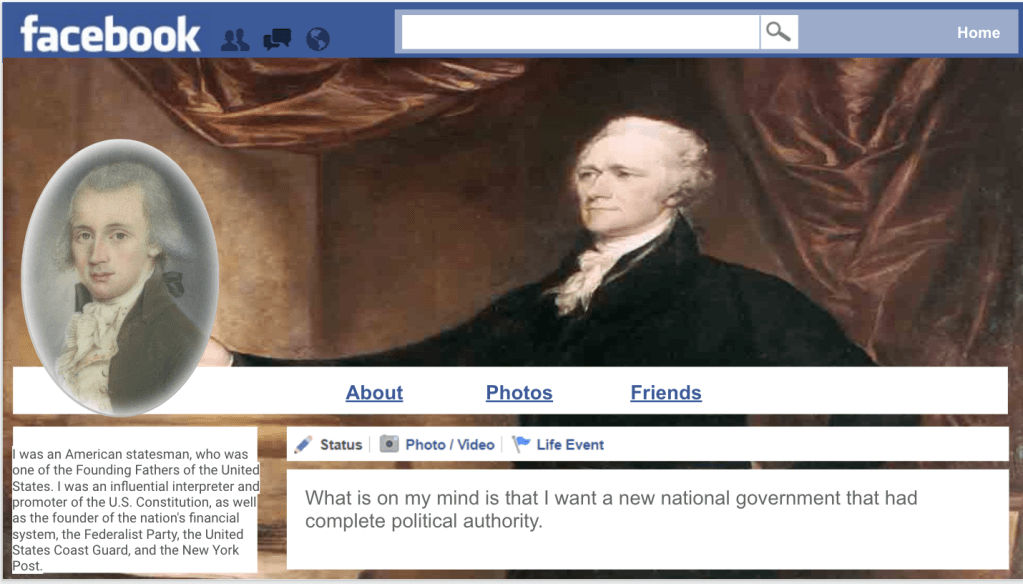
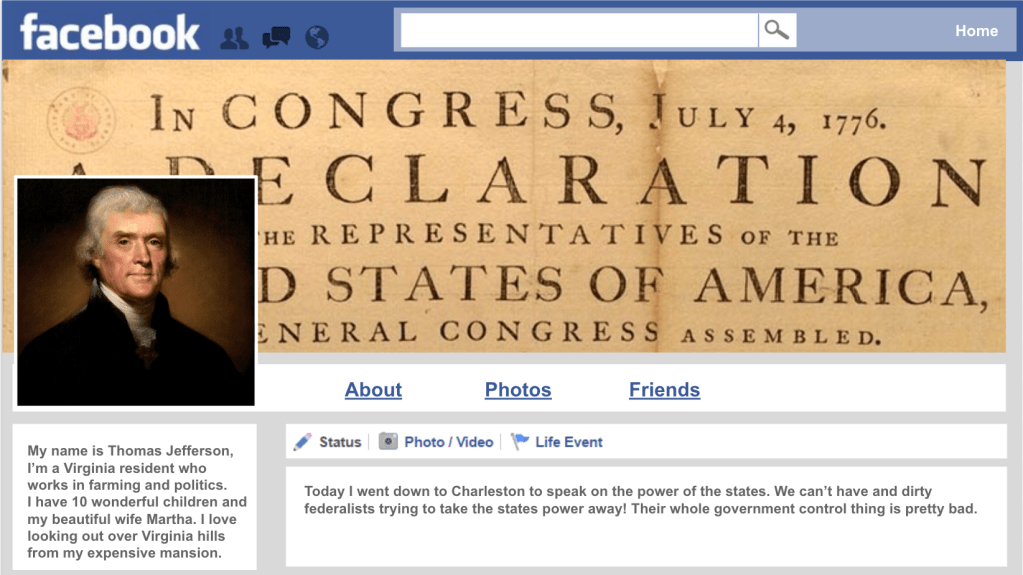
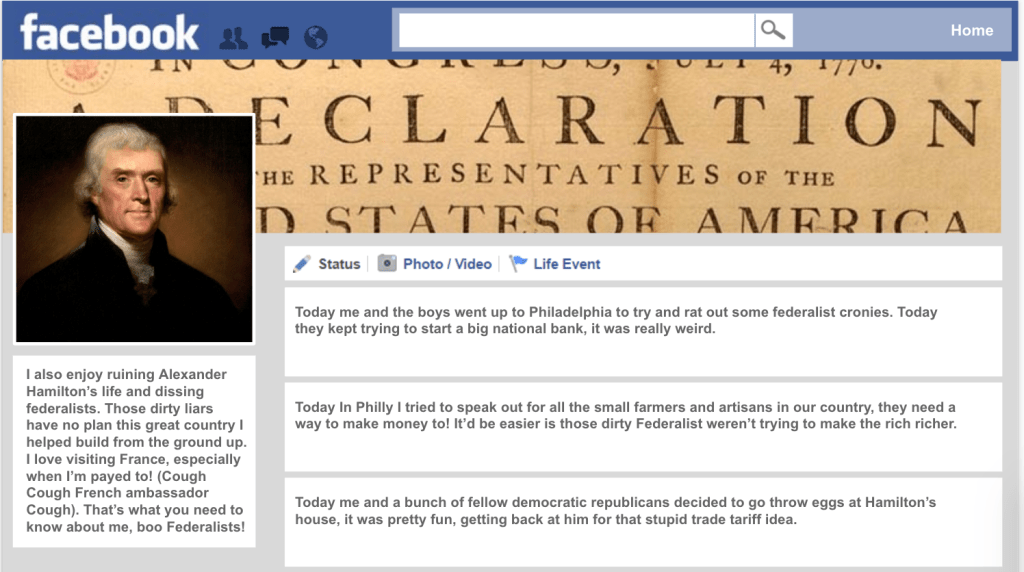
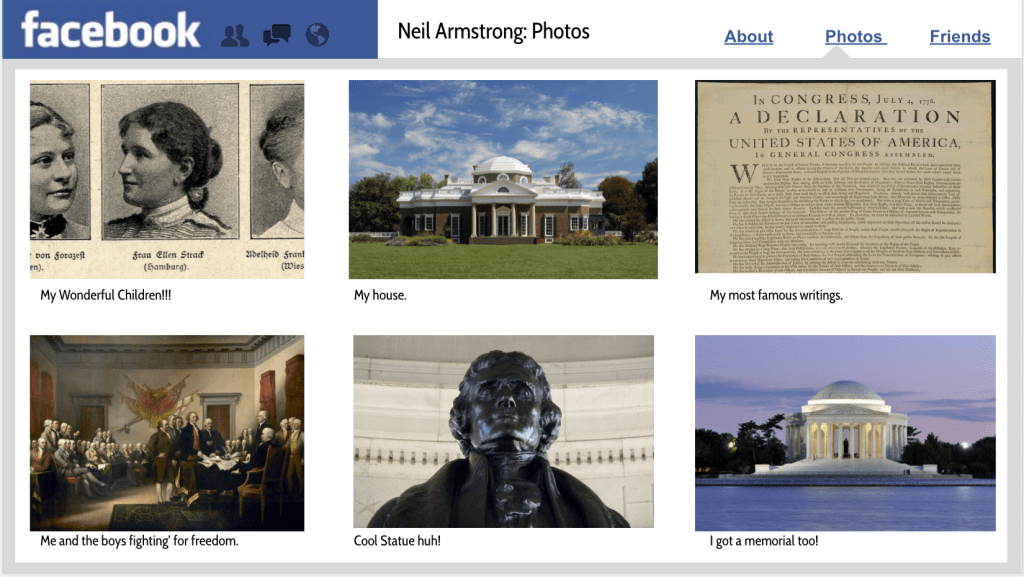
- Facebook profile template – students could create character through a Facebook template. They create posts and add images related to their character and their associated political party. I wish I could remember where I got this template from, but I like this particular template because it’s easy to use and change.
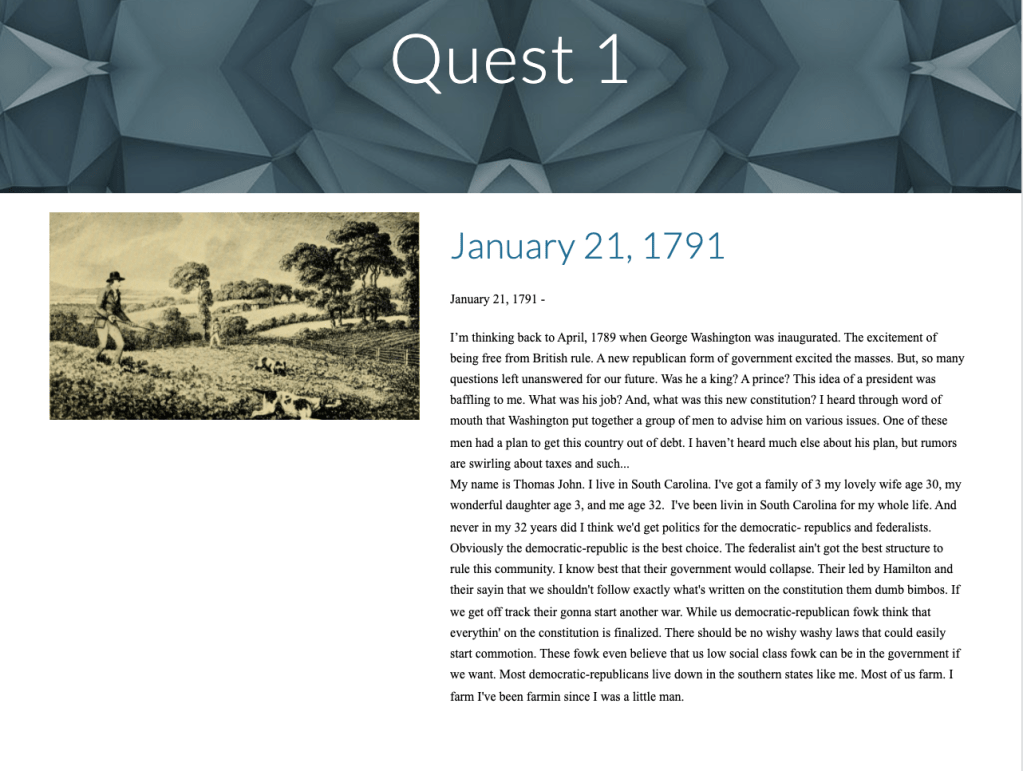
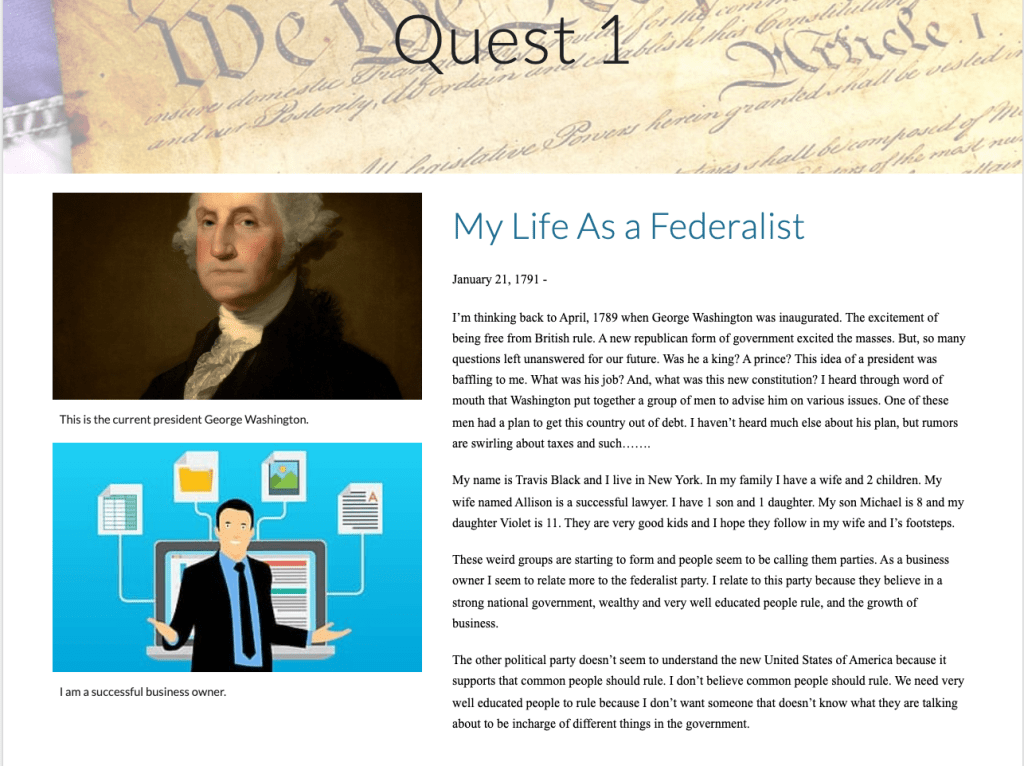
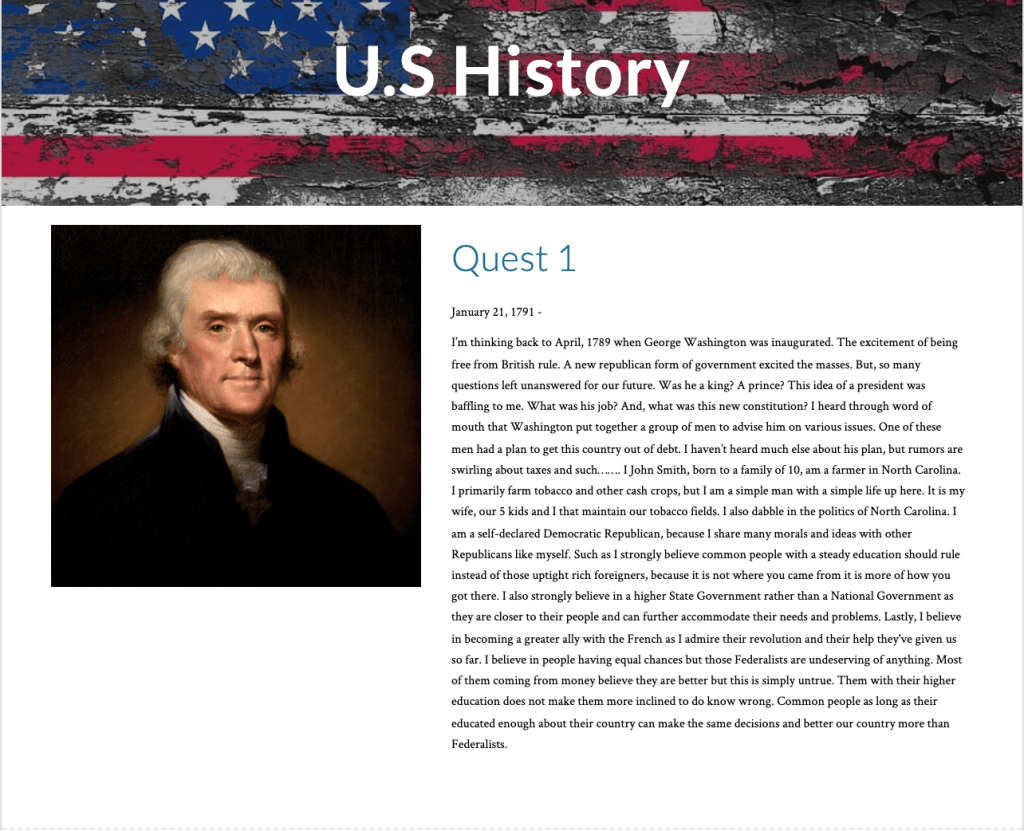
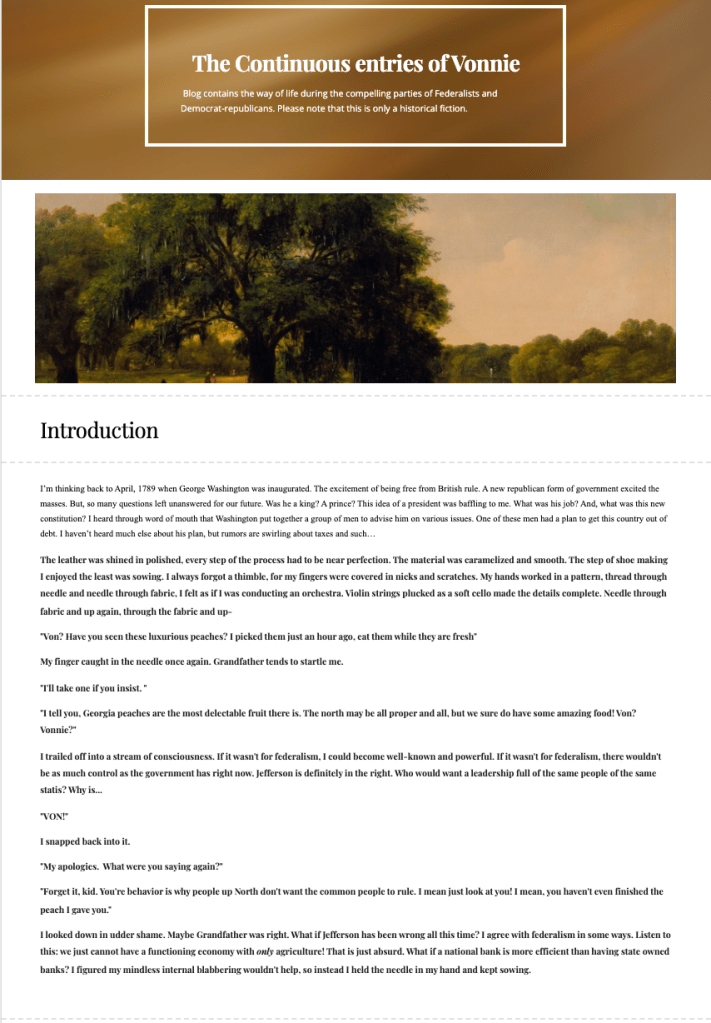
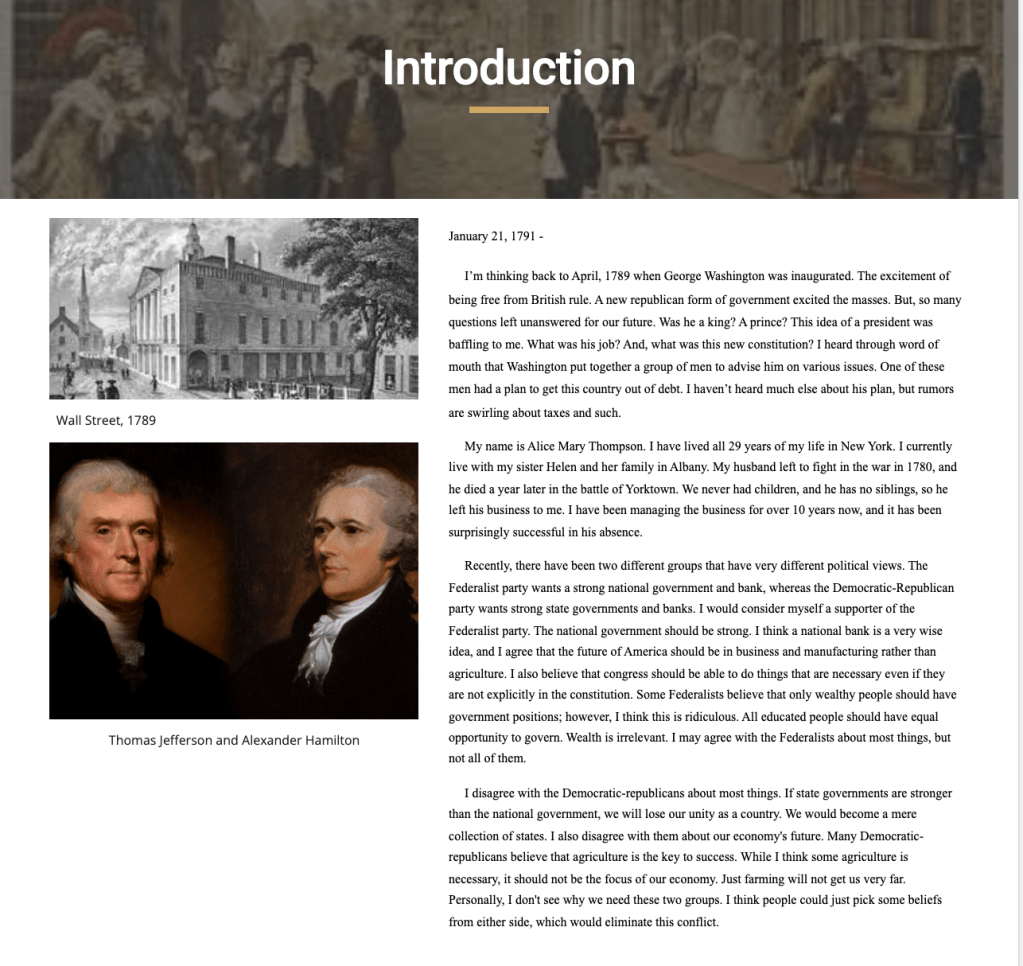
I had a Google Meet Wednesday and Thursday to go over how to use the rubric to create a blog or use the Facebook template. In addition to the Google Meet, I also made videos using Screencastify going over directions for the assignments. For 2 days I worked so hard trying to give feedback, answering questions, and trying to get students to turn things in. In the end, 60 students completed a blog or completed a Facebook profile. With simple math, this is about 60% engagement. Compared to things I have heard from others, 60% engagement is average. Here are some student examples of blogs and Facebook profiles. What I love about this “Quest” unit is it allows for student creativity to shine…
Friday
Friday’s remote learning day had it all going on – students finishing blogs or Facebook profiles and turning them in. Students that were finished moved onto the Hamilton’s Financial Plan lesson. I didn’t want to do this lesson, but I felt like my choice board didn’t cover the national bank, loose/strict interpretation of the Constitution, or Hamilton’s plan to get rid of debt very well.
I used this lesson last year during remote learning and I designed it using a template from Amada Sandoval. This lesson includes the following:
- Background information and context.
- Short videos where I explain parts of Hamilton’s plan.
- A video where I explain the compromise over Washington D.C.
- A slide where students sort statements into correct categories.
- A final slide where students add thought bubbles to Jefferson and Hamilton to show their thinking about the national bank.
All in all it’s a pretty simple lesson and perfect for a remote learning day. Along with this lesson, students took a Quizizz twice.
My Messages for the Week
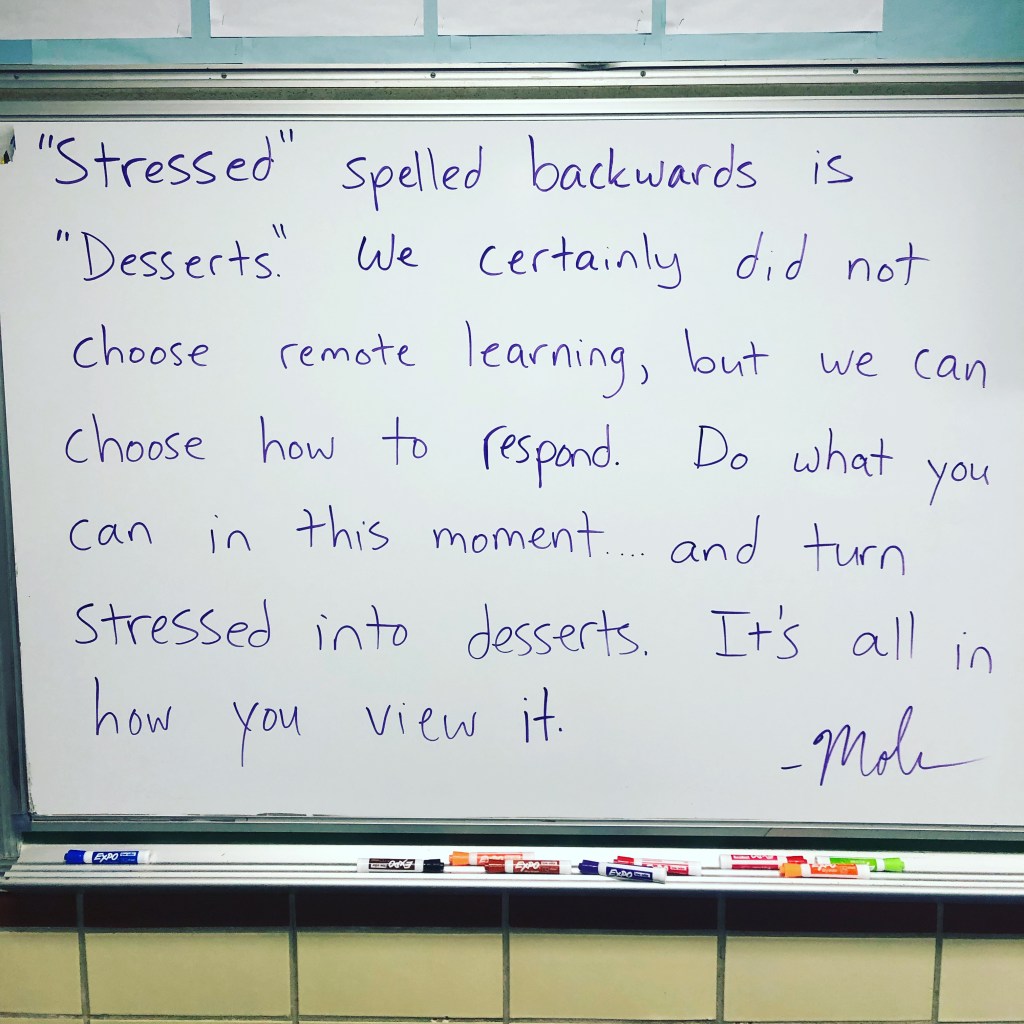
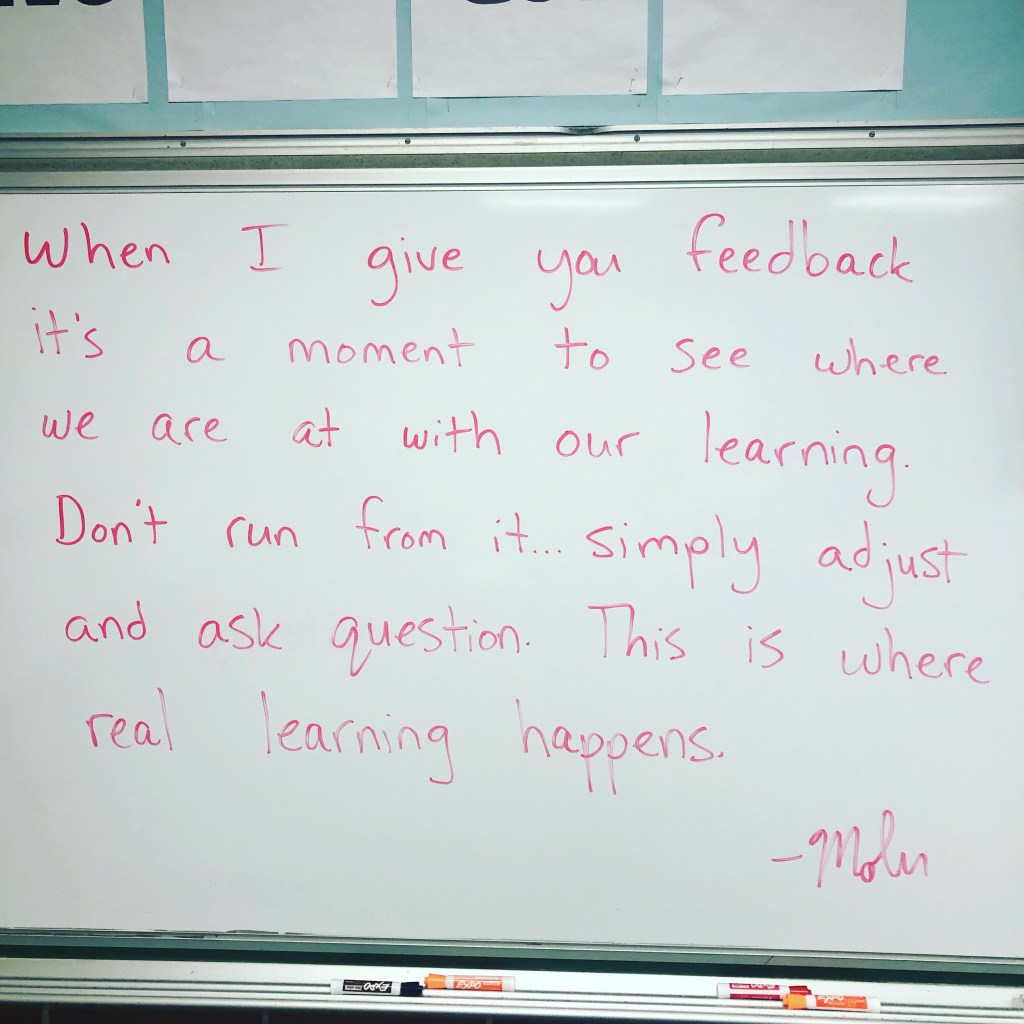
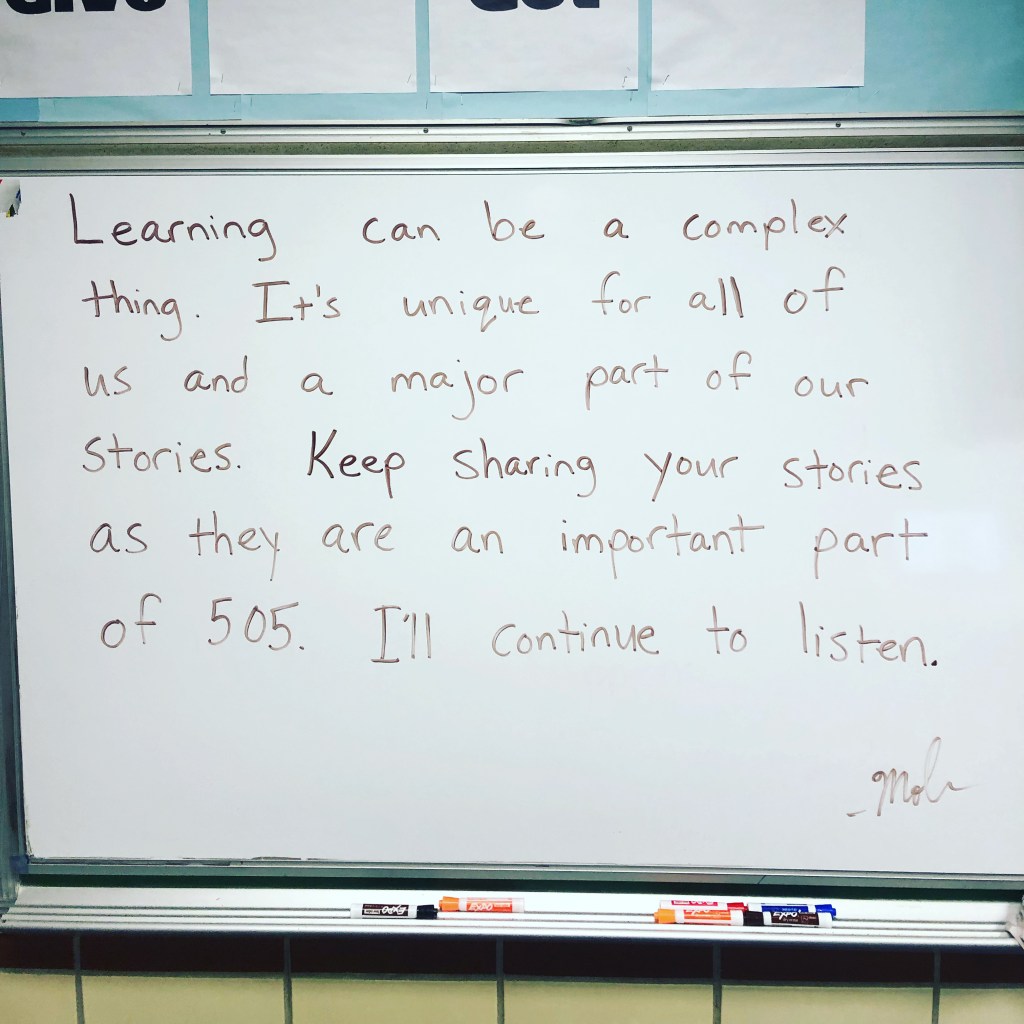
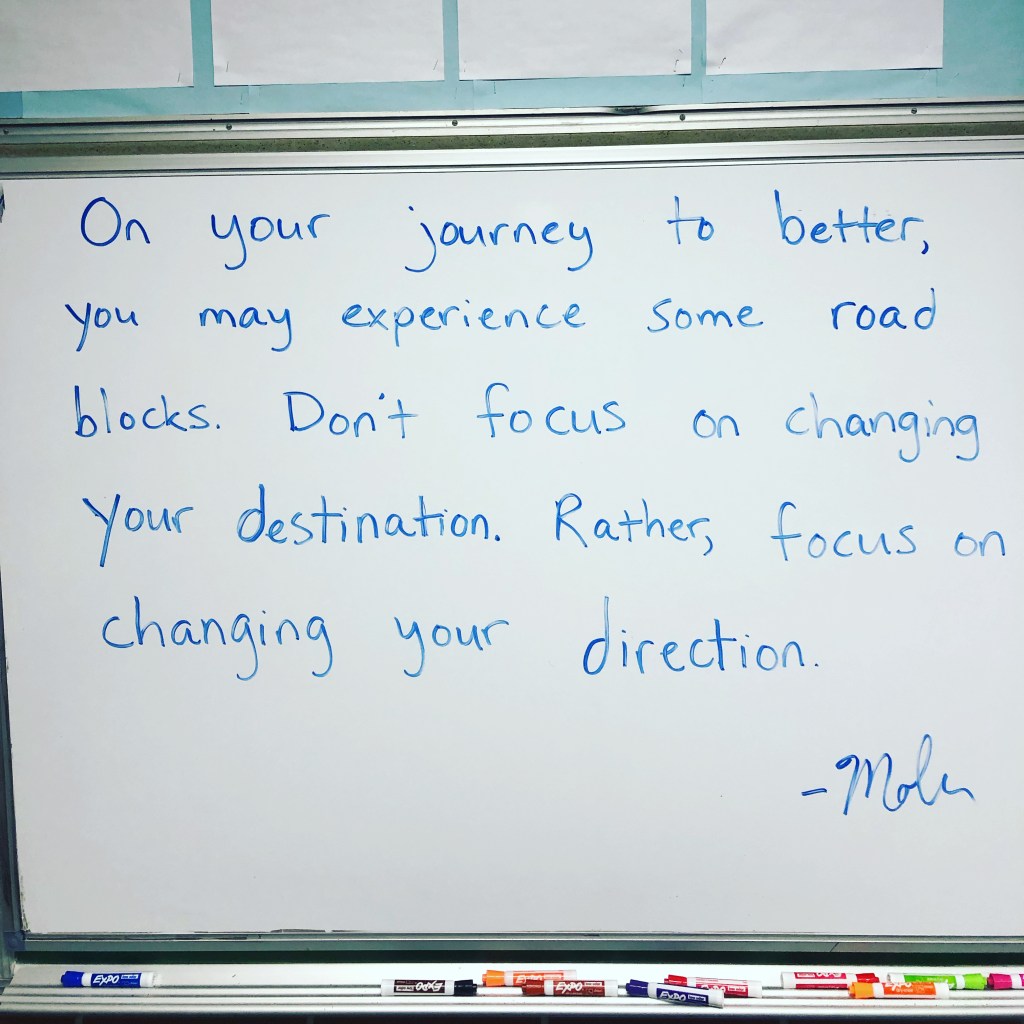
Remote Learning
I’m not some remote learning expert and there are many ways to do it. However, I want to share 2 things that make my life easier during remote:
- Screencastify – I love this tool for remote learning. I gladly pay for my subscription. I make direction videos ALL THE TIME. These direction video cut down on questions a lot. I also use Screencastify to give feedback to students. I really dislike typing the same thing over and over again. So, I record my screen and make quick 30-60 second videos giving students feedback on blogs or projects. Students have told me they prefer the feedback videos over the typed comments. You can even set up videos to track who watches them which could be good for taking attendance. Lastly, you can add questions into your videos now as well.
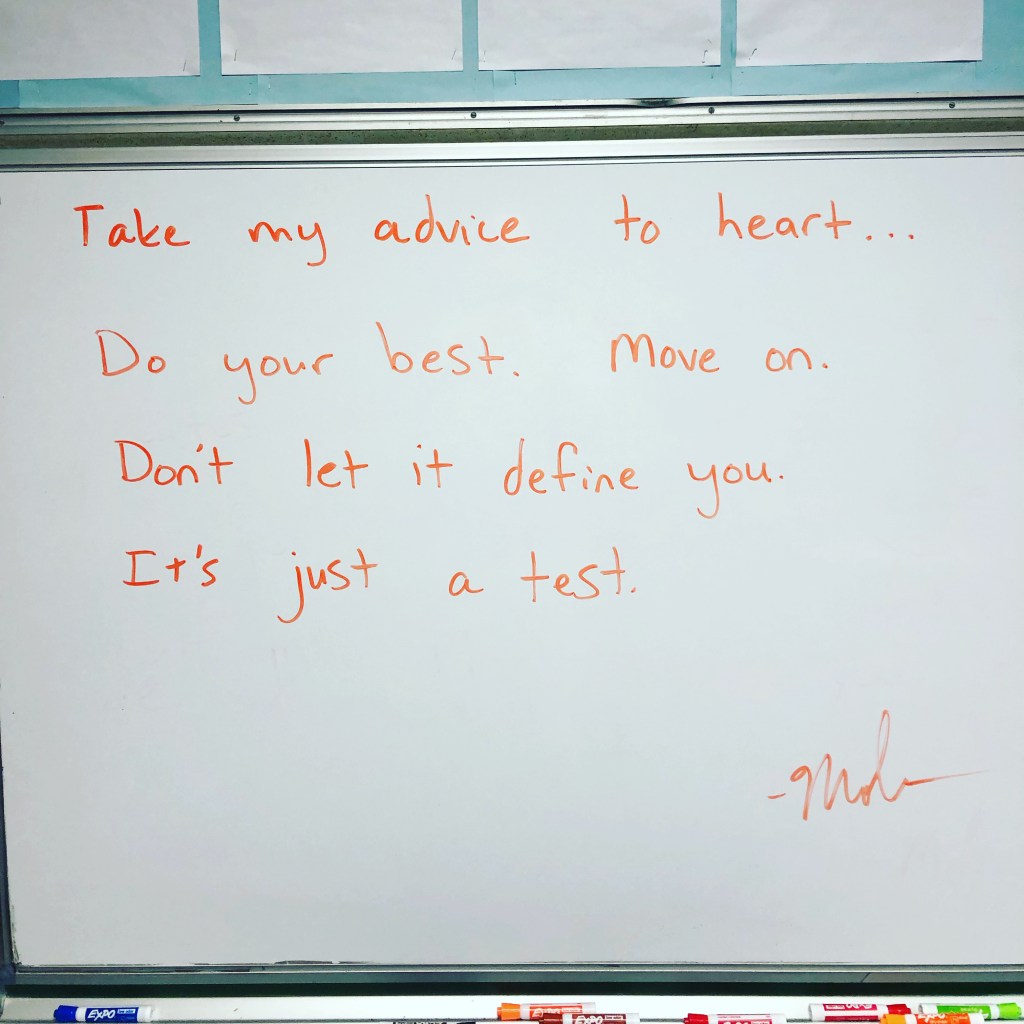
- Have a separate Google Meet running – In Google Classroom I have an assignment titled, Resources To Help You. Under this assignment I have a copy of our remote schedule, a picture of my room message, and a Google Meet link that is open all day. Next to me I have a separate Chromebook open with the Google Meet running. Students join into the Meet whenever they need help throughout the day. When I’m away, I share my screen with a message that says, “I’ll be back shortly.”
Every remote learning experience is different, but these two things have made my life a bit easier during this time.

 Moler's Musings