
You can hear a pin drop in my room when students are reading and taking notes. Why? It’s the CyberSandwich (Here is a template). This year I have used this EduProtocol more than ever; even more than a Sketch and Tell. It’s efficient. It’s effective. It’s working. But, why is it working?
The main reason the CyberSandwich is working is consistency. I have many of the same students I had last year. As a result, I don’t have to waste time explaining or teaching the CyberSandwich process. They recognized the name and already know the process. This idea is similar to tennis instruction where I announce to a large group, “We are playing Rush and Crush,” and everyone in that group knows exactly how to play that game.
The other piece to consistency is trying to run the CyberSandwich 4-5 times per quarter. I’m pretty sure we have completed around 10 CyberSandwiches during the first semester of the 2021-2022 school year.
What is it?
The CyberSandwich is a teaching strategy where students will read and take notes for 10 minutes. Students then discuss their notes and what they’ve just read for 5 to 10 minutes (With Middle Schoolers I prefer 5 minutes). Then students use 10 minutes to write a summary or create something to show what they’ve learned. Here is a basic example.

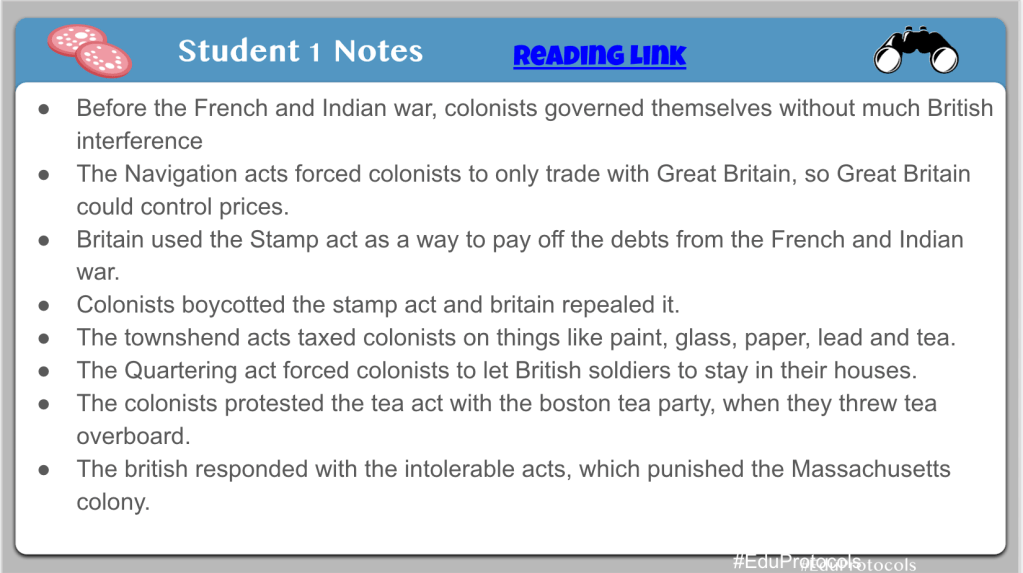
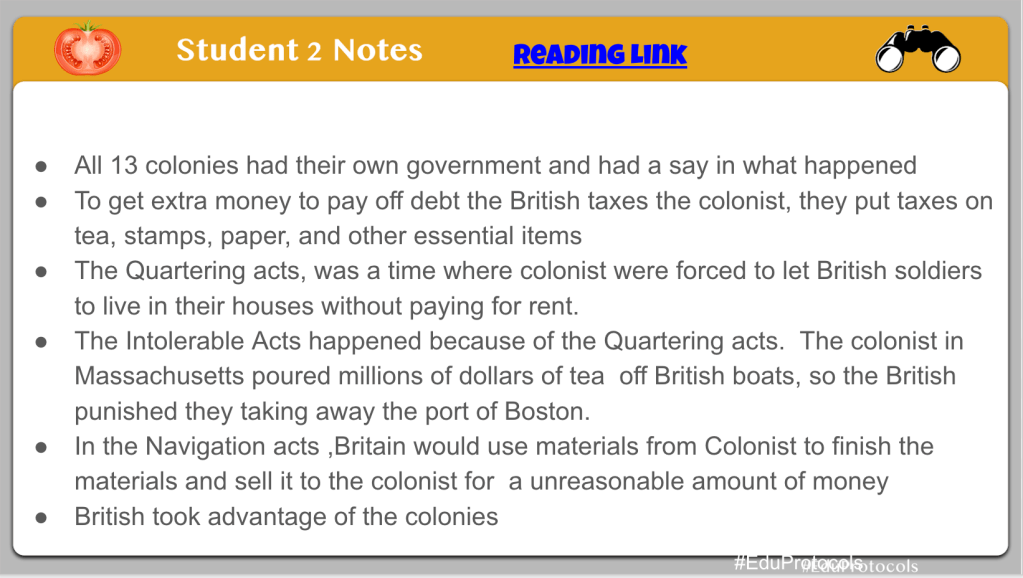

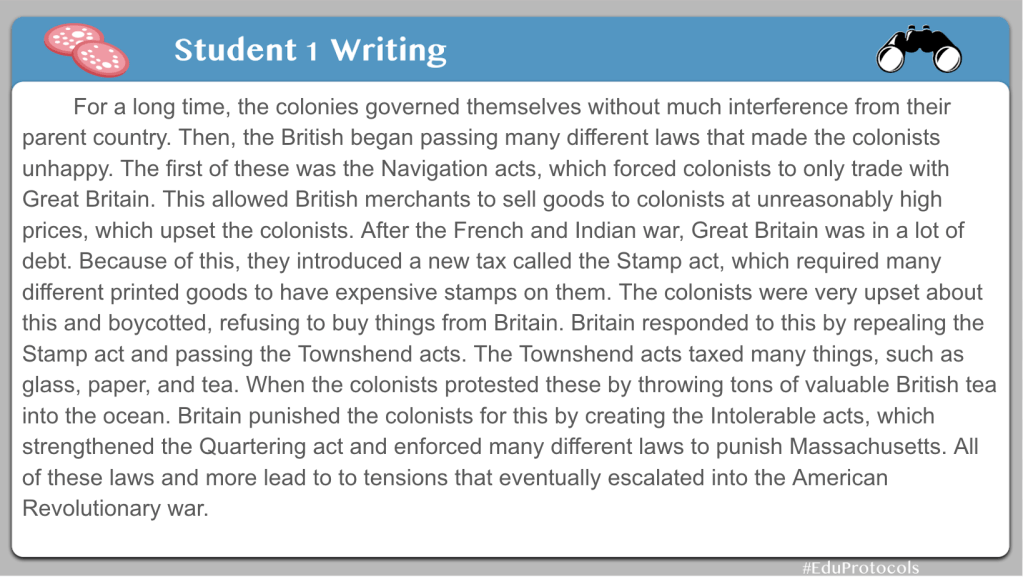

In my example linked above, and in the slideshow, I established clear expectations with the note taking – type 6 or more important facts from the reading. When the 10 minute timer ended, I shared my notes with the students as a way to clarify misconceptions and do some direct instruction. For the summary part of the CyberSandwich, I set an expectation of 5 or more sentences for a summary. I would not give students 10 minutes to write 5 sentences – this is setting the bar extremely low and calling for disaster in a middle school classroom. I also provided sentence starters for all students. Even though some students may not need this help, I have the belief that what’s good for some is good for all.
Suggestions
First Time?
If you are doing a CyberSandwich for the first time, keep it simple. Don’t use content, or in-depth content, the first couple of uses. Find a simple, high interest article to teach the process. Do this a couple of times before using with regular content.
Timing
Establish time guidelines and stick to it. If you want a 10 minute timer, or a 15 minute timer for reading, it doesn’t matter. Just pick one and stay consistent.
Reading
The original CyberSandwich call for a comparison of 2 articles. For the longest time, I was caught up in trying to find 2 articles. Then I asked myself this, “Why? Why can’t students just read 1 article and discuss?” From that point on, students in my class read one article and discuss. This seems to work best for middle school students.
When it comes to a reading, try to find a quick, informative, one page reading. Sometimes I will write my own articles for students to make this work. As the school year goes on, I will gradually have longer readings, but no more than 2 pages in length.
Variations
If you use a CyberSandwich regularly, then these variations are great to add in for students.
Vocabulary
Before a CyberSandwich, have students skim a reading and find unknown words. Have students find 3 unknown words submit them to a Mentimeter Word Cloud. The words submitted the most will appear larger on the screen. Here is an example:

After all students submitted words, you can discuss as a class, run some of the words through a Frayer, or do a Sketch and Tell. This is a great way to build some background knowledge going into a reading.
Keyword Predictor

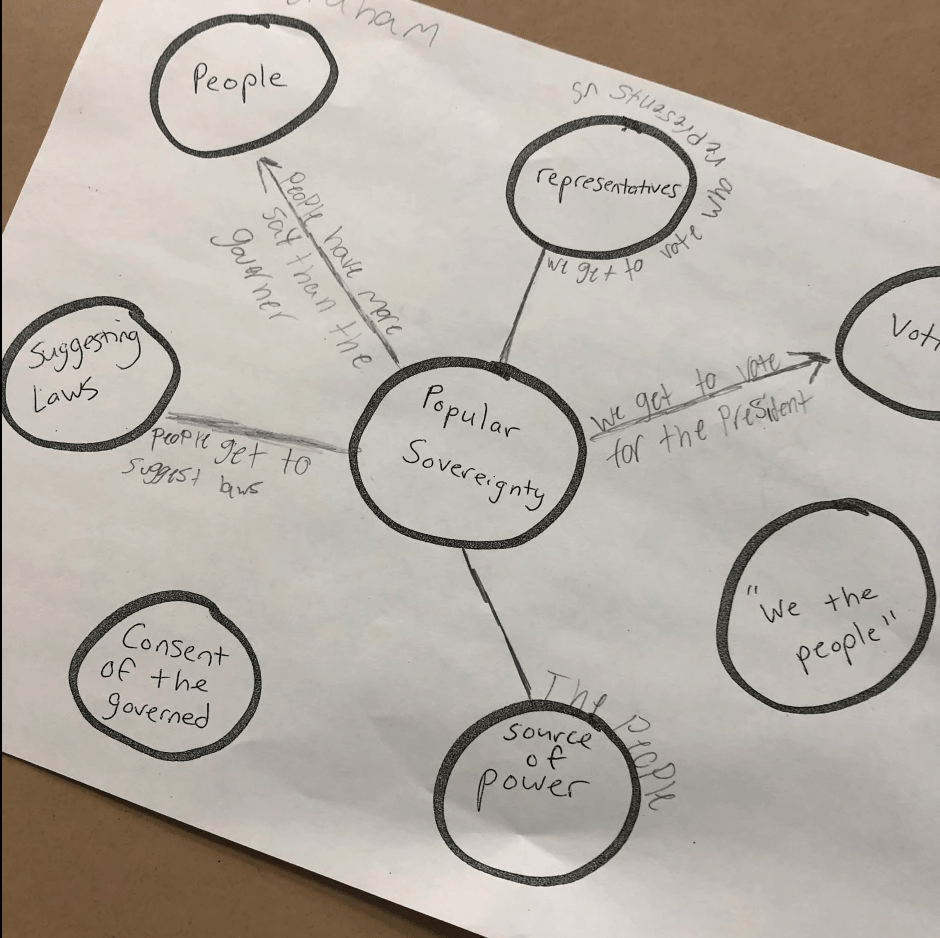
I wanted students working in small groups discussing the idea of popular sovereignty – even with no knowledge of the word. I found a piece of paper and wrote Popular Sovereignty in the middle. Around the word, I pulled out key phrases and words from the CyberSandwich article (I love this article because it hits on everything students should know about popular sovereignty). Students discussed and made connections with the main words and phrases from the article. This was to help build background knowledge before reading. Here is the CyberSandwich the students completed after the Keyword Predictor.
Notes
Mix up the notes that students take. You can leave this open ended such as this example:

You can even structure the notes with a main idea strategy seen here:
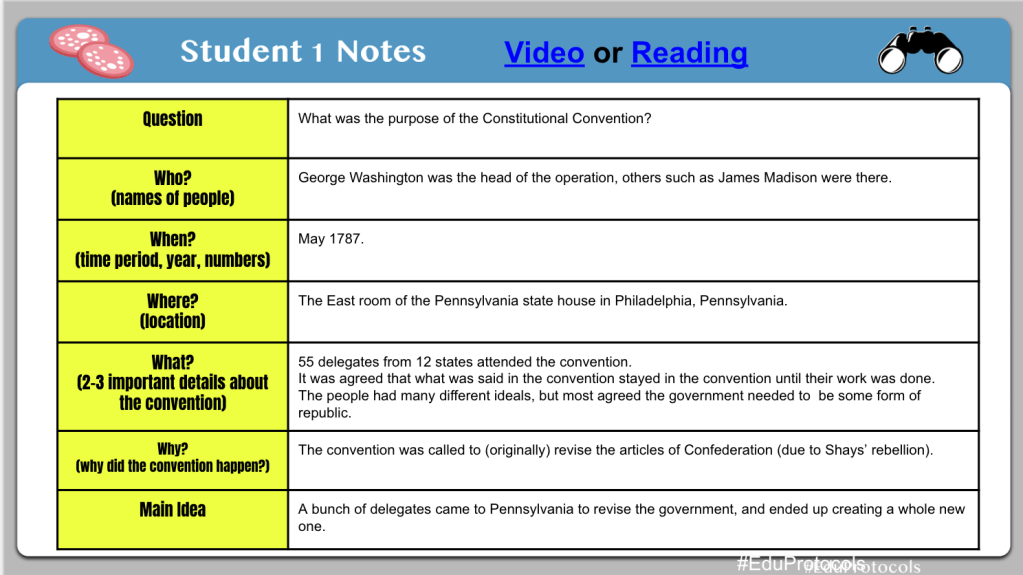
You can add the comprehension questions straight from the book as seen here:
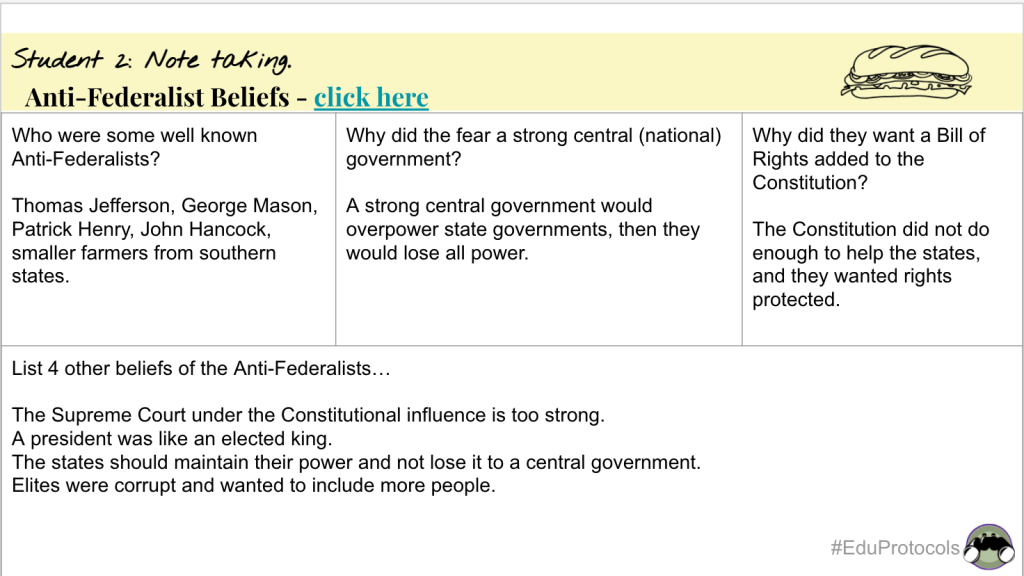

The possibilities are endless with the CyberSandwich. Mixing it up can be a great way to keep students engaged throughout the school year.
Mix Up The End Summary
Sometimes it’s best to have students create rather than summarize. In the first example, I combined a Sketch and Tell with a Cyber Sandwich. Students created with Playdoh, Legos, or Google Shapes and wrote a summary.
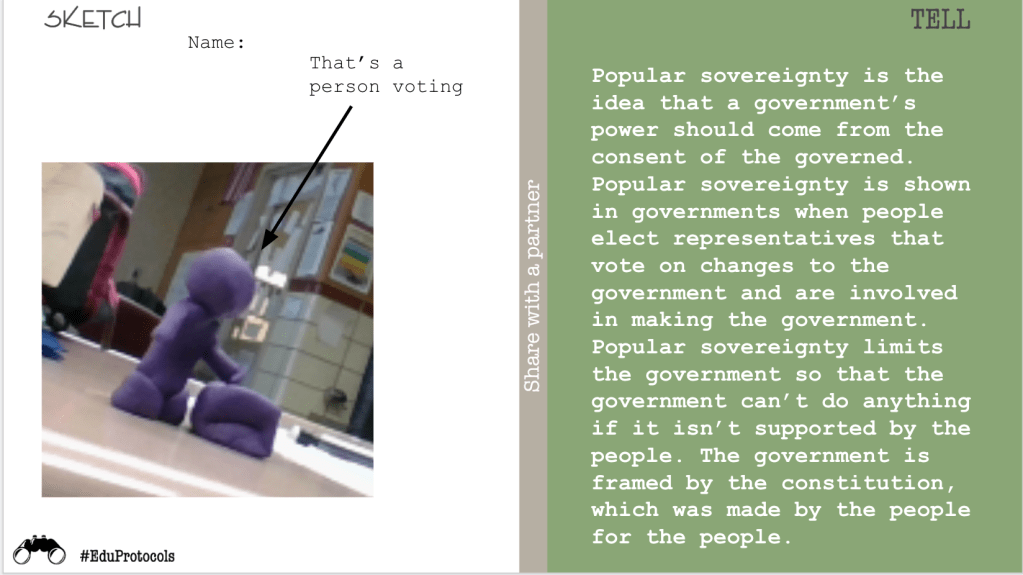
In the next example, students completed a CyberSandwich comparing North vs. South before the Civil War. They created a map as their summary:

In the last example, students labeled a geographical picture as they summarized their learning.

No tech? Internet stopped working? No problem – CyberSandwich can easily transfer to paper.

Pair with a Fast and Curious
I love pairing CyberSandwich with a Fast and Curious Quizizz. When I pair these 2 together I have seen an average of 32% growth in one class period. Here’s how this works:
- The first 5 minutes of class run a quiz related to the CyberSandwich reading. (Use Quizizz, Gimkit, or Blooket)
- Give feedback to the students.
- Have students complete the CyberSandwich.
- Run the same quiz again.
I love this pairing for 2 reasons – it builds student confidence and increases student engagement. Students see the results and are excited. They attach this excitement and confidence to a CyberSandwich which helps with students engagement. Here is an example of the Popular Sovereignty results:

Give the CyberSandwich a try, but don’t start off too big. Keep it simple and gradually work your way toward some variations. Visit the EduProtocols site for a template.

 Moler's Musings
One thought on “A CyberSandwich Reflection”