
Tuesday – Number Mania
Wednesday – Divide the Pie
Friday – Netflix Template
Monday – A Nation Prepares
This week’s theme was “A Nation Prepares for War,” and I’ll be honest—I ran out of time. I really wanted to get into Reconstruction, but I refuse to gloss over material just to say I “covered” it. If I’m going to teach something, I’m going to do a thorough, intentional job. Otherwise, what’s the point?
It’s been a tough week. So I started Monday with something easy. Low prep. Low stress. But still effective.
We kicked off with a Gimkit that I ran twice—once for warm-up and once after feedback. It was packed with vocab and content-based questions: secession, sectionalism, Lincoln’s election, states’ rights, etc. A quick way to reactivate prior knowledge and see what stuck from last week.
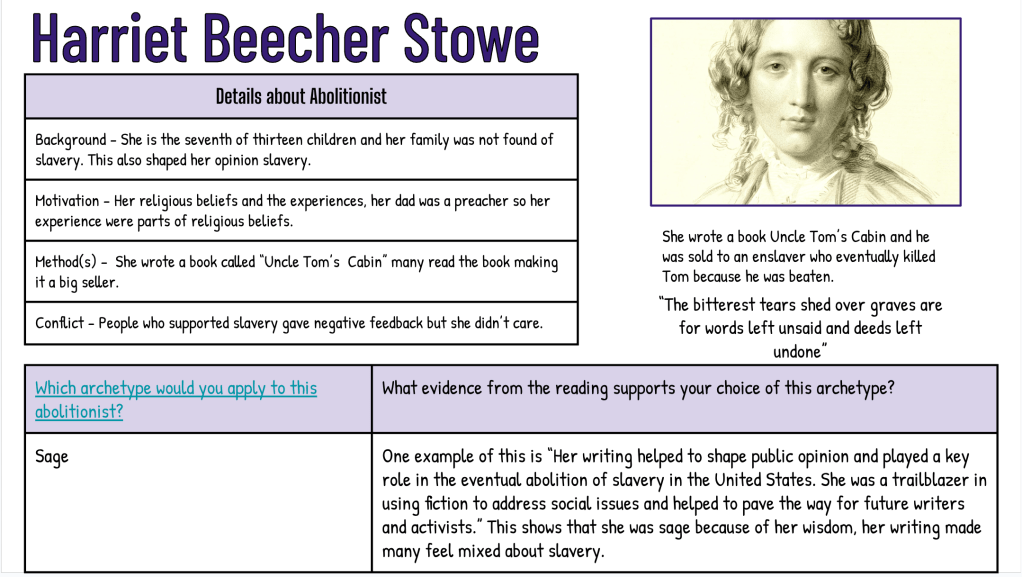
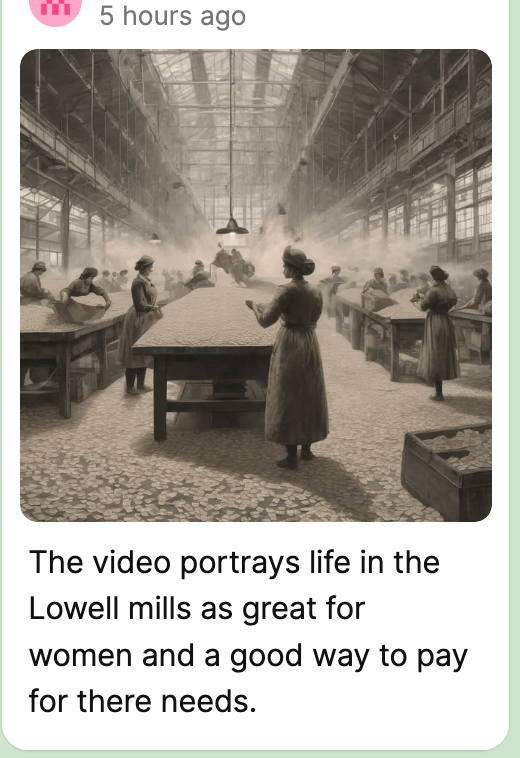
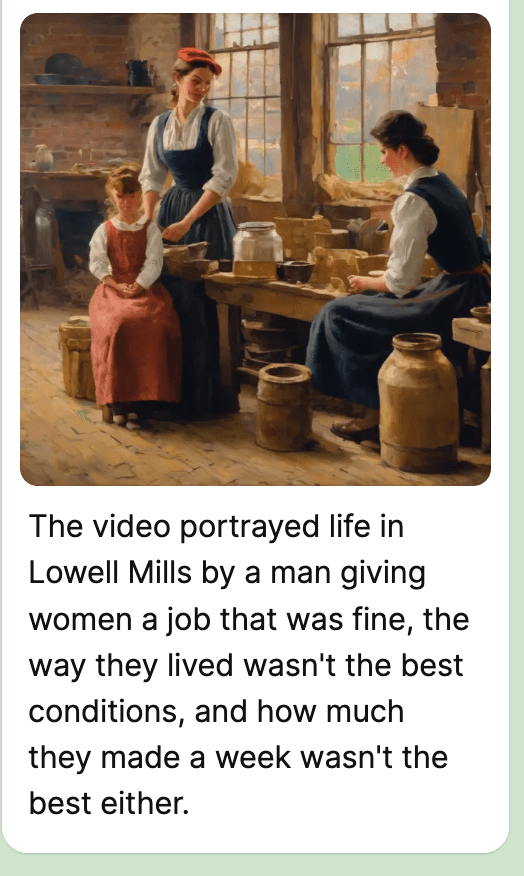
Next, we jumped into a Thin Slide activity on Padlet. The prompt: Why did the South secede? I gave them a short reading to skim and told them to pick one word or phrase and one image that represented the core reason. But what made this one different was how we used AI.
Instead of finding an image, students used Padlet’s AI image generator. They entered a short phrase, made it their caption, and used the body of the post to explain what their image represented. That move—credit to the students—was gold. It made the captions matter. It made the explanations more thoughtful. And it gave them a creative outlet that still demanded analysis.
We wrapped the day with a blank map—labeling Union, Confederate, and Border States. I’ll admit, I don’t usually like blank maps. But sometimes the brain just needs a break. This was the break. A little coloring. A little labeling. Still purposeful, but low cognitive load to help everyone ease back in.
Tuesday – Sides of the Civil War
Tuesday’s lesson focused on understanding the advantages of each side heading into the Civil War. I kept it simple and familiar because I’m a big believer in reusing quality material when it works.
We started by running the same Gimkit again—this time as a Fast and Curious. The repetition wasn’t just for review—it was to reinforce accuracy and let students feel some early success. Their scores went up, and they felt it.
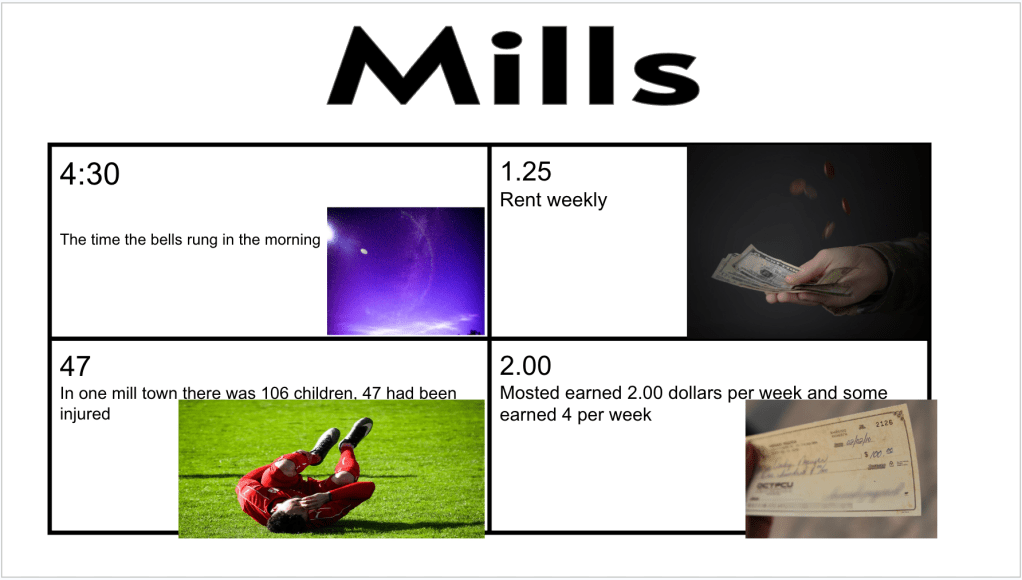
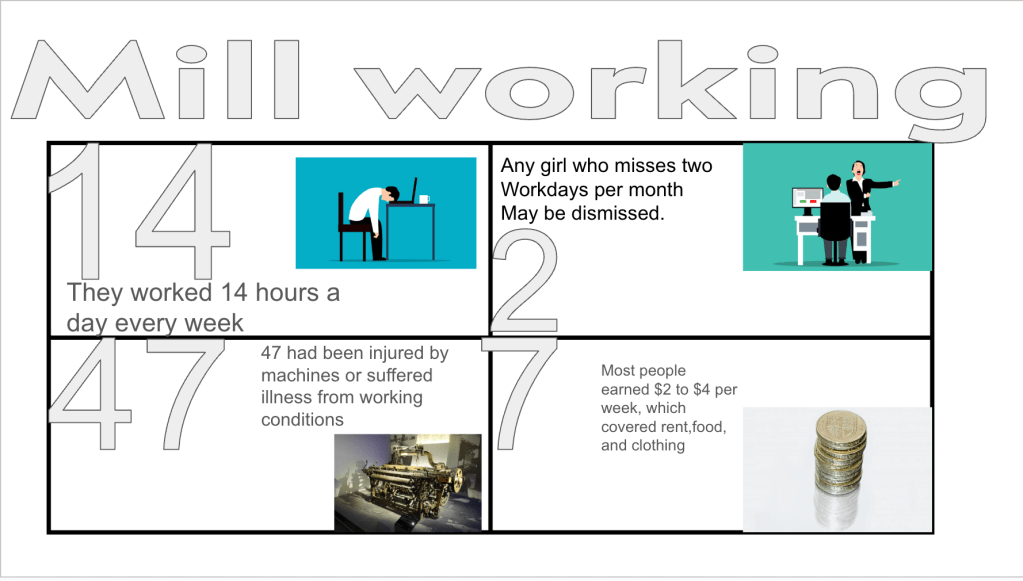
After that, students completed a Number Mania based on a short reading about Union advantages. The prompt was direct:
Why did the Union have an advantage over the Confederacy in the Civil War?
Their task:
- Include 4 numbers from the reading with paraphrased explanations
- Add icons or images that helped visualize the data
- Give it a title
- Keep it clean, clear, and creative
This was a solid way to push students beyond just copying facts. They had to decide what numbers mattered and explain why.
We wrapped the day with a short EdPuzzle covering the four major battles: Fort Sumter, Gettysburg, Vicksburg, and Appomattox Courthouse. It was a simple close to the day, but effective. The video reinforced the bigger picture—how the war escalated, where it turned, and how it ended.

Wednesday & Thursday – Why Did People Fight?
This was the heart of the week, and it spanned two days. We started both days with a Quizizz for retrieval practice—Fast and Curious format again.
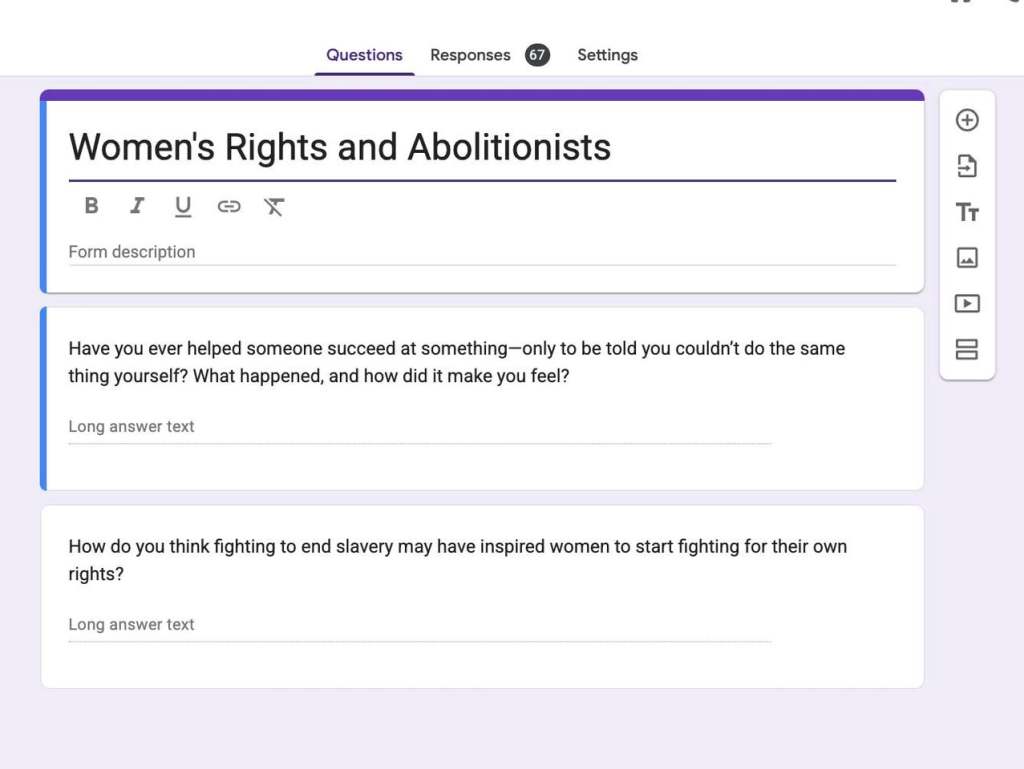
Then came the layered lesson. Students read a series of primary and secondary sources about different groups in the war: Union soldiers, Confederate soldiers, Black soldiers, and women. Afterward, they submitted four reasons for fighting through a Google Form.
Here’s where AI came in: I fed their responses into ChatGPT and asked it to create six categories based on student submissions. These included things like defending homeland, fighting for freedom, or protecting rights. I shared these categories back with the class.
From there, students completed a Divide the Pie activity:
- Choose 5 of the 6 motivations
- Assign each a percentage based on how influential they believed it was
- Justify their thinking with specific details
It was reflective. It was writing-heavy. It worked.
Students weren’t just reciting facts—they were categorizing, weighing, and defending ideas. This is exactly what we need more of.
Friday – Wrapping Up the Theme with Netflix and Retrieval
Friday’s goal was simple: wrap up our “A Nation Prepares for War” theme and give students a creative outlet to show what they’d learned. We started with one last round of our Quizizz fast and curious—same questions from earlier in the week, but now serving as a final review. The ALL-class average was 85%, which was awesome, especially considering the quiz covered three weeks’ worth of content.
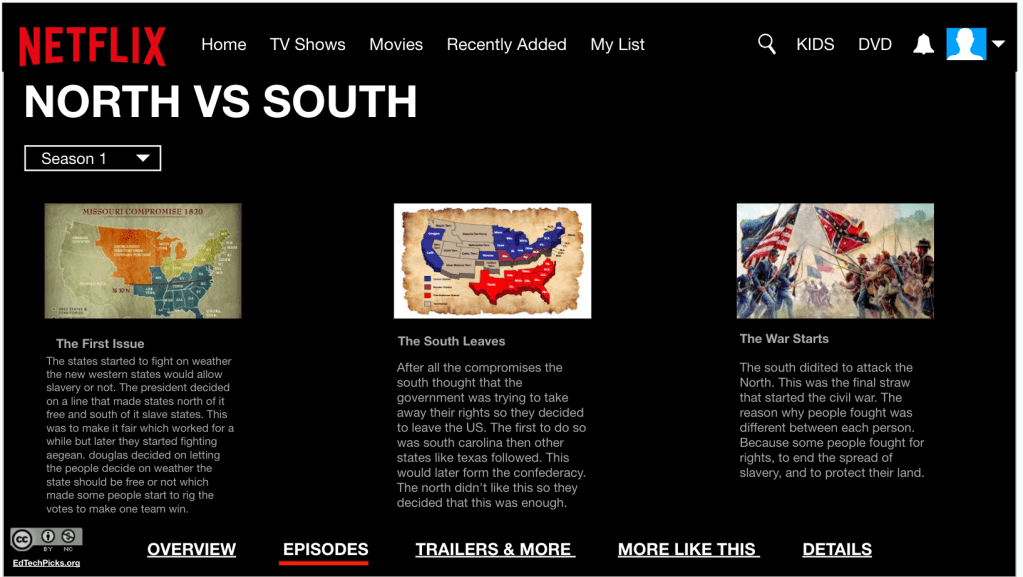
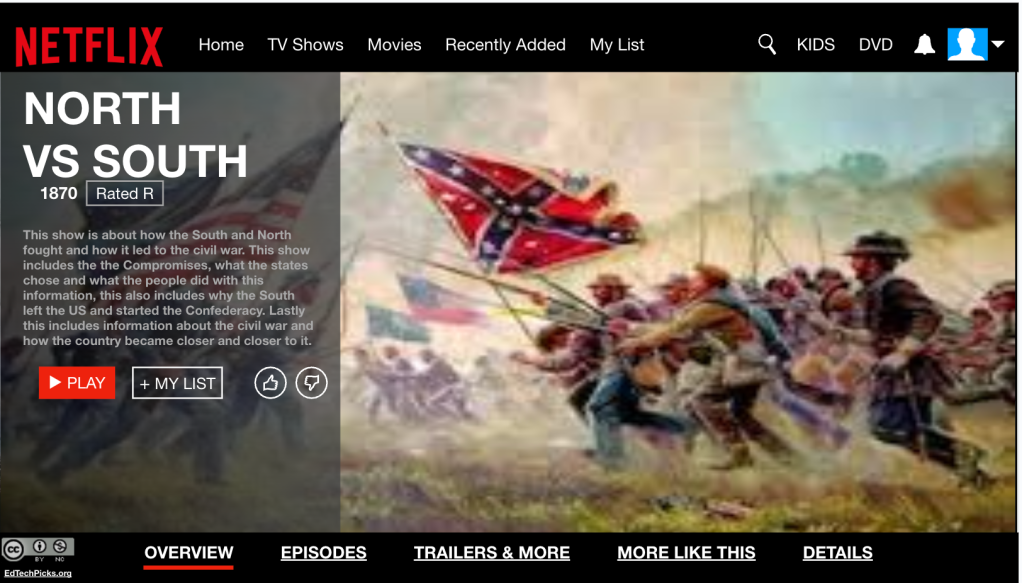
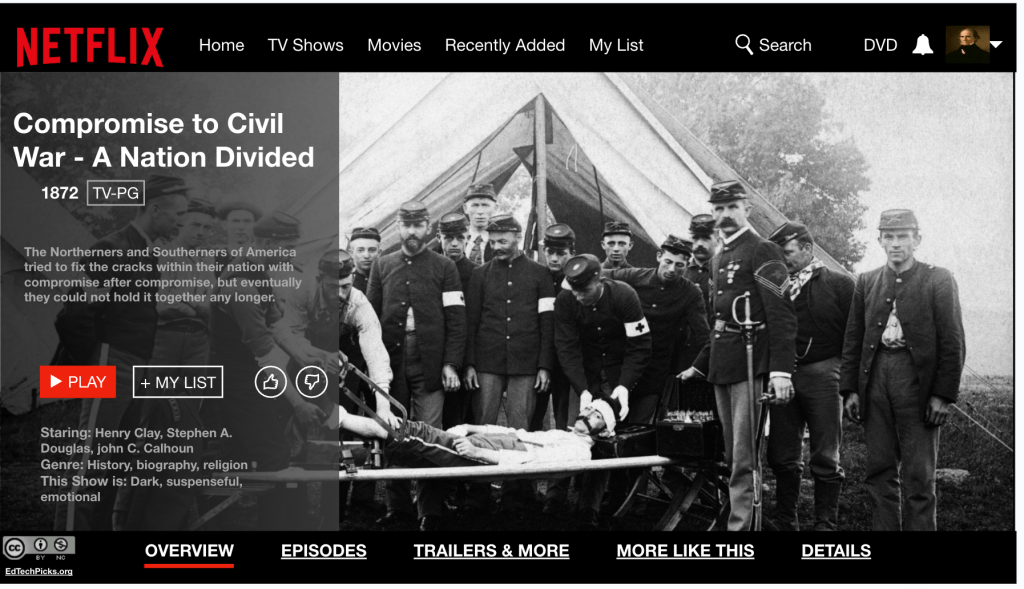
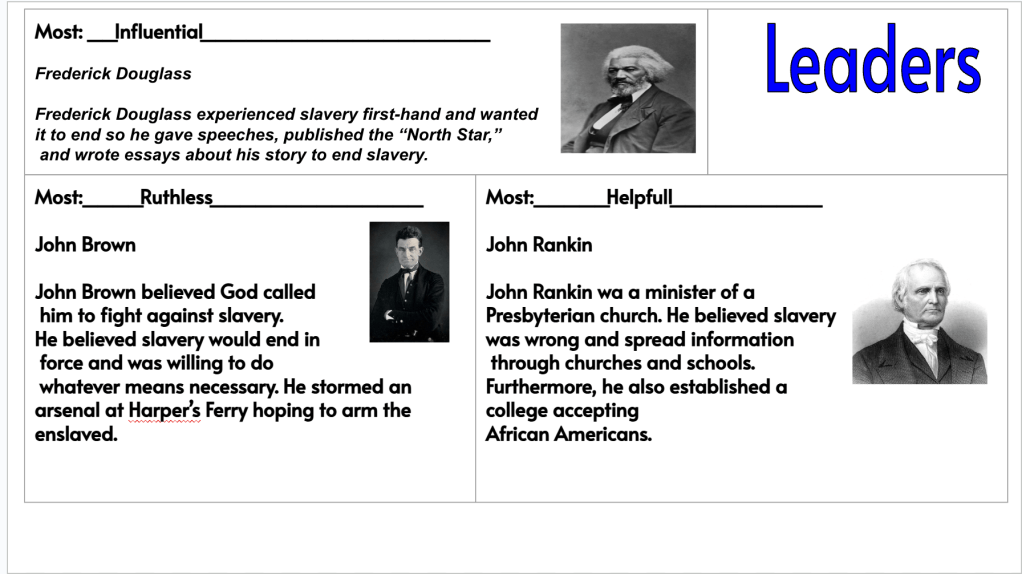
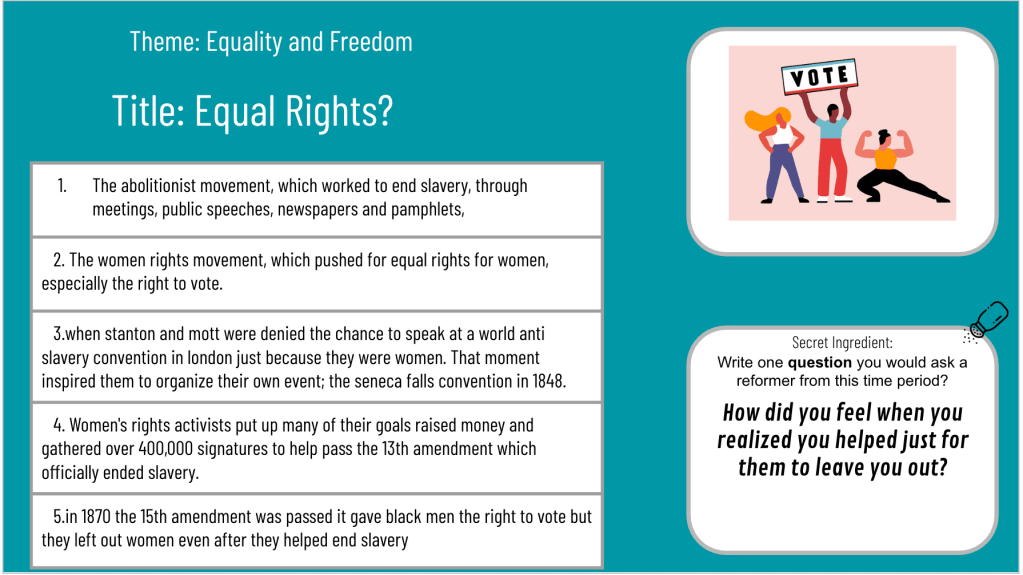
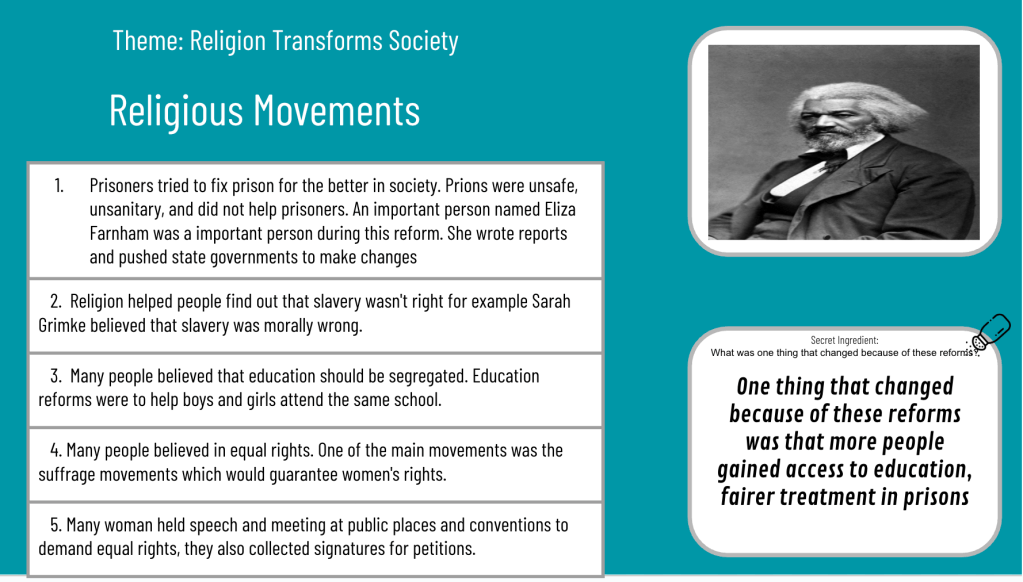
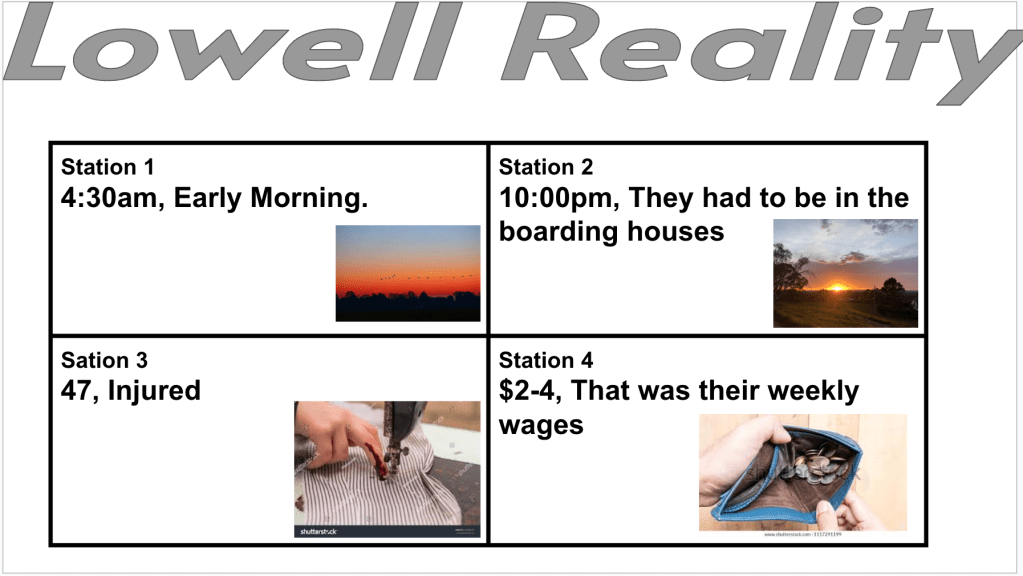
Next up: the Netflix template. I used an old template I’d saved (no idea where it originally came from), but it always works because it looks like an actual Netflix series layout. That visual hook alone helps students lock in.
The success criteria came straight from the yellow arrows in the template:
- Slide 1: Series title, image, and a 3–4 sentence summary. They had to explain the division of states, why the South seceded, Fort Sumter, and reasons people were willing to fight.
- Slide 2: Three creative episode titles—each tied to a big idea from our unit. Each episode needed a 2–4 sentence summary explaining the problem, the response, and the result.
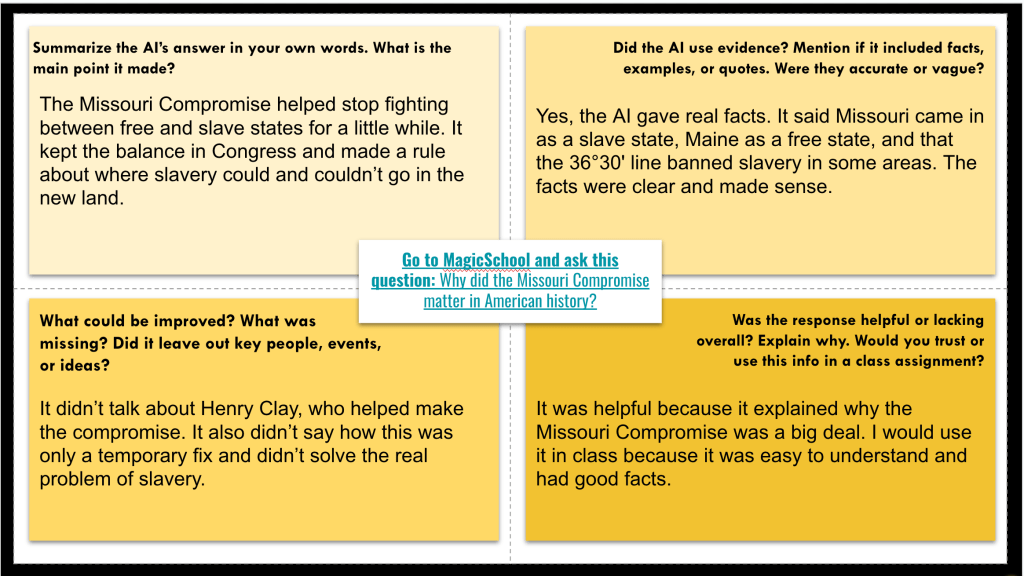
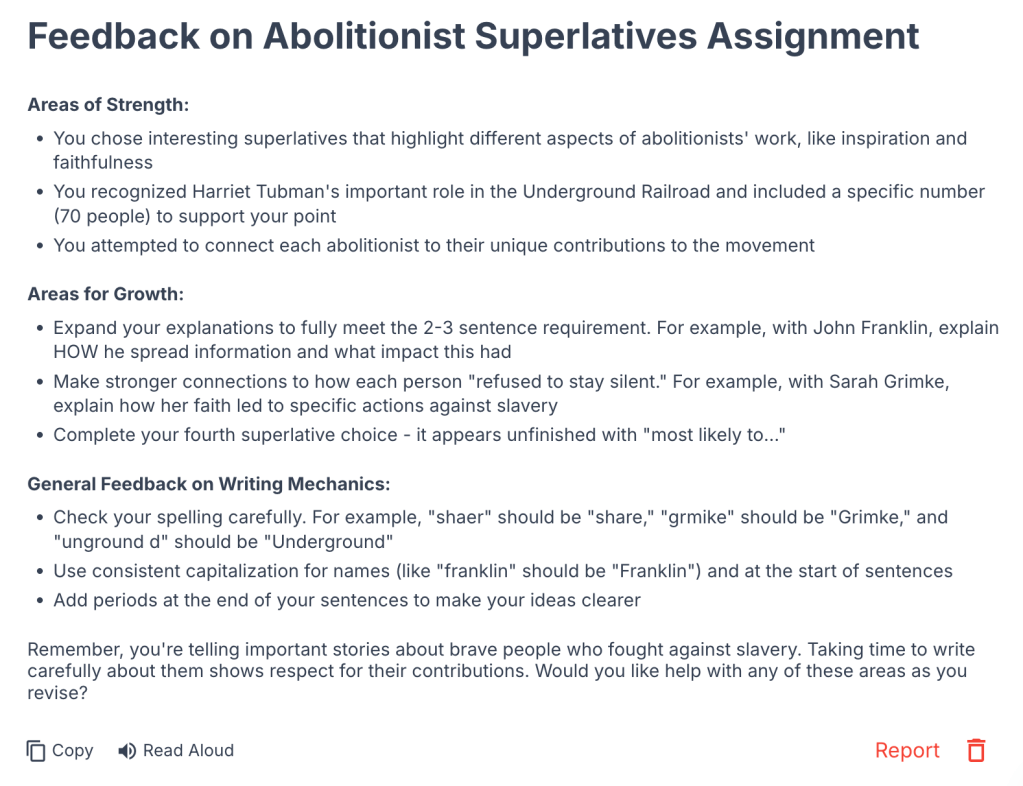
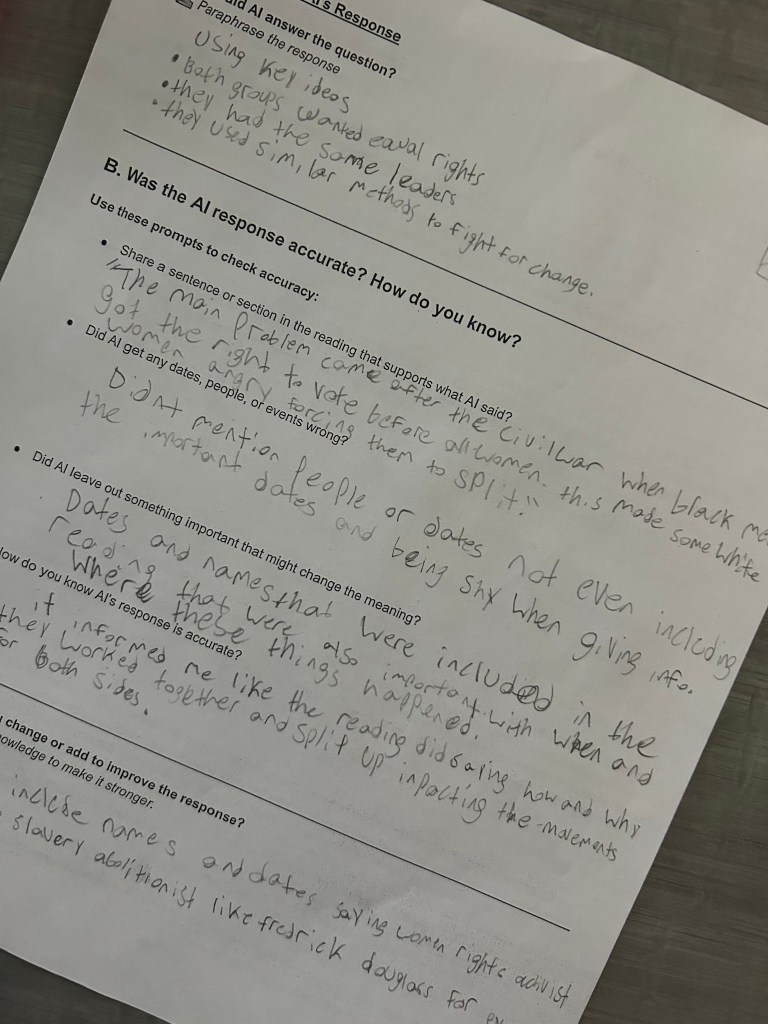
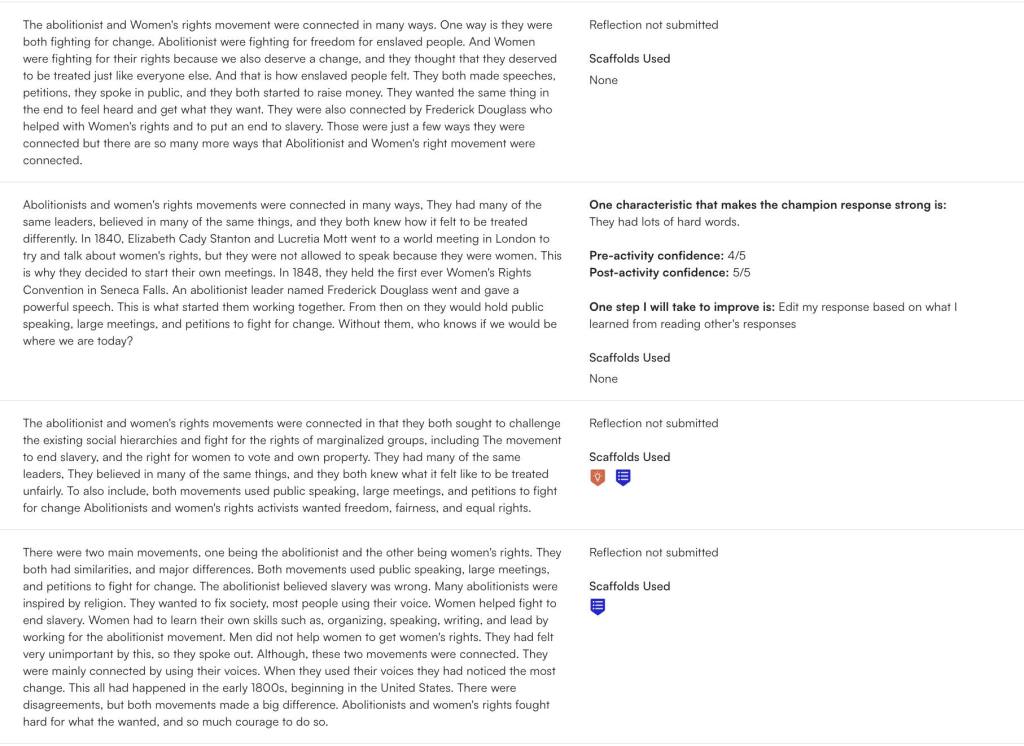
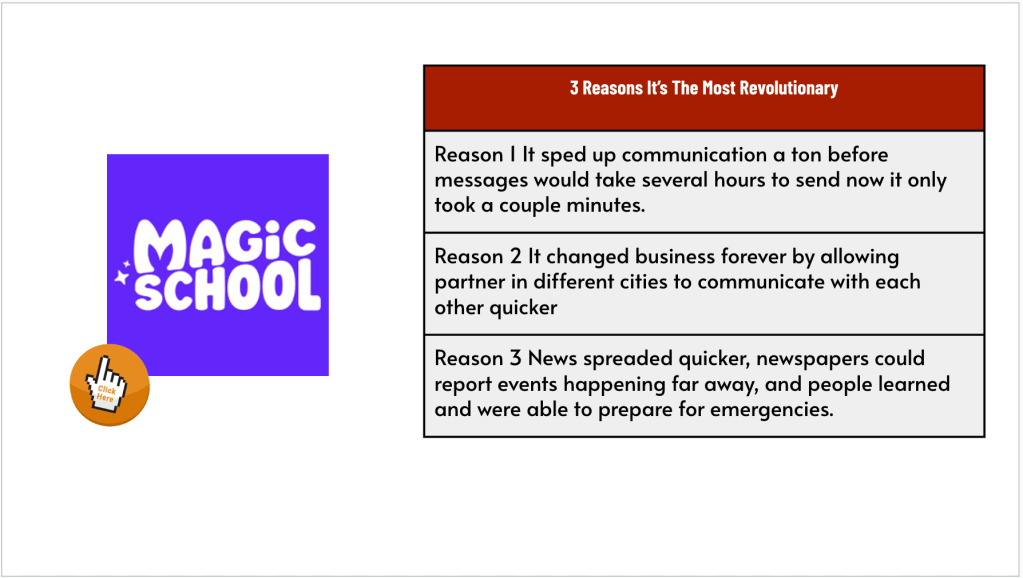
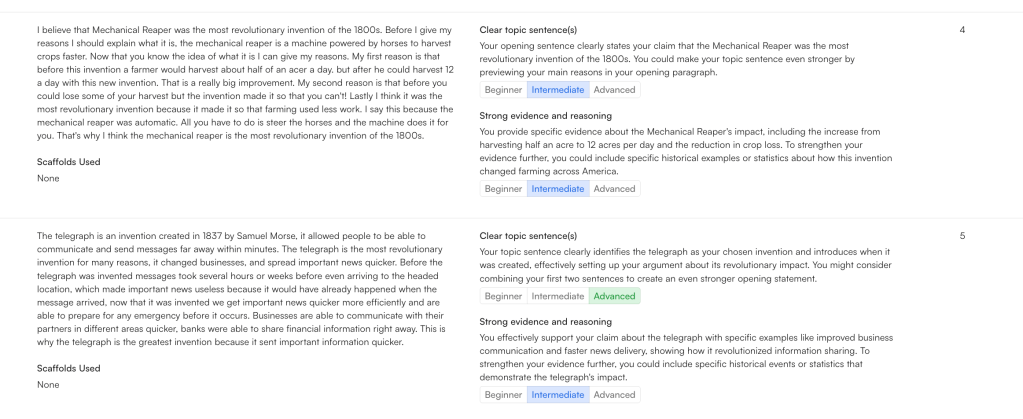
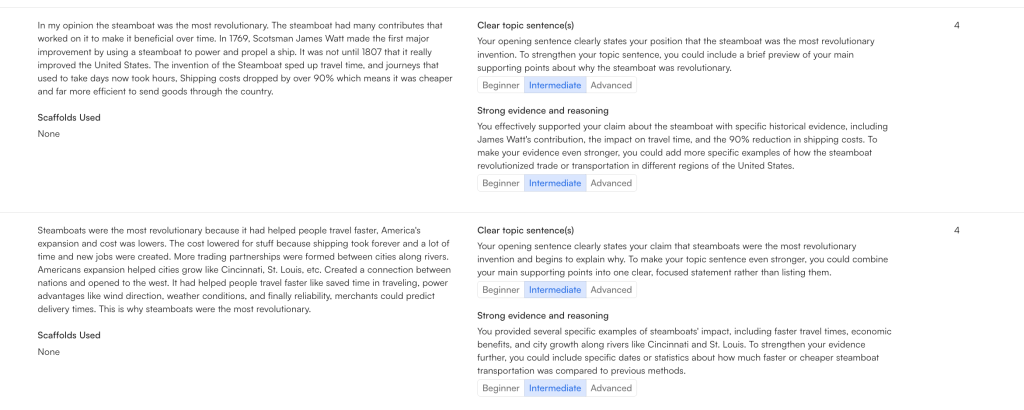
To finish, I created a Magic School classroom for writing feedback. Students uploaded screenshots of their slides and received quick AI feedback. We had great conversations about the suggestions—what to take, what to ignore, and why. It’s not about AI replacing thinking; it’s about helping students reflect and revise.
This was a great way to end the theme. Students retrieved information, created something meaningful, and got instant feedback to grow their thinking. Simple. Structured. Creative. The way learning should be.


























 Moler's Musings