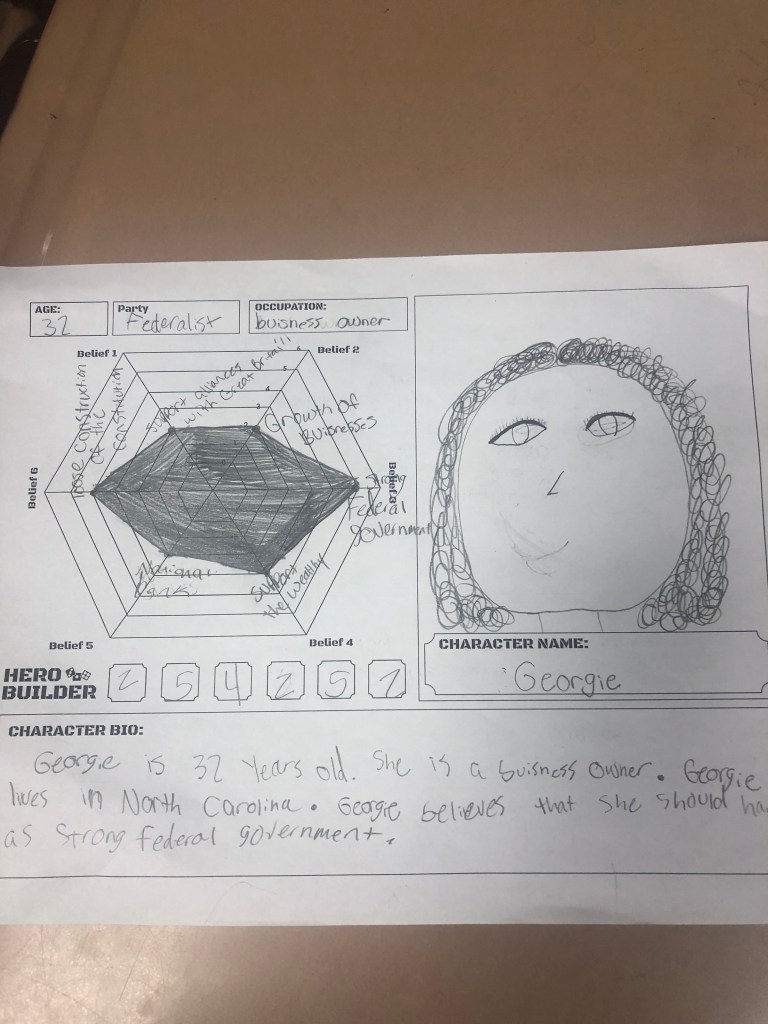
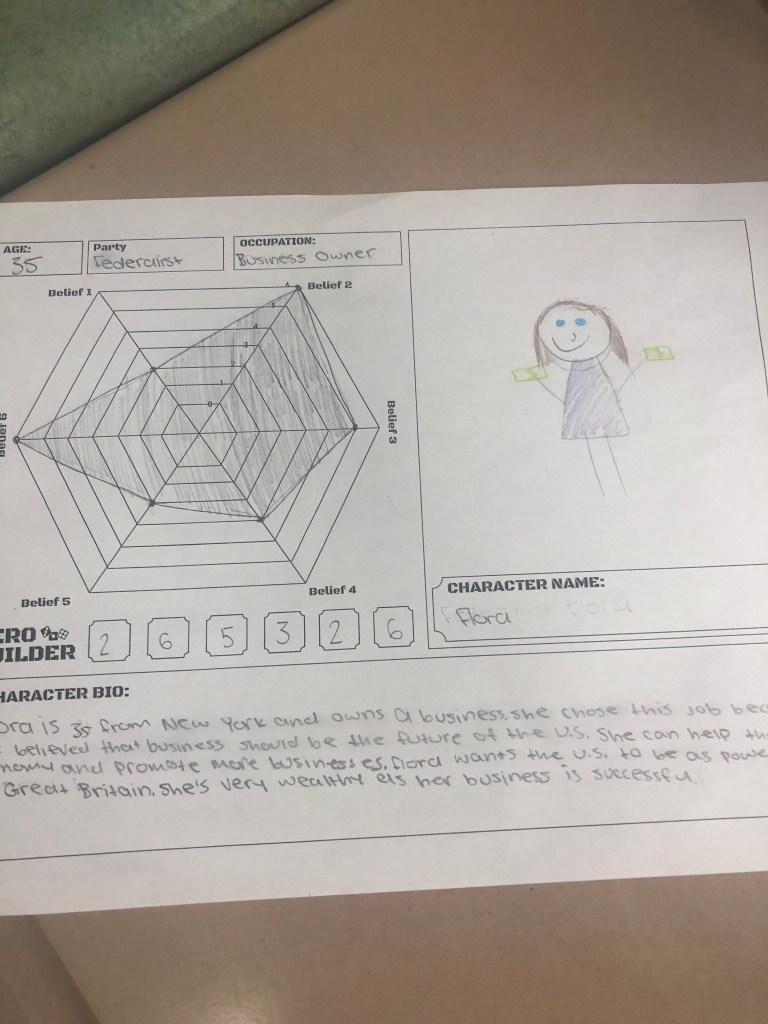
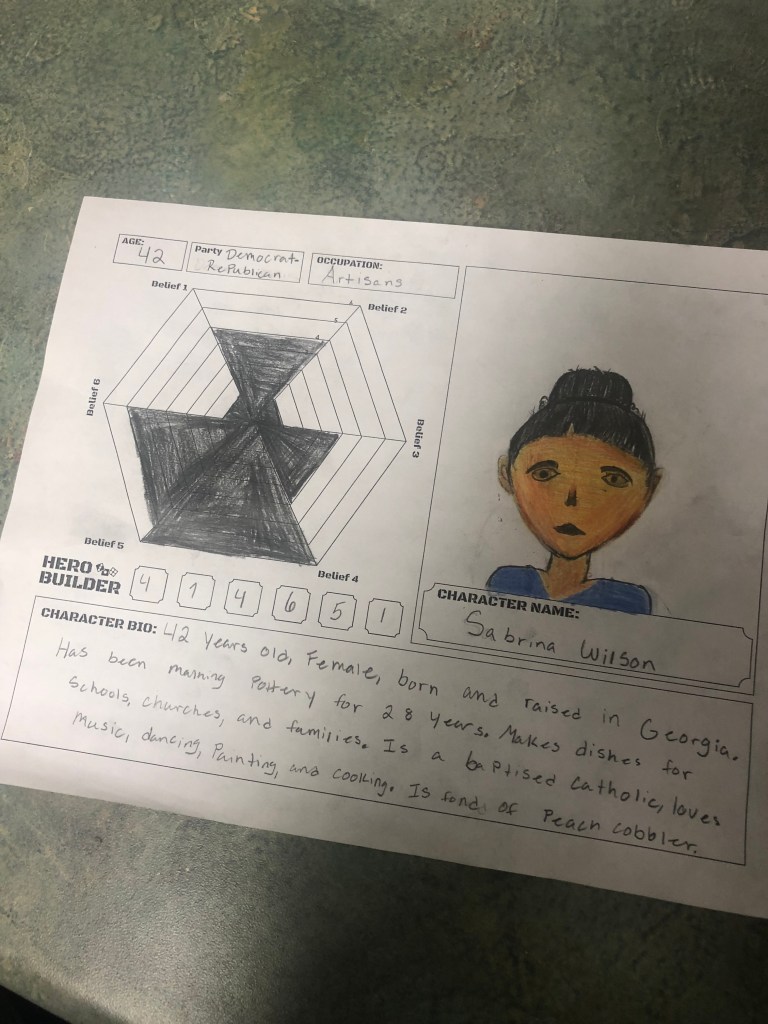
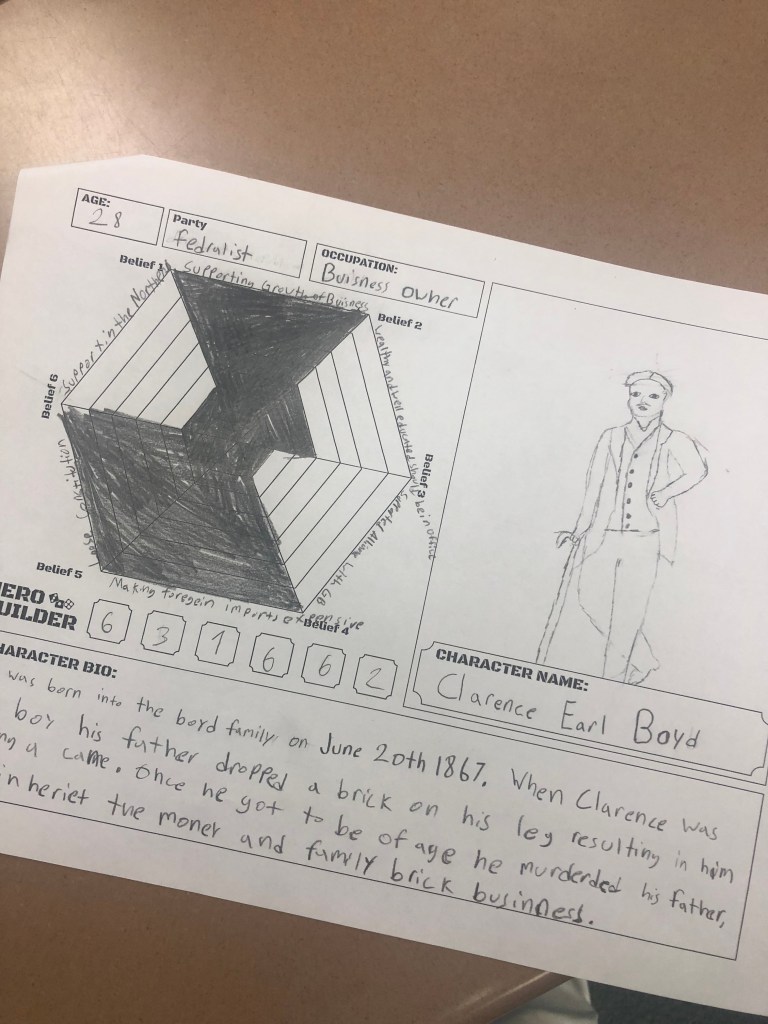
The Week That Was In 505

This is the first time I felt this way all school year – what a loooooooong week. The infamous week before winter break. We used this week to finish our unit on the Constitution. I was hoping to cover more content – how a bill becomes a law and electoral college stuff, but I never made it that far. As a result, I focused on covering the basics really well. By basics, I mean: popular sovereignty, federalism, individual rights, separation of powers, checks and balances, and judicial review.

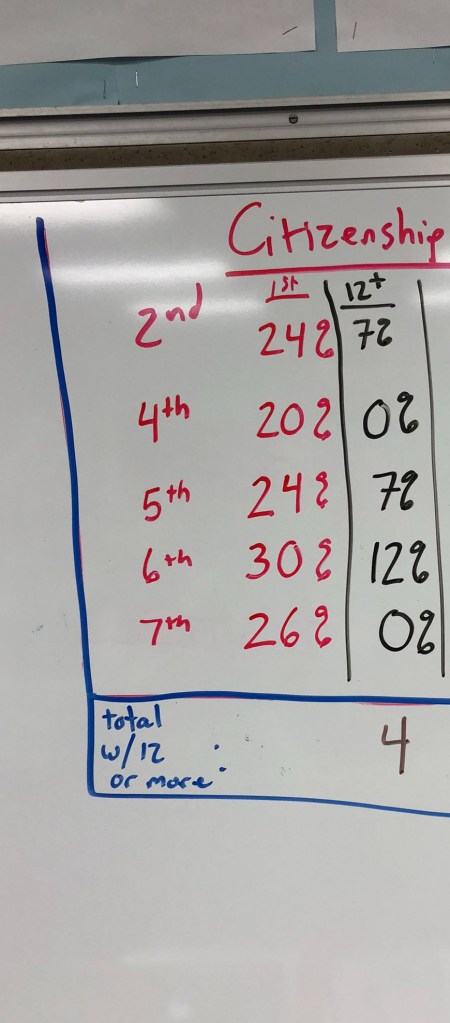
My plan for this week was to have everything finished by Thursday. The reason for this being that Friday is a crazy day with a potential for many absent students. Three weeks ago when we started this unit, I started with a citizenship test. The goal with the citizenship test is to answer 12 out of 20 questions correctly. When we began the unit a grand total of 4 students received a 12 or higher. I looked to Thursday as the day to finish the unit with the citizenship test and hoped more than 4 students would get a 12 or higher.

Monday – Finish separation of powers superheroes and/or begin checks and balances.

Tuesday – Finish checks and balances.

Wednesday – Finish checks and balances, review for citizenship test.

Thursday – Citizenship test.

Friday – A day for missing assignments and games.

Monday

When I begin most weeks, I kind of, maybe sort of, have an idea of what to do. I have some things ready to go, but I let the day begin, get a read on the room, adjust, and adapt from there. Today was a perfect day to finish the separation of powers superheroes and possibly begin the checks and balances choice board.

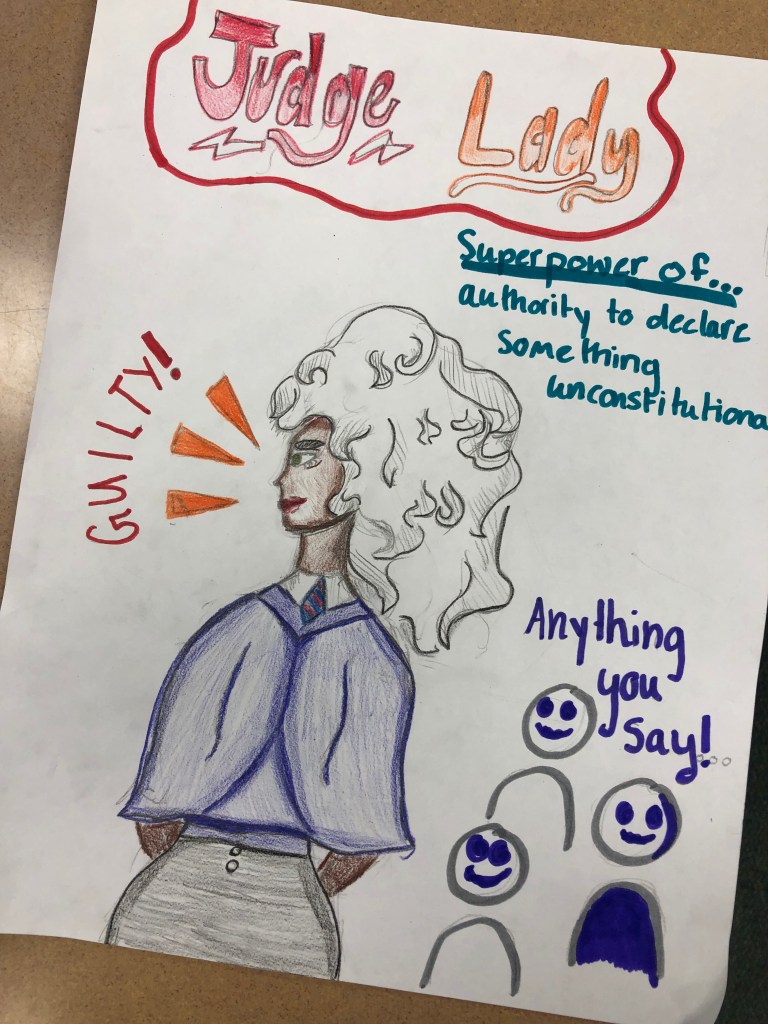
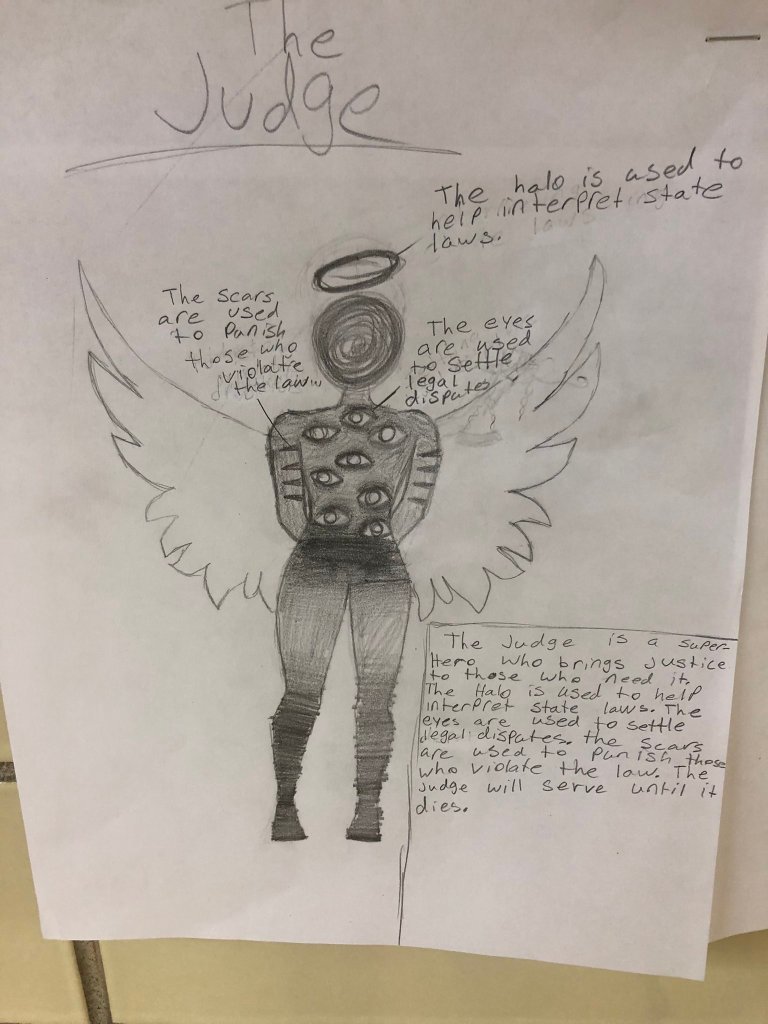
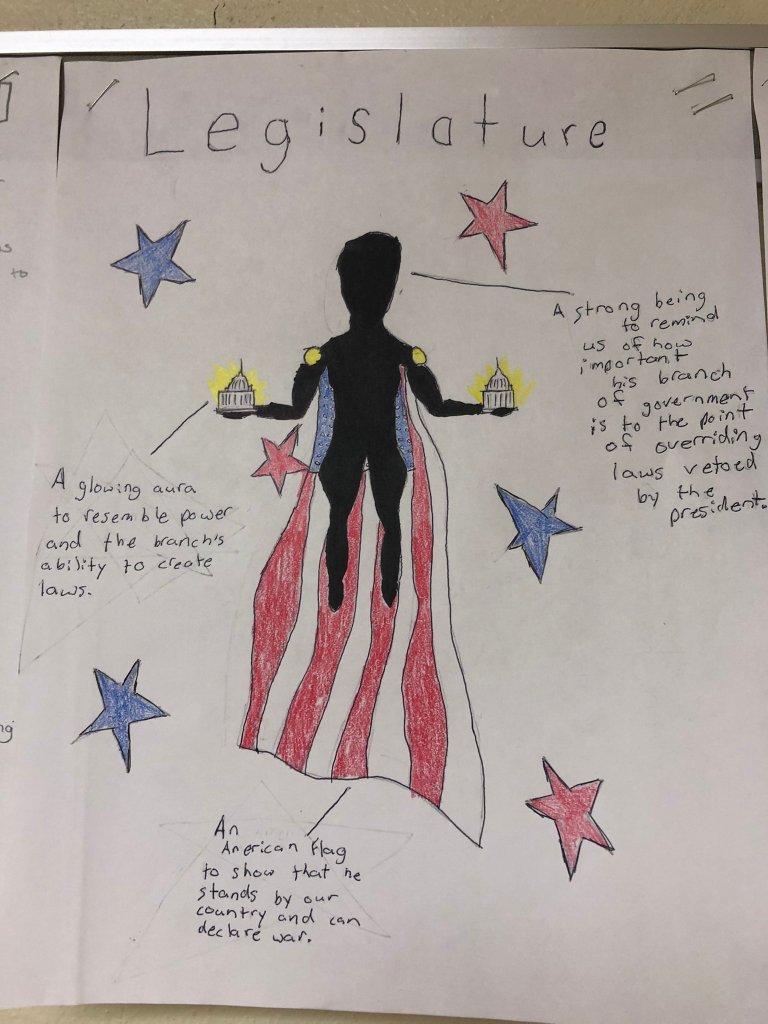
I’ve had many people ask me for directions on the branches of government superheroes. The directions are simple:

  1. Choose a branch of government (Legislative, Executive, or Judicial).
  2. If your branch of government was a superhero – what would it look like? What powers would it have?
    • Give your superhero a name
    • Include 3-4 symbols to represent the power.
    • Label those powers. 
    • Write a brief paragraph explaining your superhero and the powers they have.

That’s it. I kept it simple to let students show some creativity and these students knocked it out of the park this year! Amazing, creative work compared to past years. I think the major difference was making the superheroes assignment an application activity after students went through a choice board. They went into the project with good, solid background knowledge on the branches of government and their powers. Another great thing from this year was the mix of government branches. Students did a great job of balancing out their branch choices. In past years I would get a TON of the executive branch. However, not this year. I got a lot of legislative and judicial branches. Here are some awesome examples:

Tuesday

Naturally, checks and balances should come after the separation of powers. When I introduce checks and balances I do two things:

  1. We have a rock, paper, scissors tournament. I follow this up with an explanation of how that game relates to checks and balances.
  2. I also explain to the students that checks and balances is related to the superheroes using their powers to prevent or help other superheros from doing their jobs.

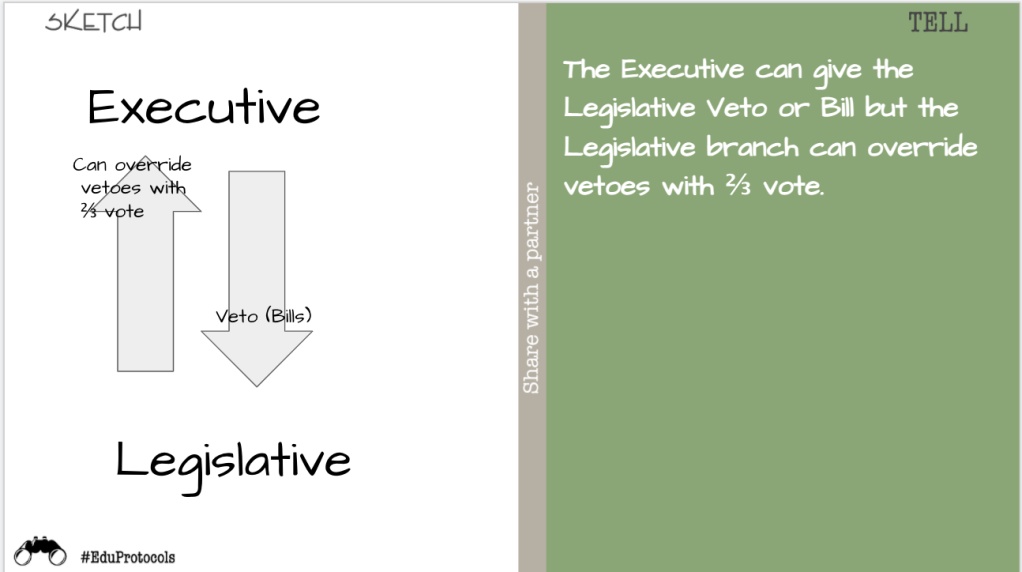
These ideas seem to help students connect with the abstract idea of checks and balances. This year I put together a choice board for checks and balances. Instead of students choosing how to obtain background knowledge (separation of powers), they could choose their assessment. I gave each student this graphic organizer showing the directions of checks and balances. Students could choose to read, watch, or study checks and balances to help them fill out the organizer.

For the assessment choices, students had 4 options:

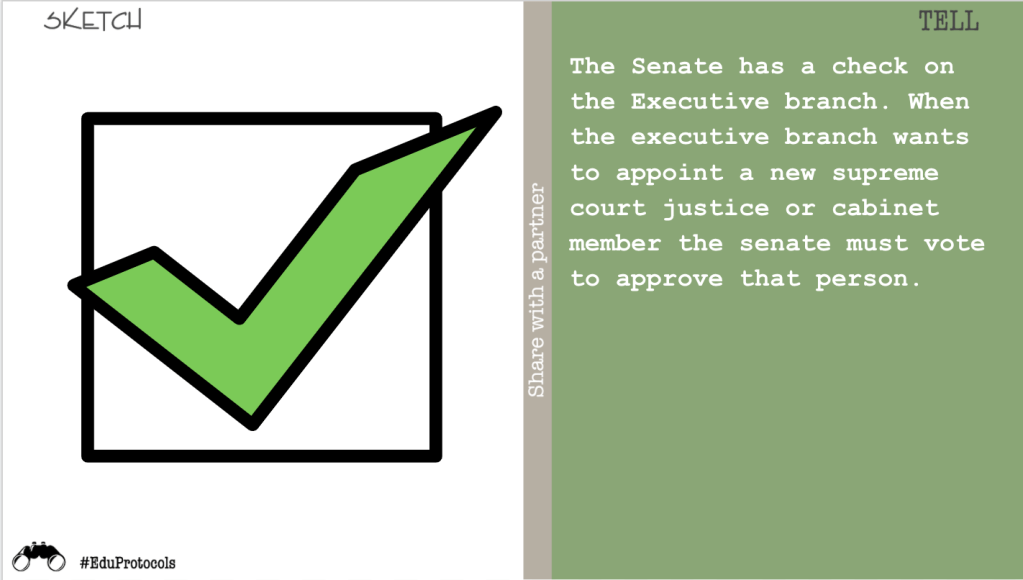
  1. Sketch and tell.
  2. Rewrite a song about checks and balances.
  3. Find a news article and create a Thick Slide.
  4. Walk around the classroom, read checks and balances scenarios, and decided which branches are involved.

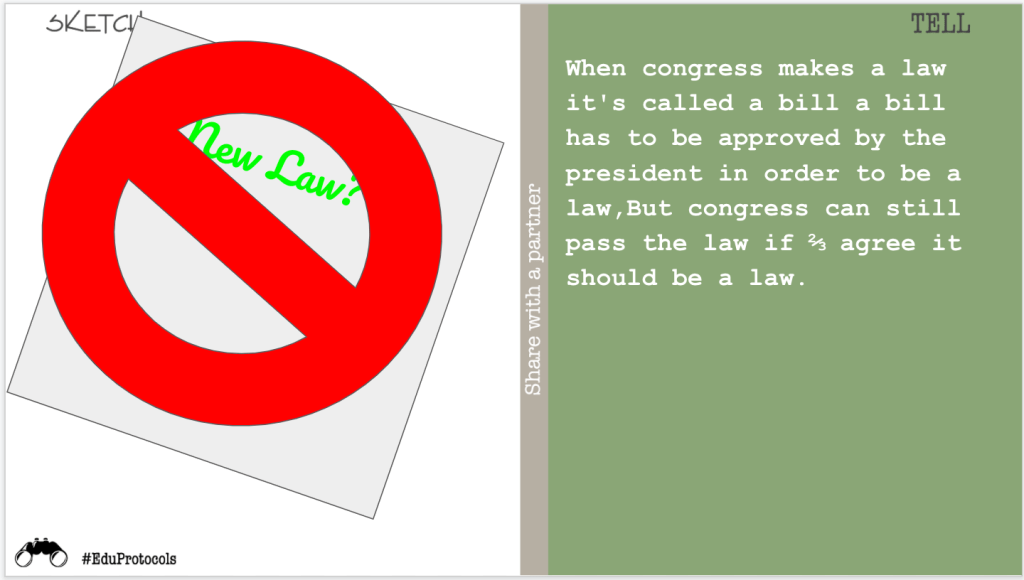
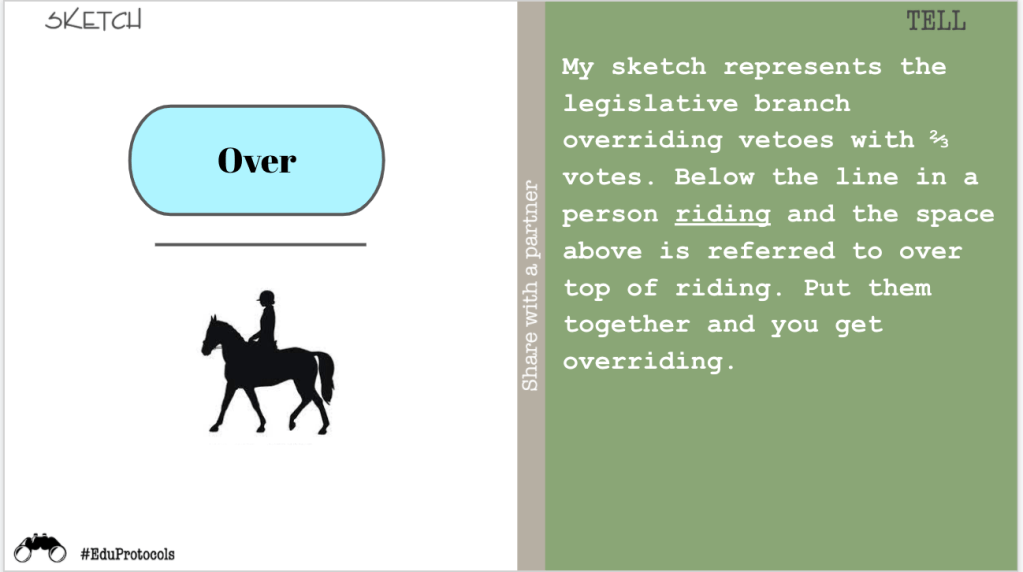
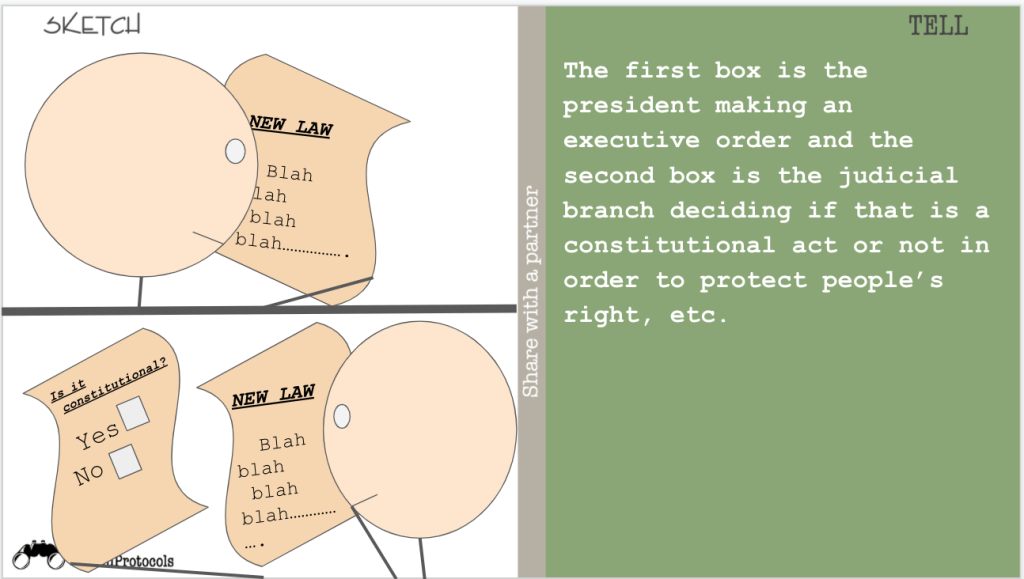
Most students chose a sketch and tell because this is what they are familiar with. The second most popular option was walking around the classroom and reading scenarios. Here is some of the work submitted by students:

Wednesday

Wednesday was a day to finish the checks and balances choice board and do some review for the Citizenship test. With some students finished and some students still doing checks and balances, the best solution is the Fishtopia Gimkit. This mode works best in this scenario because Fishtopia is better when it runs for 30 or more minutes. This amount of time gives students a chance to finish checks and balances and still join the game for review. Plus, the Fishtopia game mode is super engaging. However, beware of the law of diminishing returns – students will get tired of it if you do it too much. After doing some review the class averages from Gimkit were as follows: 72%, 75%, 75%, 80%, 71%.

Thursday

Today was the big day of the Citizenship test. The goal was to answer 12 out of 20 questions correctly. I ask the 20 questions out loud and students write their responses on a piece of paper.

The first time we did this test 4 total students answered the necessary 12 questions to pass the test. I asked them if they knew it and they all responded with, “I’m a good guesser.” Here are the results from the first time:

As you can see the class averages ranged from 20 to 30% and as I stated before, 4 students passed. After 3 weeks of Eduprotocols, choice boards, and hands on activities, we were ready for the test again. Here are the results:

The class averages ranged from 63% to 85% and this time 70 students passed with 12 or more correct answers. Here is a quick breakdown:

  1. 20 students answered 19 to 20 questions correctly.
  2. 12 students answered 17 to 18 questions correctly.
  3. 11 students answered 11 questions correctly and obviously missed 12 correct questions by 1.
  4. Ultimately, 70% of my students passed compared to 4% the first time.

Going from 4 students passing to 70 students passing is a significant increase. However, I don’t know if this is good compared to how students should do on tests.

Friday

Honestly, there is no sense in talking about Friday. I will offer up this advice – have games in your room. Invest in simple games such as:

  1. Uno
  2. Jenga
  3. Bananagrams (my favorite)
  4. Operation
  5. Apples to Apples

The best days are the game days. Put away chromebooks. Interact with other humans. Have fun.

Happy Holidays.

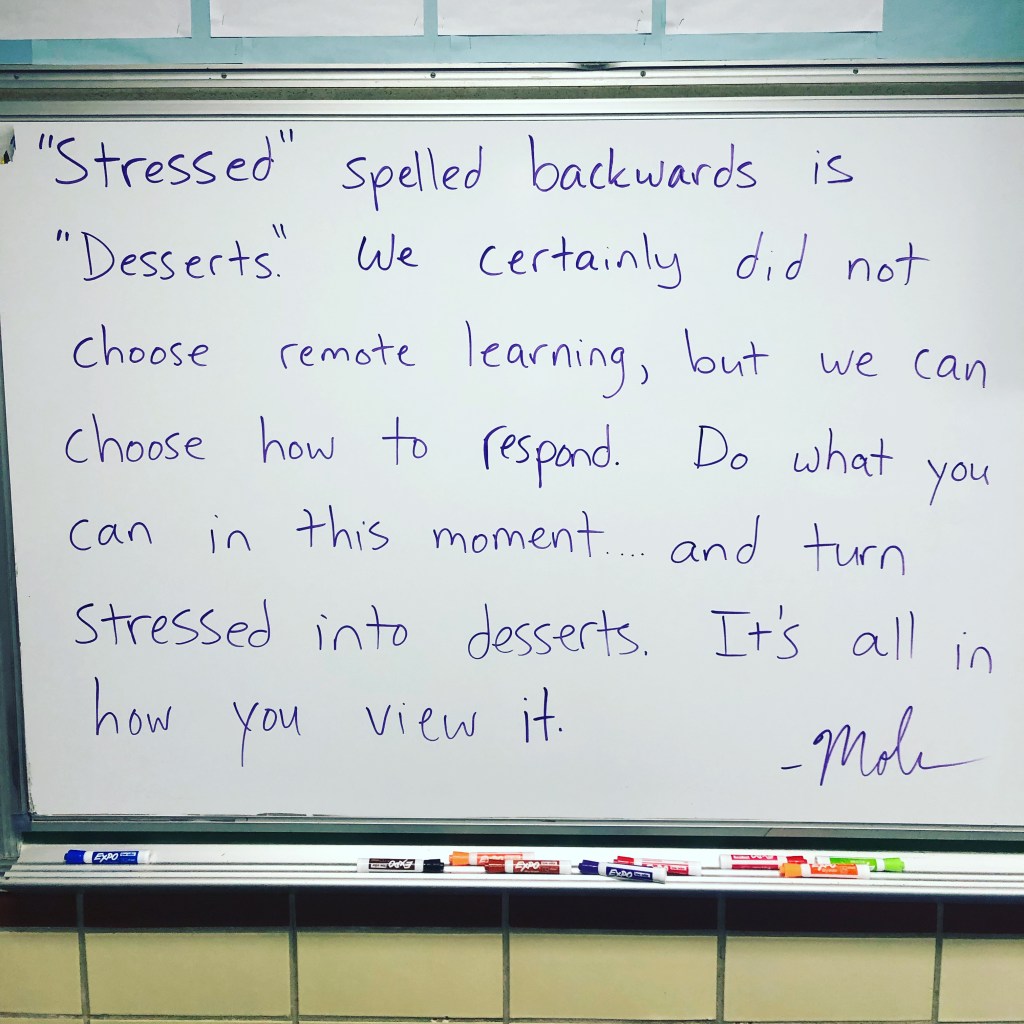
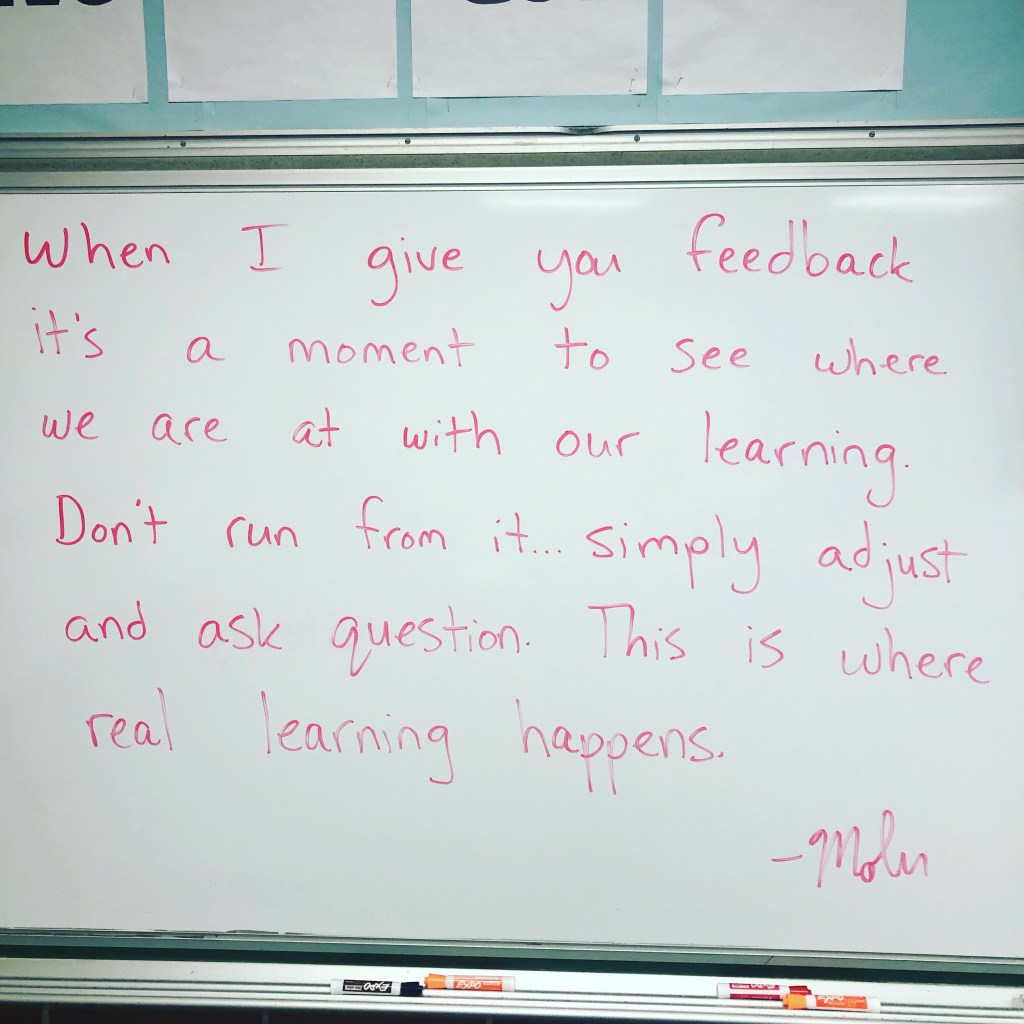
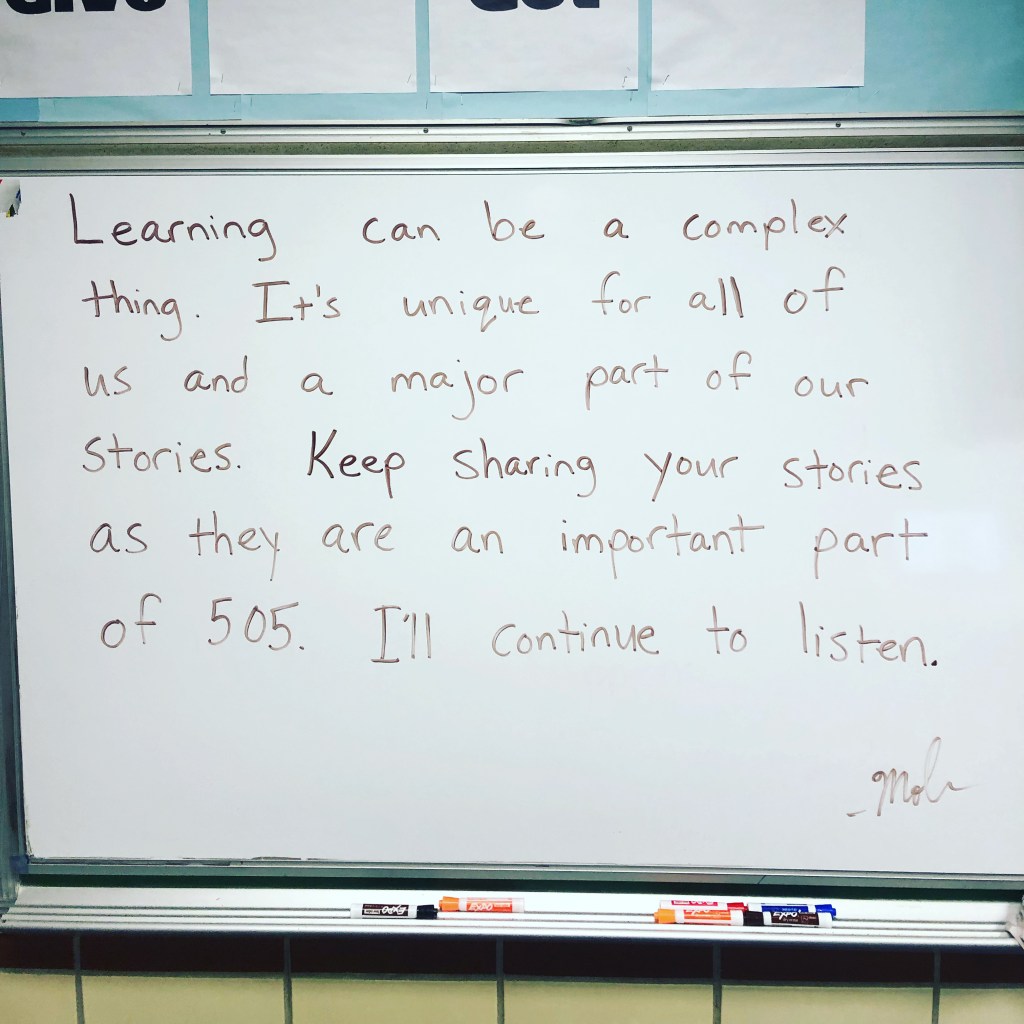
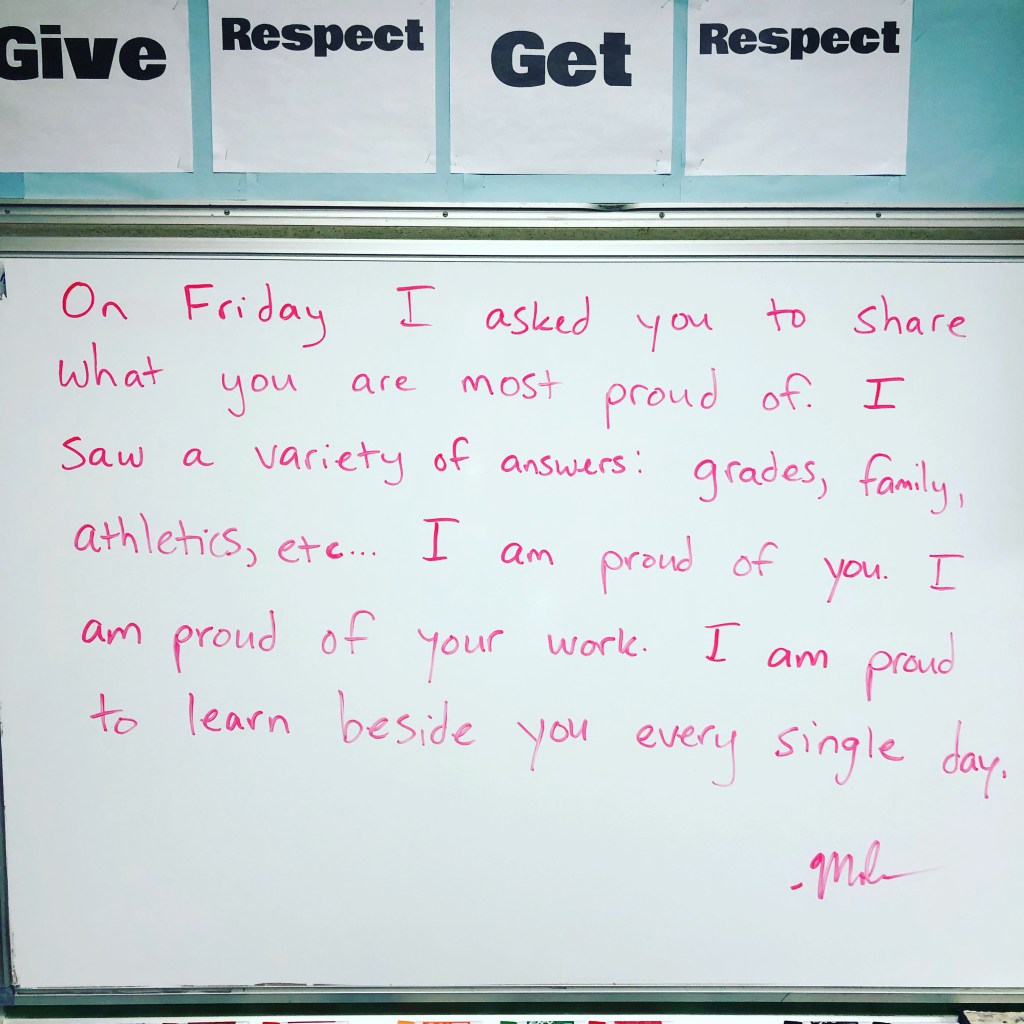
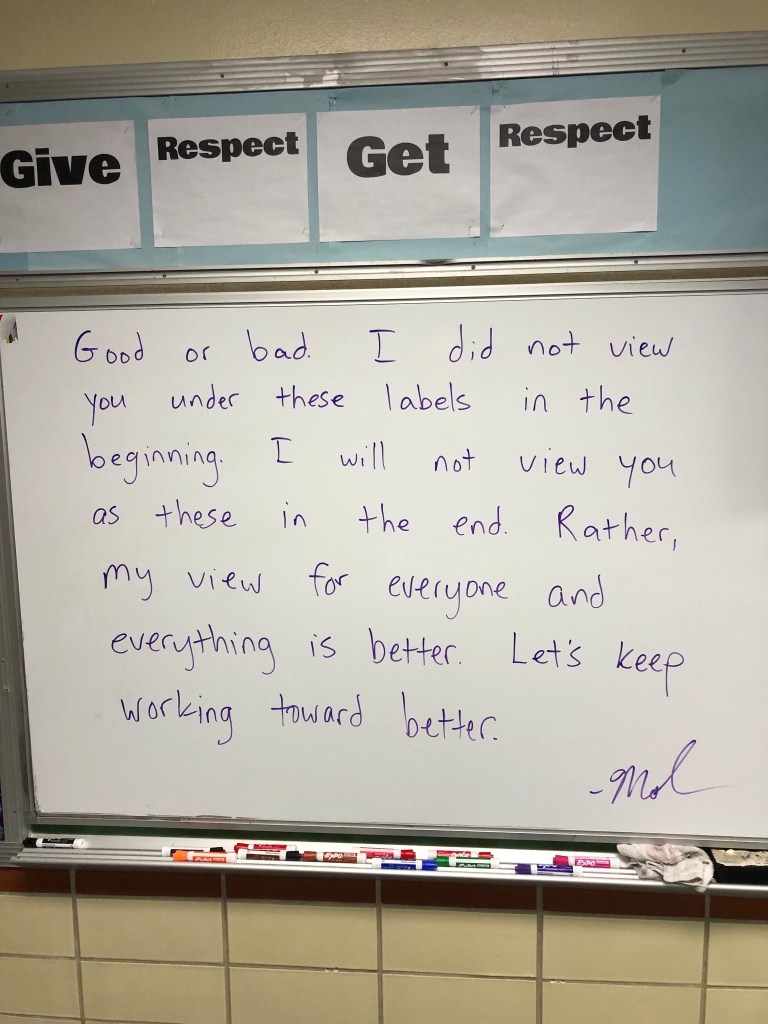
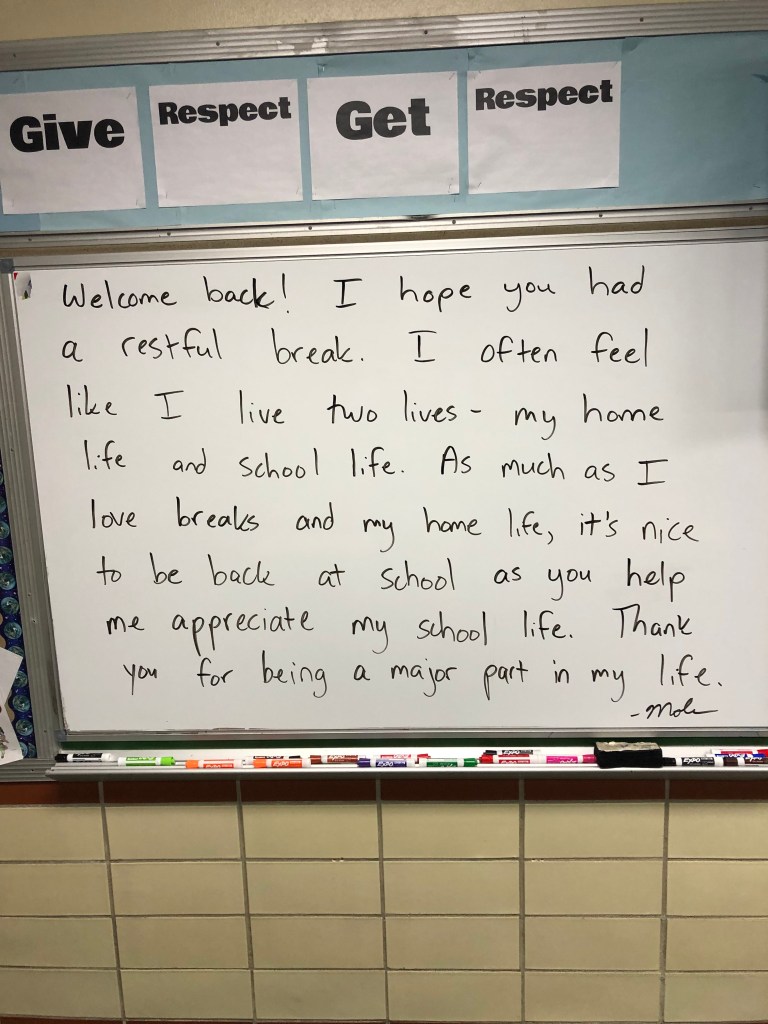
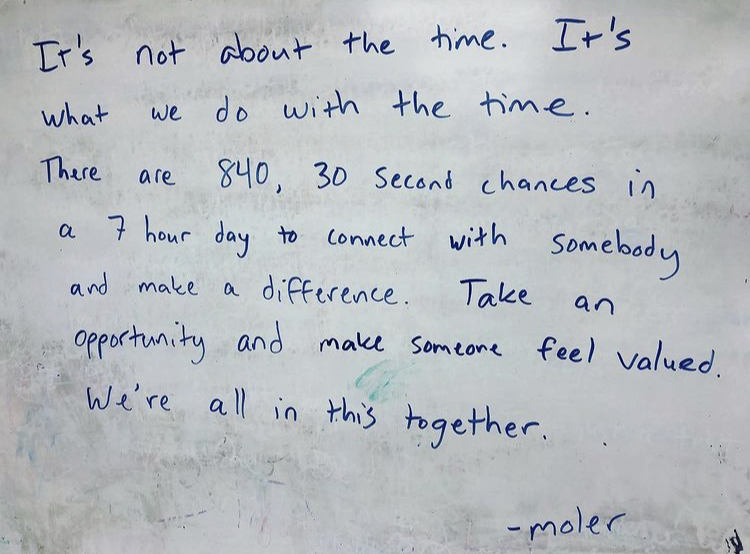
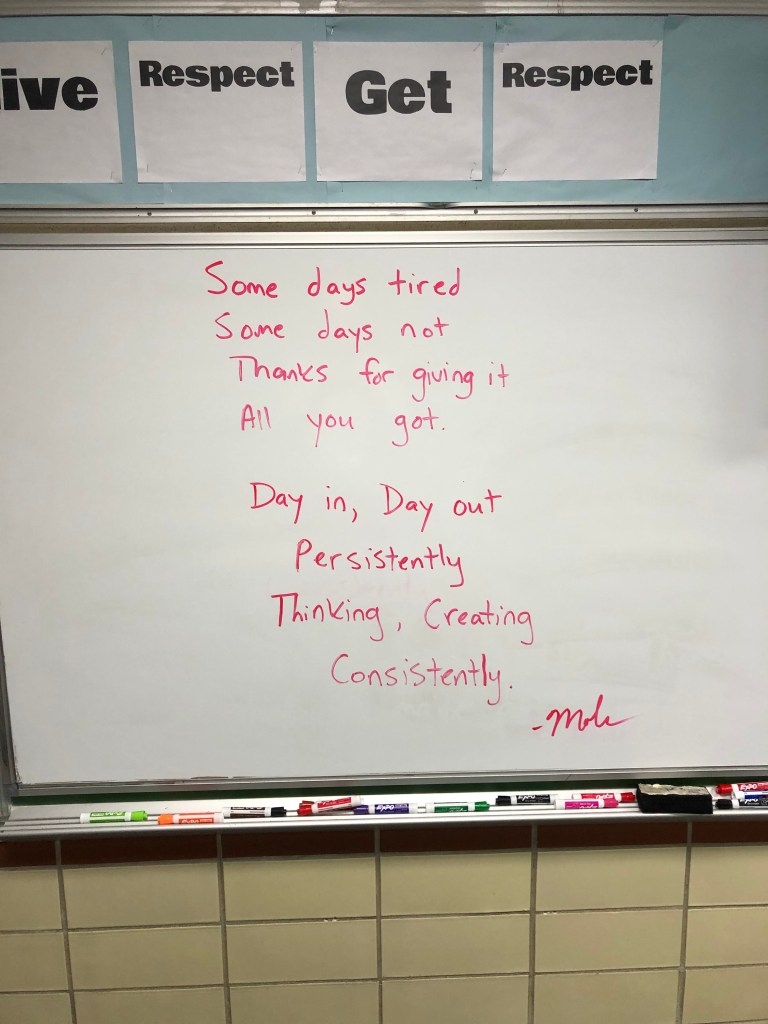
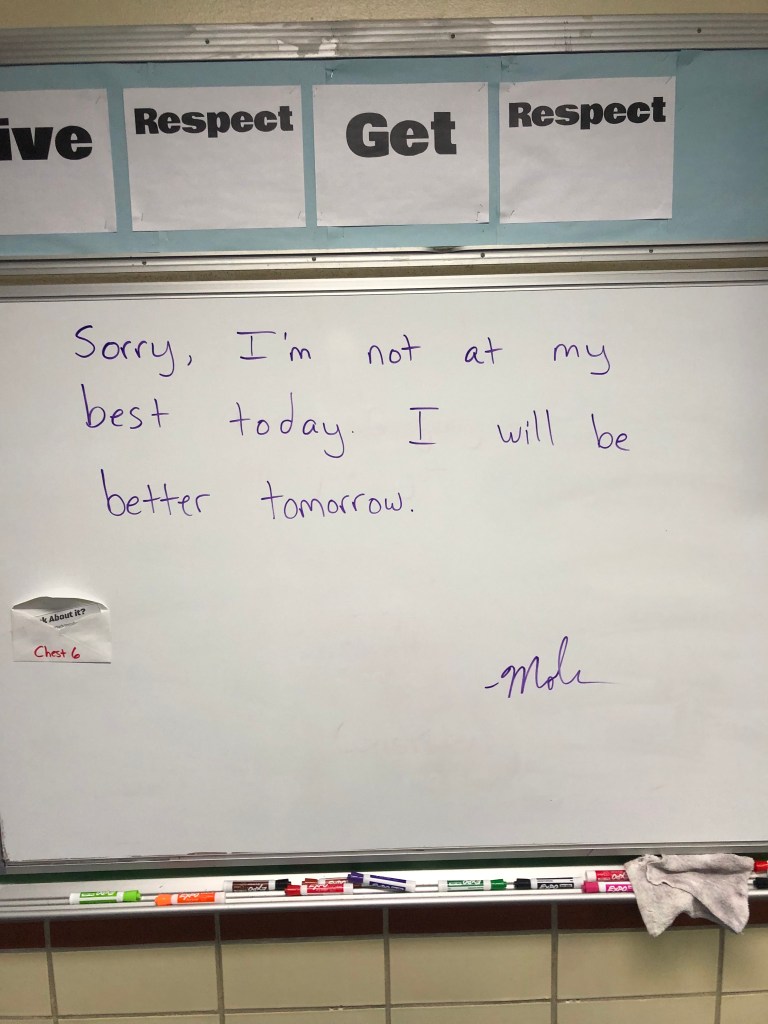
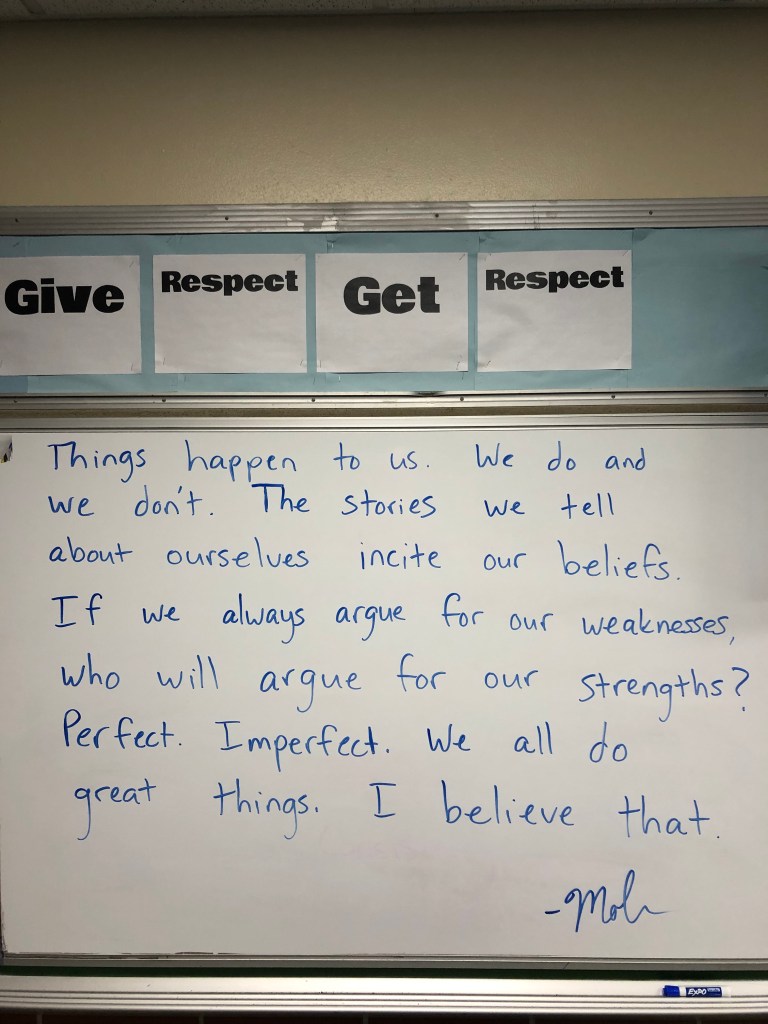
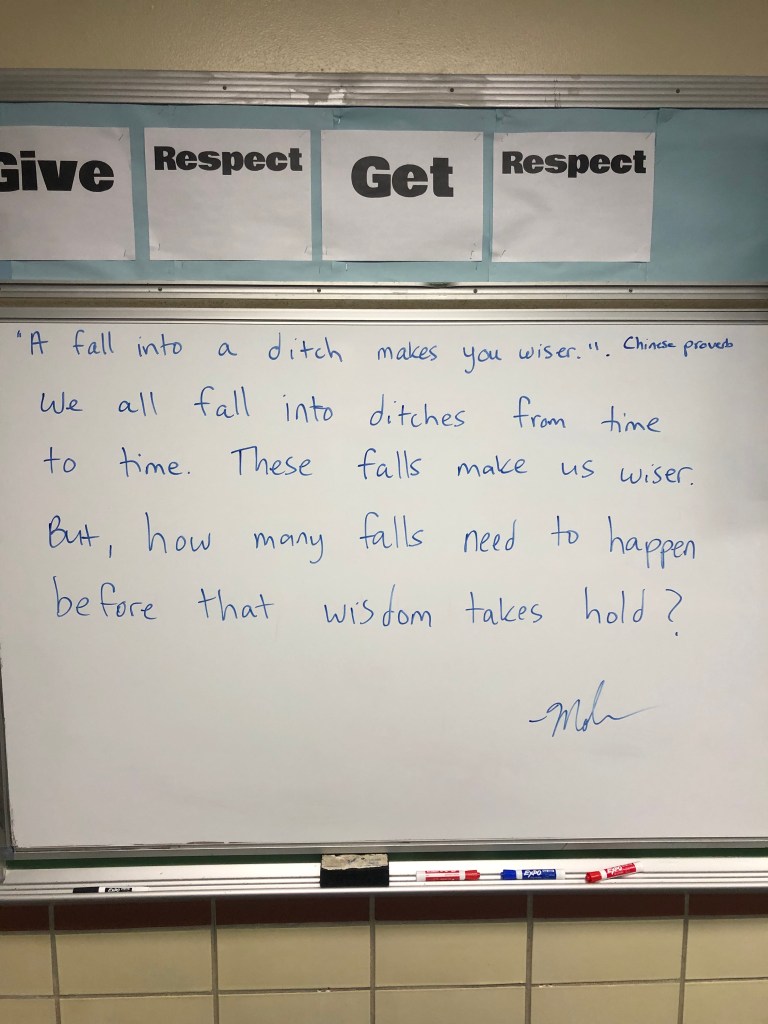
My Messages for the Week

Why It Works For Me – some of the time.

Every day is not perfect. Every day isn’t a great day. The tweets I see and the tweets I post make it seem otherworldly. But it’s not. These tweets never tell the whole story.

I have a lot of great days. My weeks move quickly. But this is why it works for me….most days – I care about the success and happiness of the students who come into room 505.

What does this look like?

  1. It starts with me saying, “I don’t care about social studies. It’s secondary in here.”
  2. Starting most class periods by saying every students’ name and asking them how they are doing.
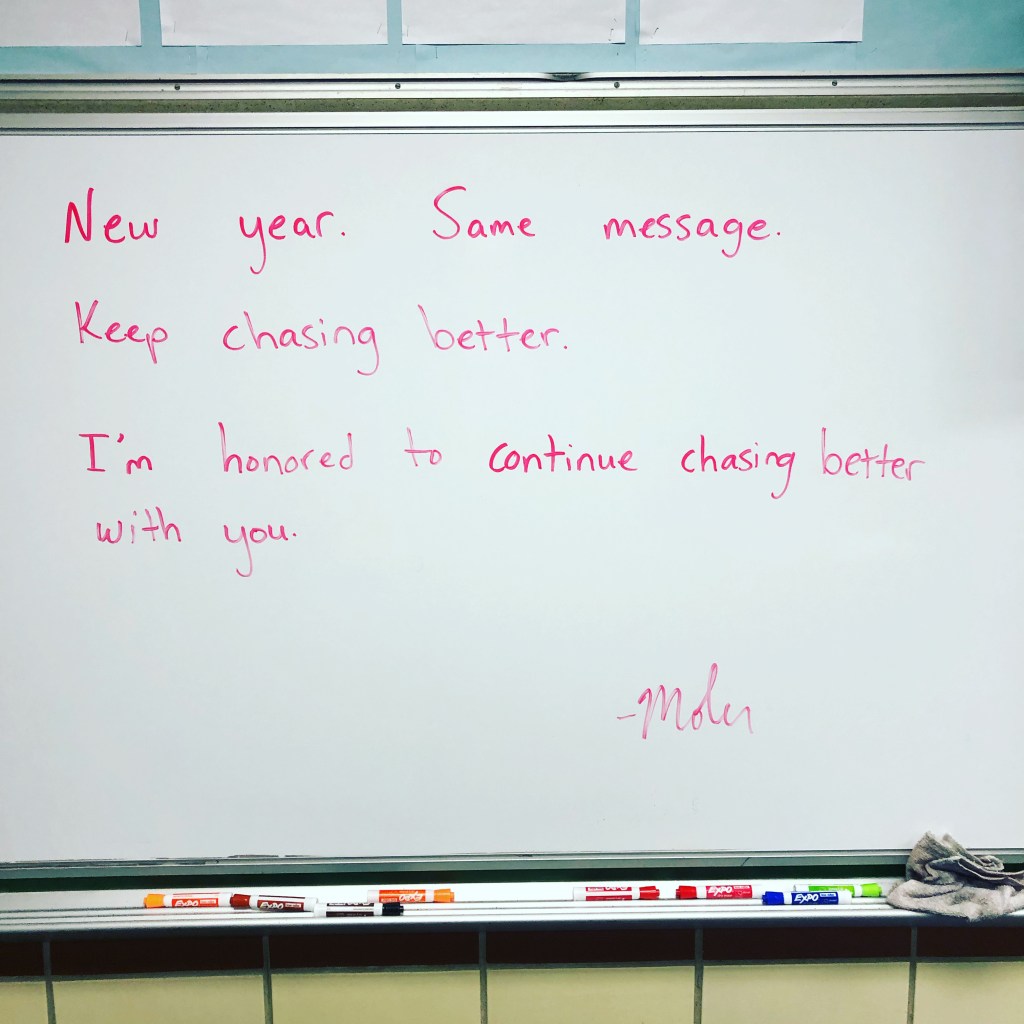
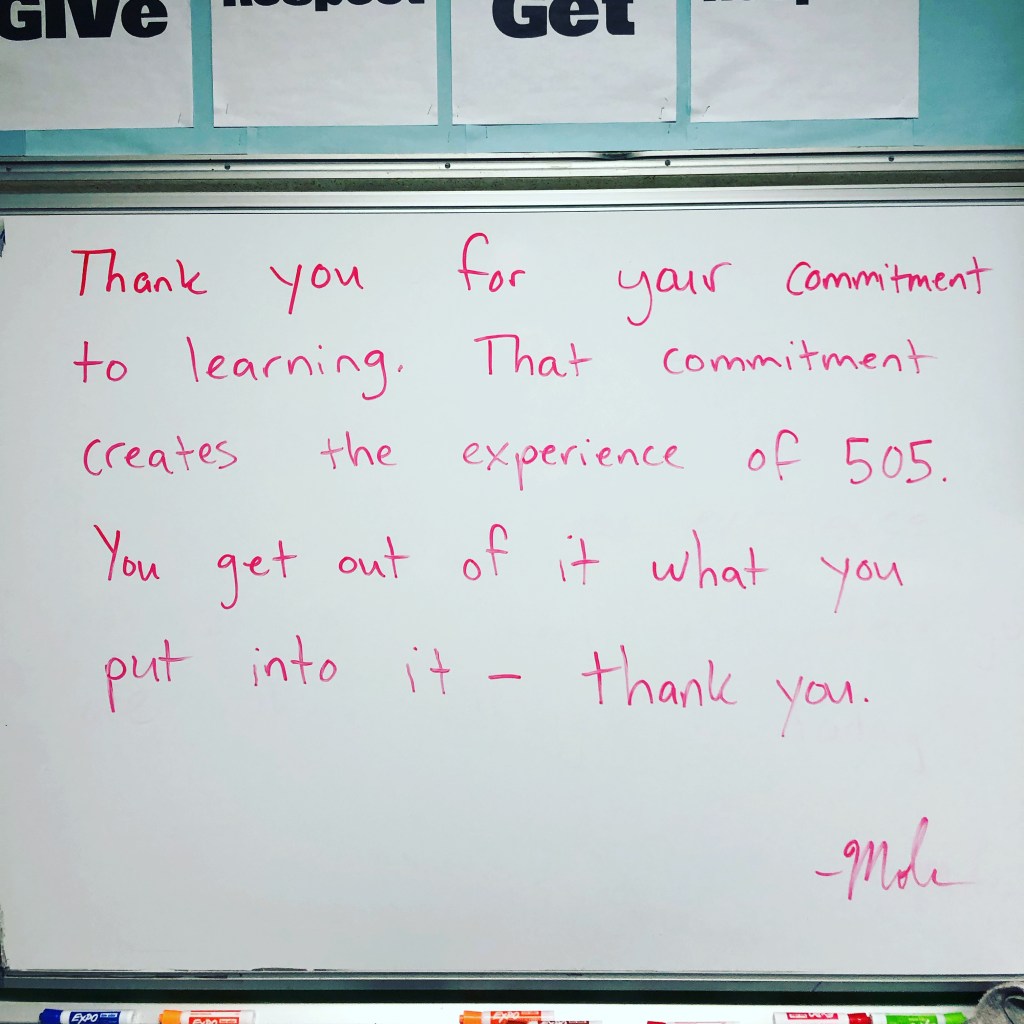
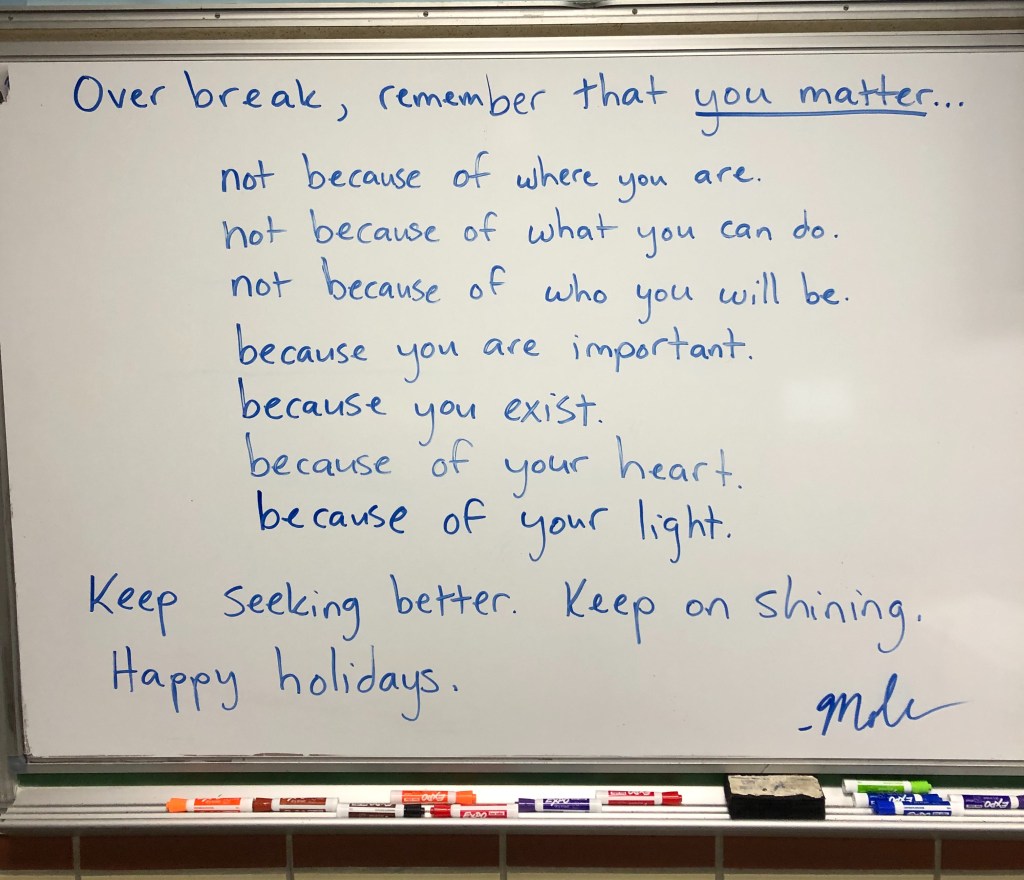
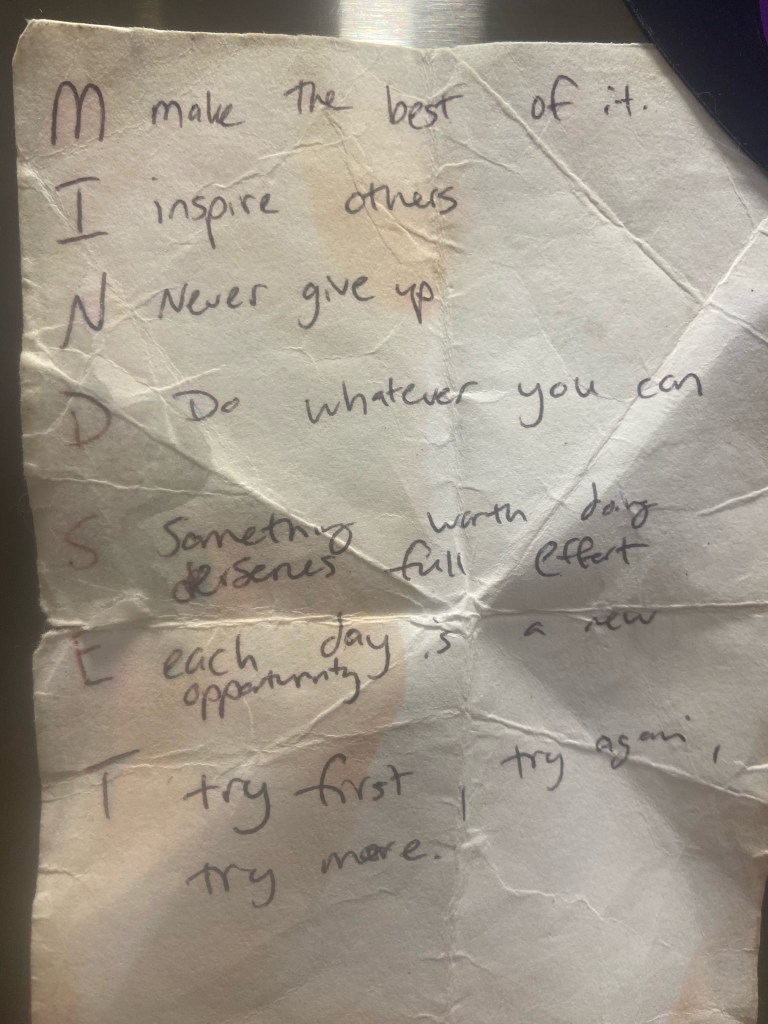
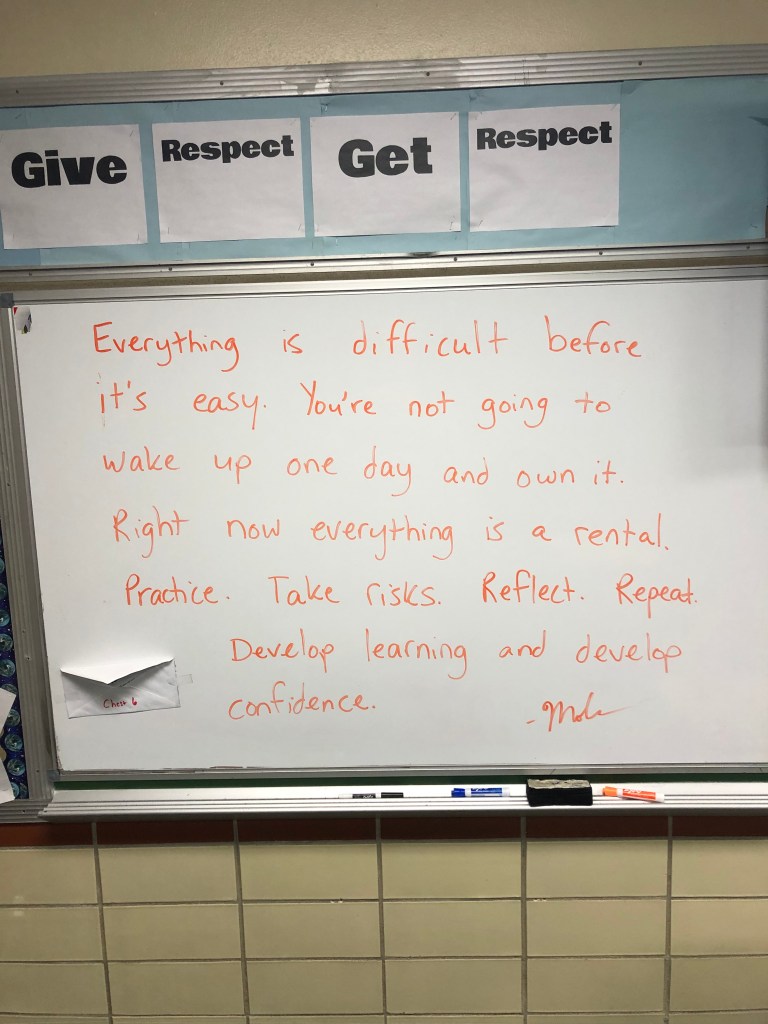
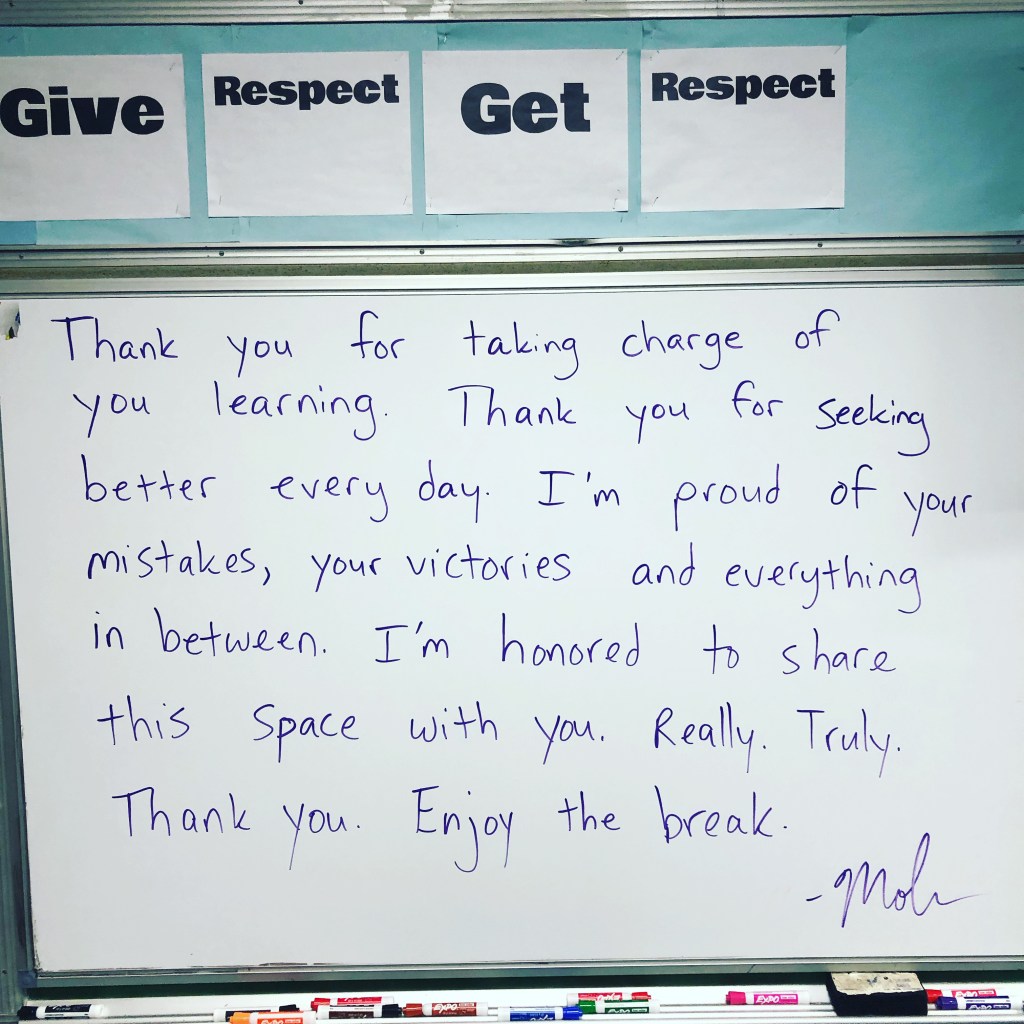
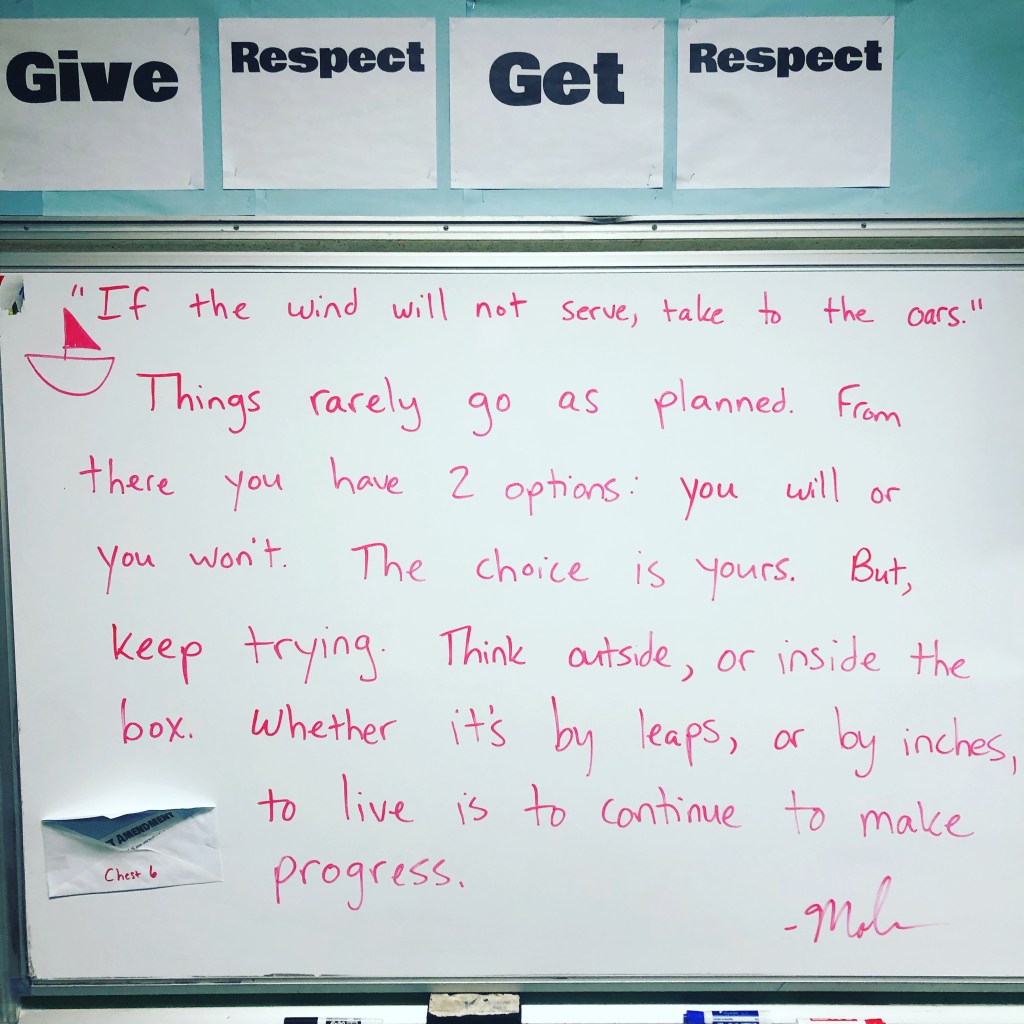
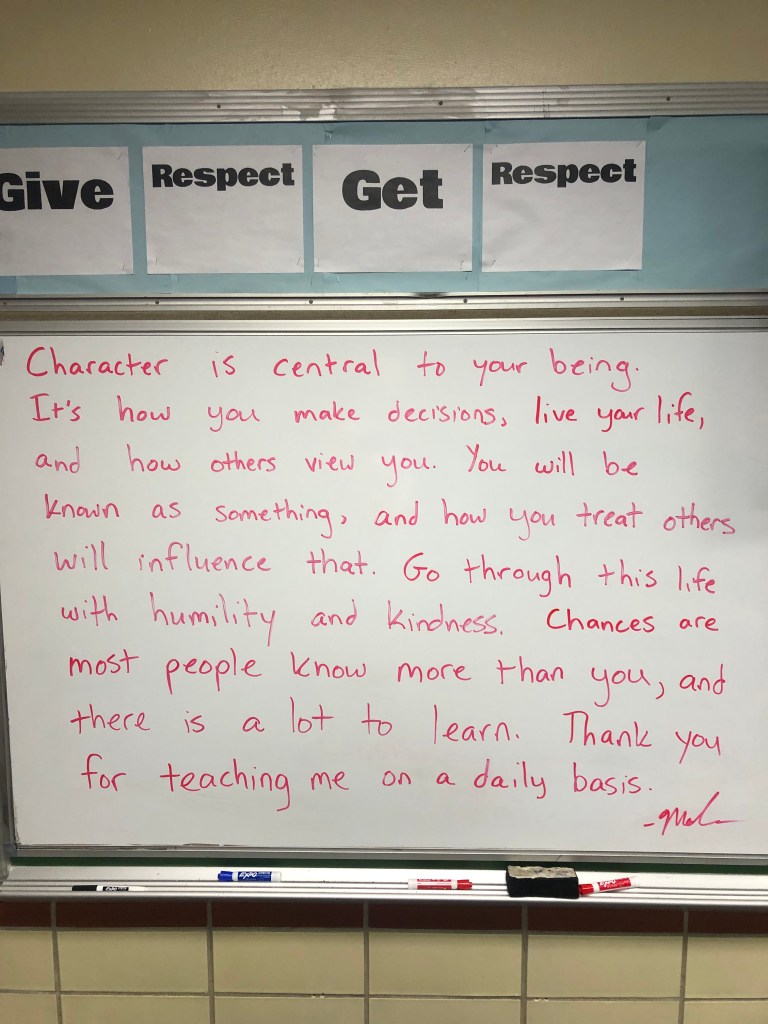
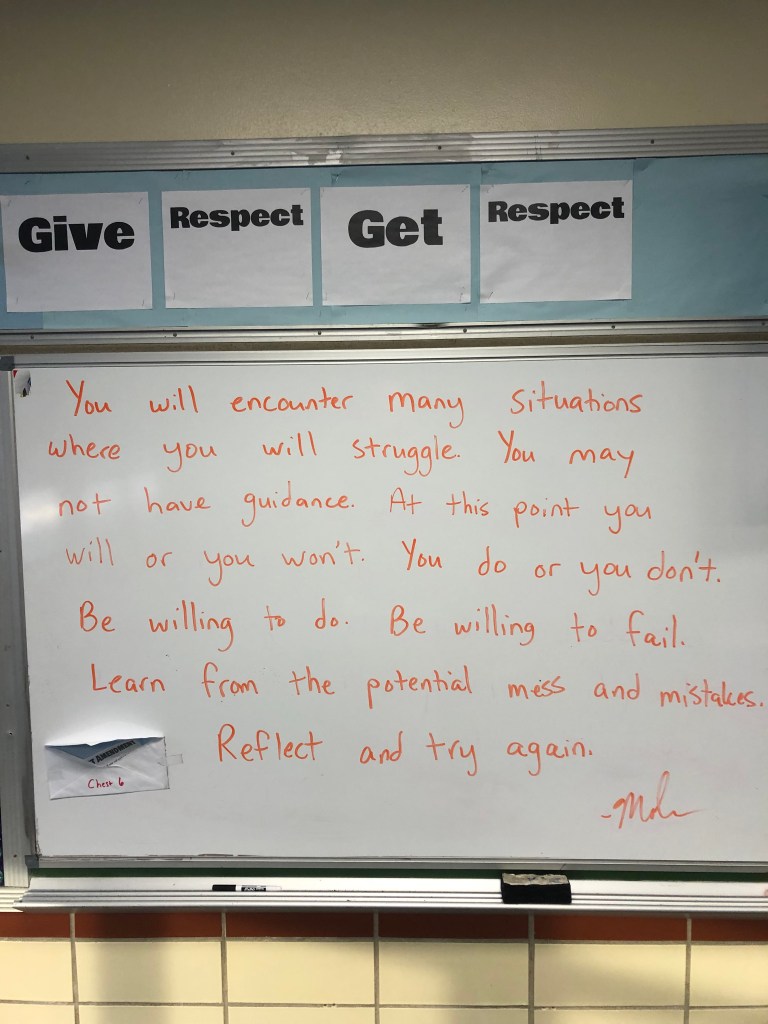
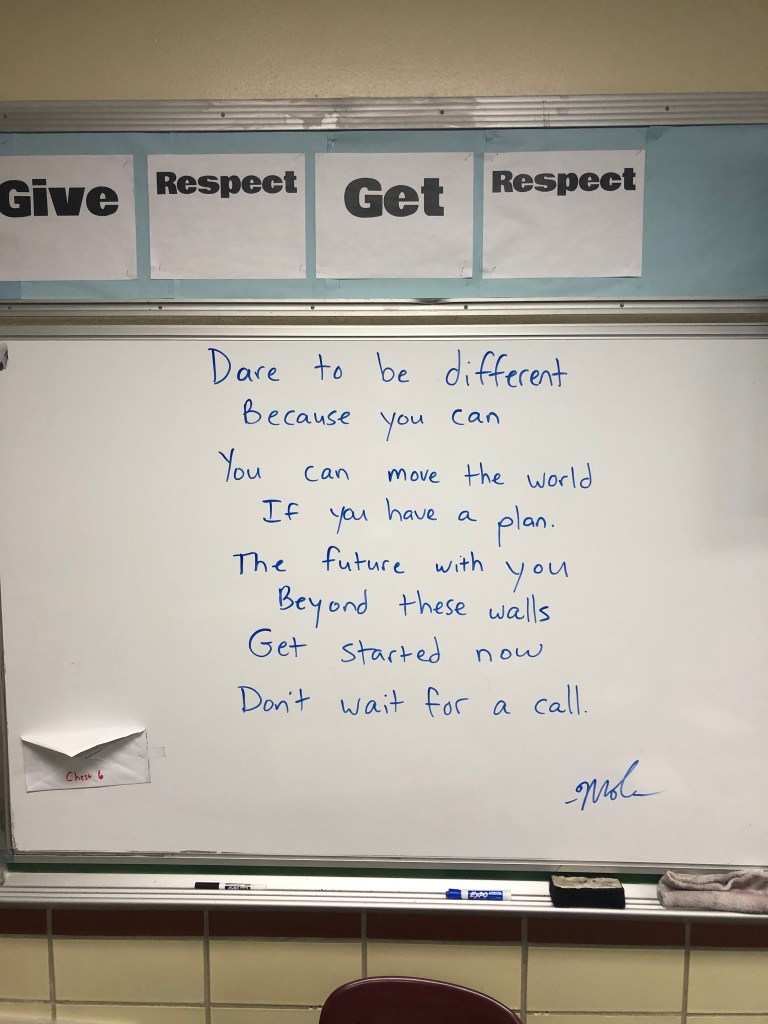
  3. Writing a new message on the board every day.
  4. Occasionally discussing these ideas: trust, respect, empathy, and finding better.

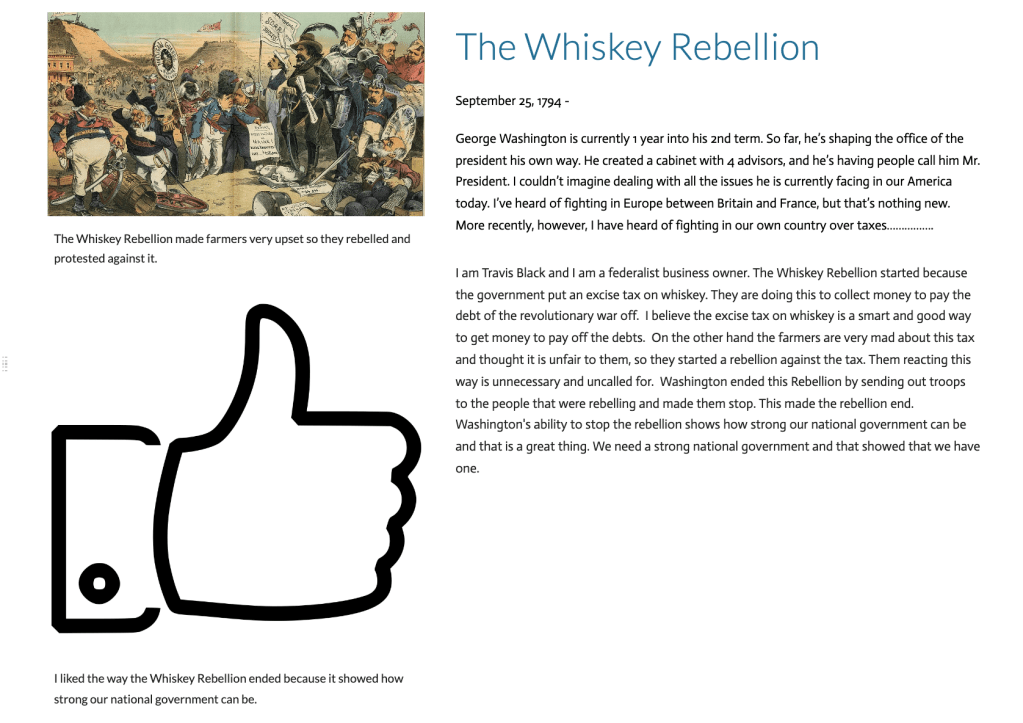
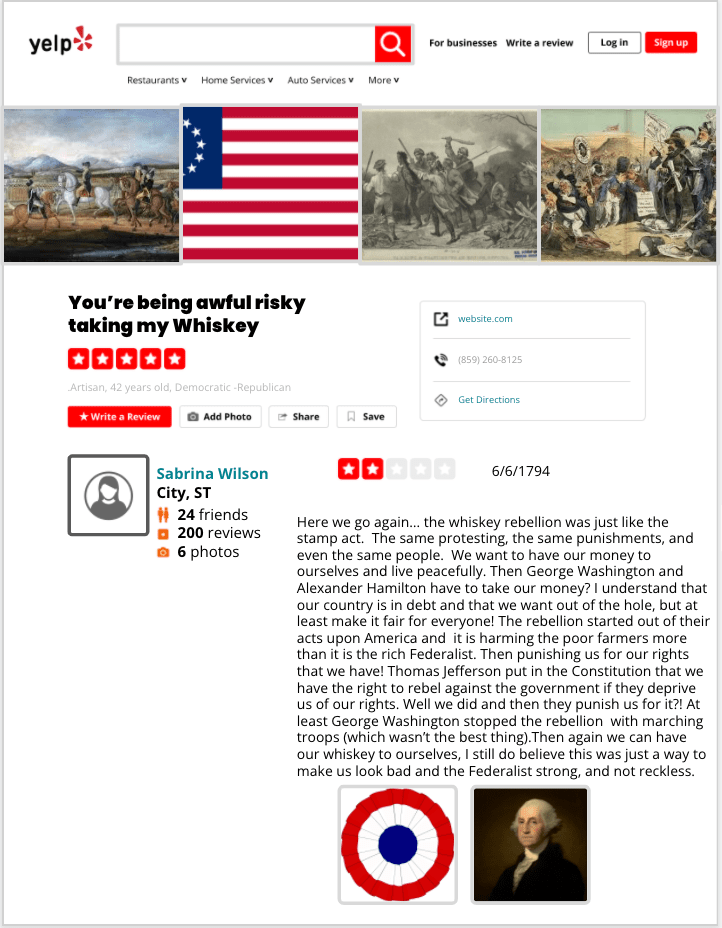
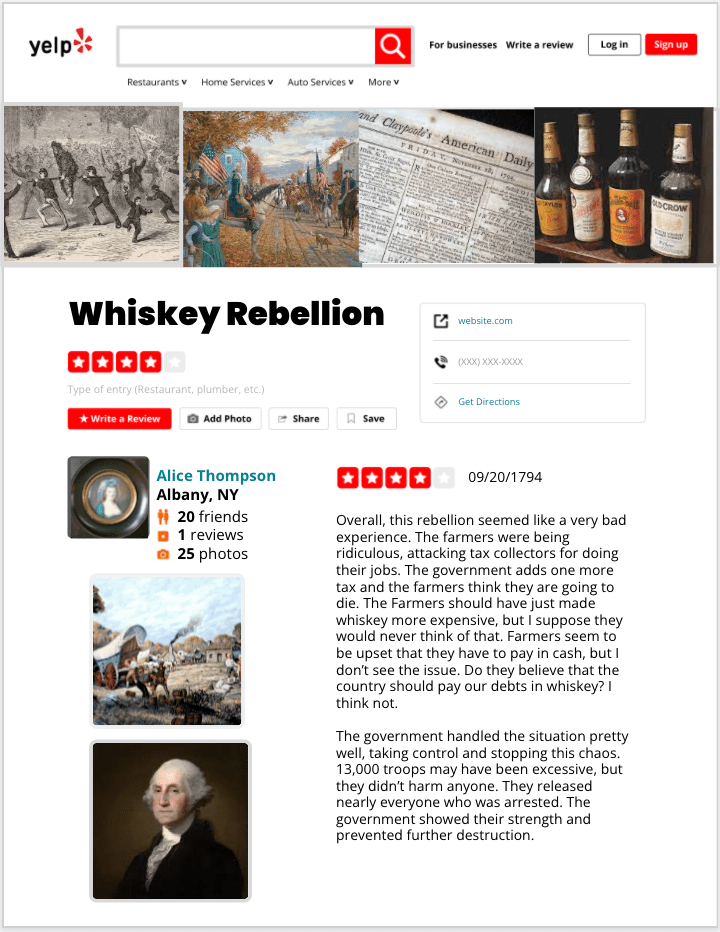
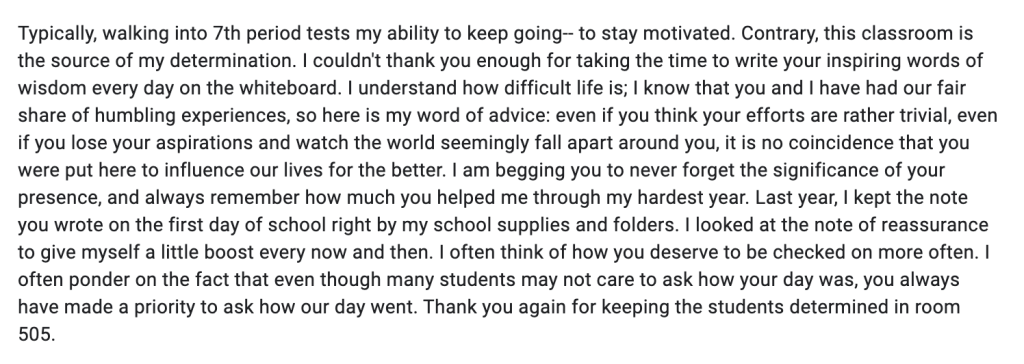
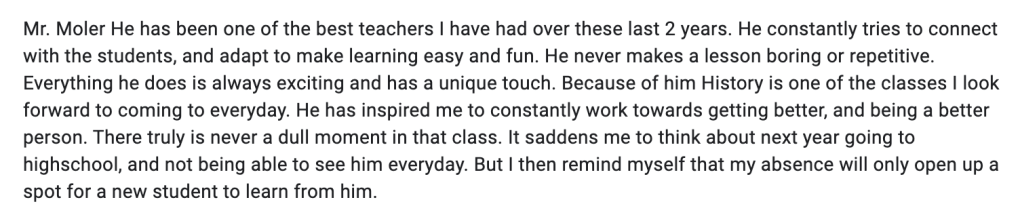
It seems a bit odd to say to students that I don’t care about social studies. But, I truly mean it. What are they going to remember 5 years from now? They certainly won’t remember the Whiskey Rebellion, the Era of Good Feelings, or the Oregon Trail. Rather, students will remember how they felt day after day, minute after minute in 505.

It’s no coincidence that Starbucks says your name out loud after they complete your drink. Hearing your name kind of perks you up a bit. I try to speak every student at least twice in a class period.

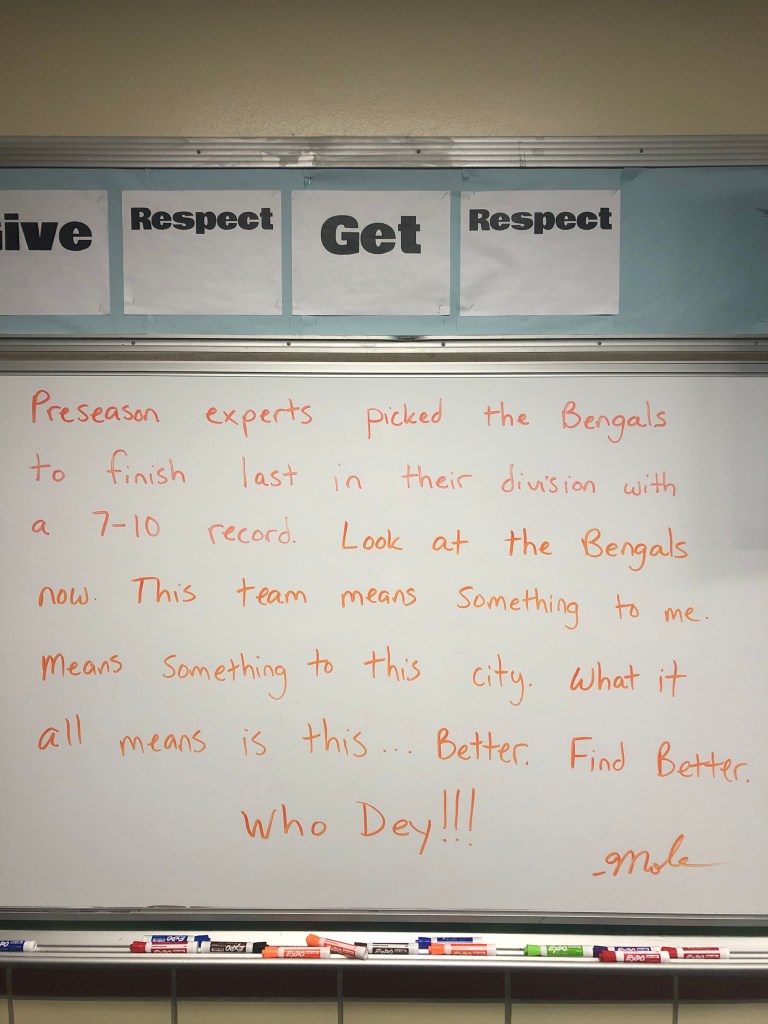
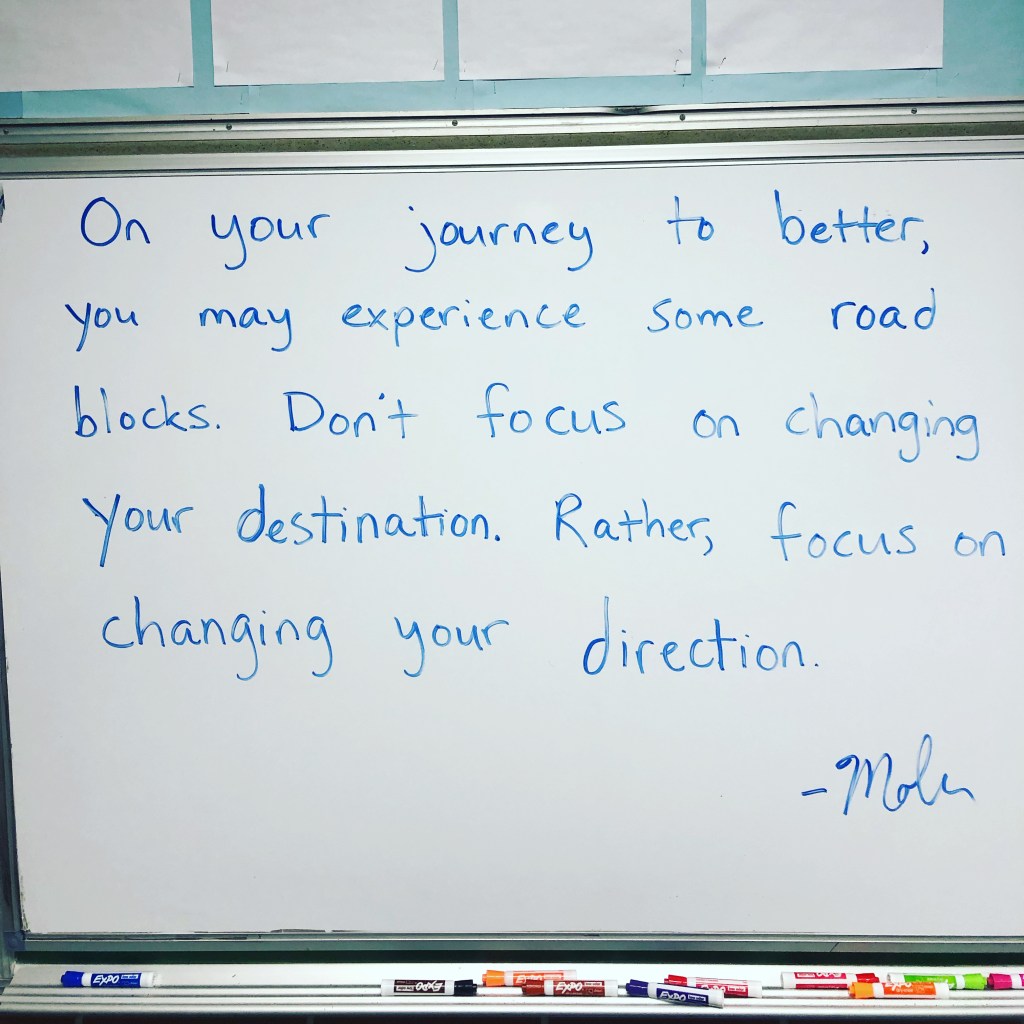
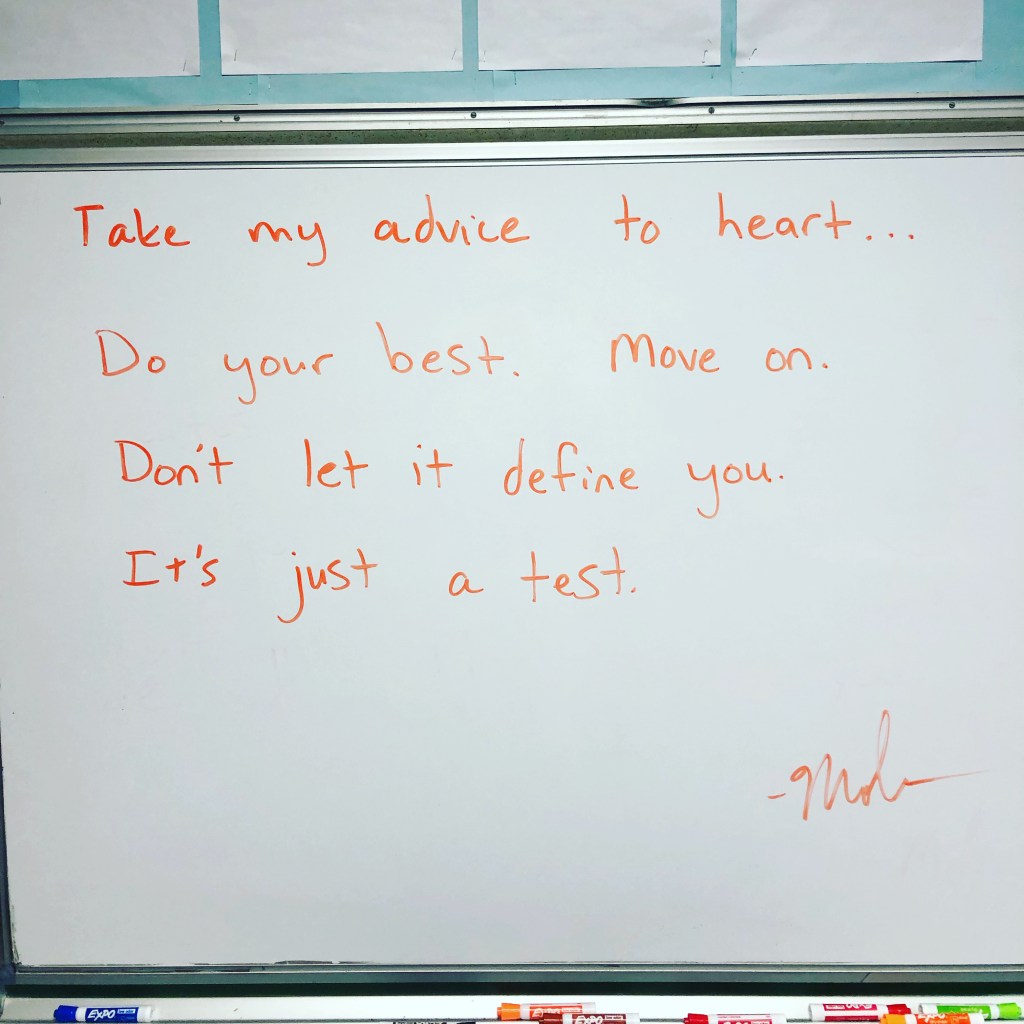
I was inspired by Monte Syrie’s room message tweets and started writing my own messages. Most days I arrive at school by 6:00 AM and the first thing I do is put a marker to the board and start writing. I don’t know where the marker, or my mind, will take me. I just start writing. At times I have wondered if students read them. They do. Reading my messages are an important part of their day.

My class is based around trust and respect. I trust students to do the right thing. I don’t treat students like little kids and they know that. They respect that. For me, this is why it works in 505. This is what’s missing from the tweets. This is what it’s all about.

– Moler

The Week That Was in 505

This week we continued learning the principles of American government. We continued the Bill of Rights and focused on Federalism and the Separation of Powers.

Monday – Bill of Rights scenarios Resource Rumble and Bill of Rights Review for absent students.

Tuesday – Federalism with a sketch and tell

Wednesday – Makeup work and review day with a checklist

Thursday – Separation of Powers Choice Board

Friday – Separation of Powers continued

Monday

Coming off the excitement from the Bill of Rights mnemonic device lesson from Friday, Monday was used for looking at Bill of Rights scenarios. We started class with a Quizizz and I reminded students to remember the mnemonic device used for remembering the amendments. All classes averaged together was an 81% which is great considering it was a Monday.

Friday had many absent students so I created a Bill of Rights review. The Bill of Rights review contained some ideas I picked up from Amanda Sandoval and Dominic Helmstetter on Twitter – amendments concept sort and defining the 10 amendments with emojis. I also included some Bill of Rights scenarios that involved some Supreme Court cases.

The Resource of Rumble contained 8 treasure chests set up around the room. Students worked together, would read a Bill of Rights scenario from a real supreme court case. Students discussed the decision as a group and determined if it was a Fact or a Fib (I got this idea from Amanda Sandoval as well). After students decided if it was a fact or fib, they could roll 2 dice for correct answers or 1 dice incorrect answers. After rolling dice, students collected legos to build a monument related to an amendment. I gave students 35 minutes to complete as many treasure chests as possible and build their monument. At the completion of the timer, students had to explain their monument and how it related to an amendment.

All in all it was a great day with students – the Bill of Rights review helped absent students and provided the same learning opportunity as the Resource Rumble.

Tuesday

Tuesday was used for Federalism and is one of my favorite lessons. I began class with a fast and curious Quizizz over expressed, reserved, and concurrent powers. The class averages were as follows: 57%, 59%, 58%, 56%, 53%. Some students got 7/8 or all 8 questions correct to which i asked them, “Do you feel like you know this?” All of the students replied, “No, I felt like I guessed the whole time.”

The next part of the lesson was a mystery box lesson. I place Oreo cookies in a mystery box and I use direct instruction to teach federalism. I provided 4 kinds of notes sheets for different processing styles – venn diagram, frayer, bubble map, or sketch notes. Students chose their notes and I began teaching Federalism.

Throughout my instruction, I drop hints to what’s in the mystery box. My hints are: 3 layers, blue, filling, stuff, milk, and Sam Porcello. Eventually students pick up on and guess that Oreos are in the box. Then I ask students, “Why do you think Oreos reminded me of federalism?”

The next step in the lesson was having students show federalism with an Oreo. When I ask students to do this they look at me like I have 5 heads. I don’t show an example and let them think for a little bit. When I show another student example too early, they all want to do the same thing. I share a sketch and tell template with the students and let them create. Here is an example. Here are some samples:

At the end of the lesson we came back with the same Quizizz and here are those results:

Wednesday

Wednesday was a good day for makeup and review. I put together a checklist of every lesson, every assignment, and a link to every quizizz so students could check off their completed work. They could also access the old quizzes and redo them for a higher score if needed. Here is that checklist. For the students that were caught up, we played the new Gimkit Fishtopia – a 2D review game that was AWESOME! The Fishtopia game has students as little blob figures walking around, answering questions to accumulate bait. Then you can take the bait and fish in a pond. Then students could sell the fish and collect money to earn better gear or earn special trips to ponds with better fish. The students told me to set it for 30 minutes or longer because that amount of time would allow them to actually accumulate enough fish, money, and objects. I joined in with the game and had a great time.

Thursday and Friday

Thursday brought our next principle of the Separation of Powers. Before this lesson, I borrow the tug of war rope from the PE teacher and set up my room for the day. About 6 years ago, I learned this idea from Dave Burgess – I saw a picture on Twitter of a rope and some papers with words on them and I sat and I thought about what was happening. It finally occurred to me what he did with that rope and papers….

When students walked in 505 Thursday, the desks were cleared out of the way and I had a large tug of war rope running diagonally corner to corner. On the ground I had papers with the words, “Greed, Tyranny, Despotism, and Corruption,” written on them. Right away students are interested.

I ask the students, “Are the words on the ground negative or positive words?” Then I have them look up Despotism and Tyranny. I also remind them forms of the words Despotism and Tyranny were used in the Declaration of Independence. Then I ask, “Who thinks they can lift this rope off the ground, by themselves, out of the negativity? You can’t bunch it up, rest it over objects, or stretch it out.” I have a student come up and they realize they can’t do it alone. Then I have another students come up and they begin to think it’s possible, but it’s not. Then a third students come up and they get it done. I explain that power divided among three people, or three branches is what allows this rope to lifted out of the negativity. It’s a perfect demonstration for the Separation of Powers.

After the demonstration, we go into the Separation of Powers choice board. On the choice board I included activities that would appeal to students with different processing styles. Examples include:

  1. Concept Sort
  2. Studying with Quizlet
  3. Design an Infographic
  4. Go on a virtual tour of Washington DC and learn about the branches of government.
  5. Frayer models and Sketch notes

On the choice board students can choose 3 activities horizontally, vertically, or diagonally, but they can’t repeat the same activity. I encourage the students to not focus on what’s easiest, rather, focus on what’s best or better for them.

The application activity for the choice board is turning one branch of government into a superhero. Here was my criteria:

  1. Choose a branch of government (Legislative, Executive, or Judicial).
  2. If your branch of government was a superhero – what would it look like? What powers would it have?
    • Give your superhero a name
    • Include 3-4 symbols to represent the power.
    • Label those powers. 
    • Write a brief paragraph explaining your superhero and the powers they have.

Here are some examples from students who finished:

505’s Daily Messages

The Week That Was In 505

This week we began our 4th Unit, and my favorite, The Constitution. I love government, how governments function, and the Constitution. It reminds me of 7th and 8th grade year when I wanted to be a lawyer and a politician. I’ll never forget one Halloween my costume was a “Young Republican.” My goodness how times have changed.

The first thing I always mention to the students is this – “We will be discussing government with many abstract ideas. You will hear a lot of terms and phrases that are not used in everyday conversations. For example, you don’t say to someone – ‘Hey! how about those checks and balances!'” As a result, I try to make the Constitution unit hands on and as much fun as possible.

Throughout this unit, I like to focus on 6 principles of government in the Constitution:

  1. Popular Sovereignty
  2. Federalism
  3. Separation of Powers
  4. Checks and Balances
  5. Individual Rights
  6. Judicial Review

Throughout the unit, we focus on how these principles limit the power of government. Before I begin with principle, I give a Citizenship Test and ask 20 questions. Then I like to begin with the principles with Popular Sovereignty as it’s the basis of a democracy and found in the first 3 words of the Constitution – “We the people.” From there I let the students decide what to study next. However, I keep the Separation of Powers together with Checks and Balances. I also keep Individual Rights together with Judicial Review.

Monday – Citizenship Test – 20 questions

Tuesday – Parts of the Constitution (Resource Rumble or Choice Board)

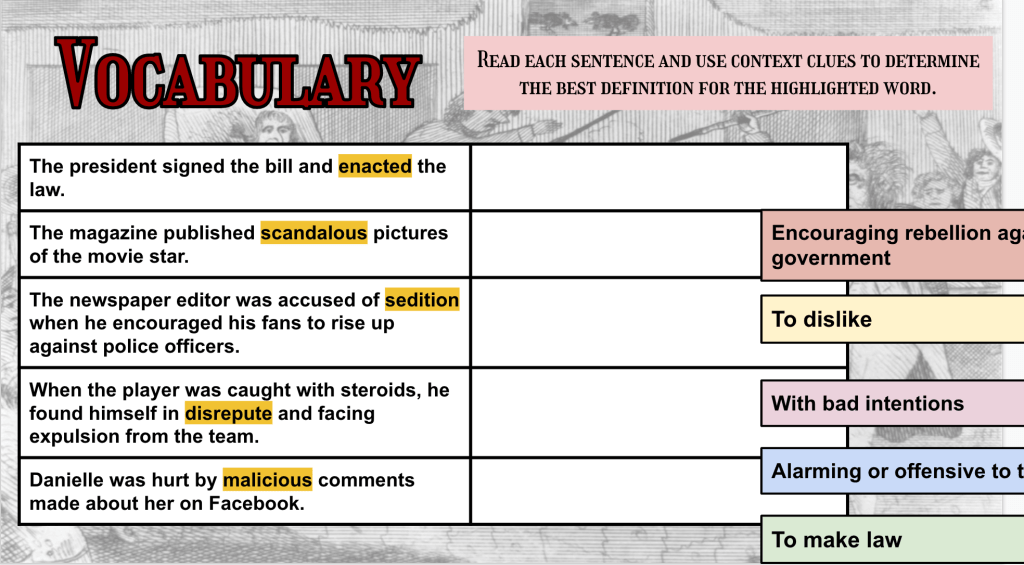
Wednesday – Vocabulary Self-Assessment

Thursday – Popular Sovereignty (Fast and Curious, CyberSandwich with Sketch and Tell)

Friday – Bill of Rights (Mnemonic Device with Sketch Notes)

Monday

To begin the Constitution unit, I always ask questions from the U.S. Citizenship and Immigration Services civics test study guide. I verbally ask 20 questions related to our unit from the study guide and students write their responses. The goal is get 12 out of 20 correct (60%) – the same percentage required with the real citizenship test. After I ask the questions, I read the answers and students mark their tests. I usually have 2-3 students reach the required 60%, but the scores are usually not good. This year was no different – I had 3 students reach the 60%. At the conclusion of the test, I had students submit their correct number of responses through a Google Form and I calculated the class average. Here are those class averages: 24%, 20%, 24%, 30%, 26%.

Are the students frustrated? Yes. But, I remind them that it’s okay to not know things because we will learn them. I also remind them that everyone will reach the 60% (or higher) mark when we take the same citizenship test again at the end of the unit.

Tuesday

Before diving into the principles of the government and the Constitution, I feel it’s important for students to understand the Preamble and the Articles. I like to keep it simple and just have students focus on the Preamble and Articles 1, 2, and 3. These sections of the Constitution relate to the principles we will eventually discuss.

Teaching the sections of the Constitution is not exciting. However, I’m always thinking of ways to engage the students. I wanted to offer 2 options for students to earn the sections of the Constitution – a Resource Rumble or a Choice Board.

I cannot share the Resource Rumble because it’s a file on Emc2Learning. This is one of my favorite activities as it gets students up and moving and competing as they are learning. In short, I tape up 8 treasure chests around the room with questions with questions related to the sections of the Constitution. I paired this with a lesson from ICivics called, Anatomy of the Constitution. Students had 35 minutes to complete as many treasure chests as possible. After they completed the a chest, I would approve their answer which granted them access to roll dice and choose a specific number of legos from a bin. Students used their legos to build something related to the Constitution. When time was up, I had students explain how their Lego creation related to the Constitution and this is how I chose a winner. It’s a student favorite.

What about the students that weren’t feeling social or competitive? I had a choice board ready to go. This choice board contained the same ICivics reading and a video option. I also gave 3 types of graphic organizers with it – sketchnotes, Frayer model, or a bubble map. Finally, students had a choice of showing what they learned by creating a digital poster or a bento Box. The options available with this choice board helped with student engagement.

All in all this was an awesome day for me as all students had something they wanted to do – compete as a team and learn or be alone and learn. It worked out great as I noticed some students weren’t having the best of days – it’s middle school you know!

Wednesday

Wednesdays we run a 1 hour delay schedule so classes are 5-6 minutes shorter than normal. This was a perfect day to do a vocabulary self-assessment. I like to use vocabulary assignments we often refer back to where students create their own definitions based on their learning.

The vocabulary self-assessment, that I have linked at the top of this post, has all of our important words for the unit. I have students review the words and assess their knowledge of the words based on these 3 options:

  1. Know it – if students know a vocabulary word they should be able to write a definition, in their own words, in 10 seconds or less.
  2. Not sure – students have seen the word but they are unable to put a definition into words.
  3. Don’t Know it – students have never seen the word at all.

Students are genuinely honest when we do this exercise. After 5-10 minutes, I go through each word and take a survey. I do this to clear up any misconceptions. For example, I discovered that many students confused Federalism with Federalist. I also discovered that many students thought Checks and Balances dealt with money and balancing checkbooks. Nevertheless, this self assessment tool is a great way to begin a unit.

After this vocabulary activity, I wanted students to build background knowledge for the popular sovereignty CyberSandwich. I put together a quick activity called Keyword Predictor. To learn more about the Keyword Predictor, please visit this blog post I recently wrote.

Thursday

Thursday brought one of my favorite Eduprotocol smashes – a fast and curious Quizizz paired with a CyberSandwich followed up with one more rep of a fast and curious Quizizz. Popular Sovereignty is a hard concept for a students to understand, and here are the learning goals I posted:

  1. I can define popular sovereignty
  2. I can create a representation of popular sovereignty.
  3. I can explain how popular sovereignty limits the power of government.
  4. I can identify an example of popular sovereignty in a founding document (Constitution or Declaration).

The Quizizz I constructed had questions that focused on these I can statements. Everything I do is intentional – this is important for every class. Design lessons intentionally. When I ran the Quizizz for the first time the class averages were as follows: 53%, 56%, 64%, 69%, and 55%. The last 3 percentages are classes where they did the Keyword Prediction.

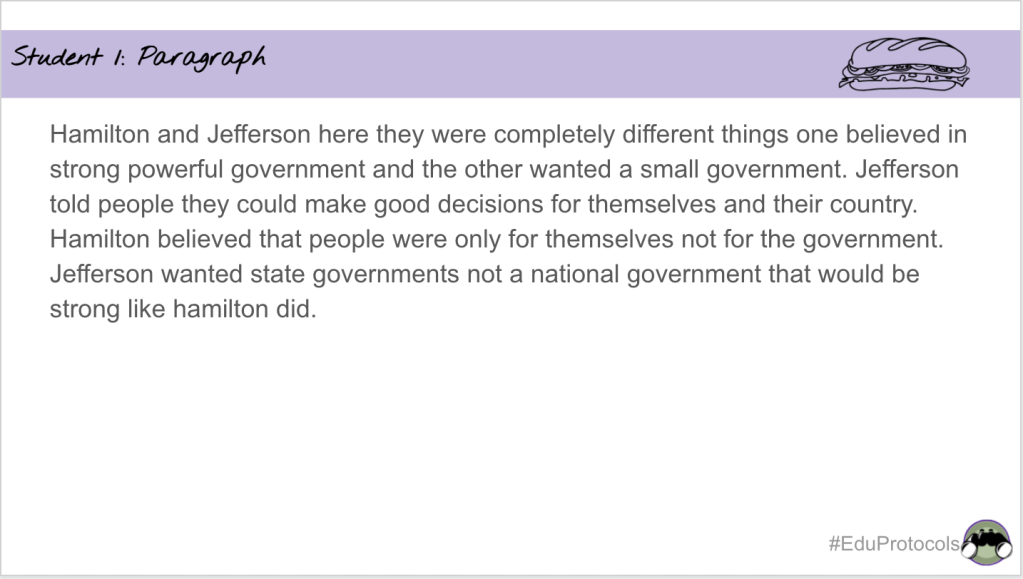
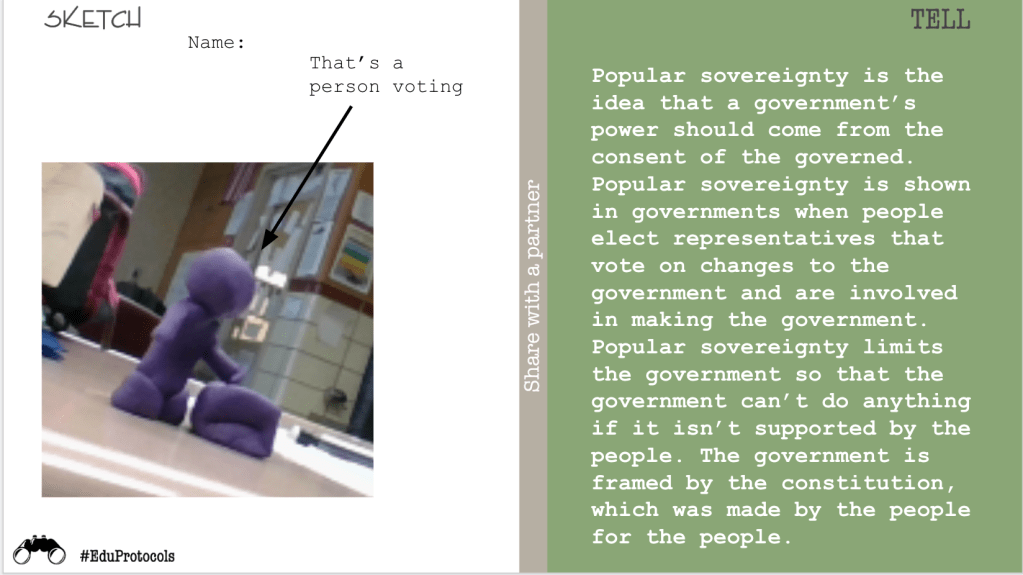
Next we went into a CyberSandwich combined with a Sketch and Tell. Students read an article from Annenberg Classroom – Popular Sovereignty. I really like this article because it covers all of the I Can statements listed above. A differentiation strategy I used with this article is I copied and pasted it to a Google Doc and added subheadings to create more organization and structure. Students read and took notes for 10 minutes, they completed a 5 minute discussion, and then completed a Sketch and Tell for the summary.

I like to use Sketch and Tell for some of these government concepts because students take the abstract and explain it with more concrete sentences. Students could use Legos, PlayDoh, or Google Shapes for their popular sovereignty creation. Here are some examples of students sketch and tells for popular sovereignty:

After 15-20 minutes, we took the Quizizz again and raised out scores across all classes. The class averages were: 86%, 80%, 87%, 91%, 75%. Here is a picture from the board:

The class with a 75% average, I cut out the discussion piece from the CyberSandwich. I learned from that the discussion is piece is important Even if students discuss for 30-60 seconds, it’s important.

Friday

At the end of class on Thursday I let students vote, through Mentimeter which lesson they wanted to learn next. They chose my favorite lesson – The Bill of Rights. During this lesson I use a Mnemonic device to help students remember all 10 amendments and it’s pretty successful. I took some ideas from Dave Burgess and I added in some of my own mnemonic devices. Here is my presentation I share.

I post the I can statement, “I can identify all 10 amendments that make up the Bill of Rights.” Then I start off class with a Quizizz over the 10 amendments. Students usually get the first 2 amendments and it goes downhill from there as you can see:

I then act out all 10 amendments. It gets crazy. It gets goofy. But students are engaged as they are sketchnoting through the whole presentation. Then we take the Quizizz again and here are the results:

On Fridays I always do a Friday check in and ask how the students are doing. I also ask random questions – intentionally. This week I asked, “Write about a snowman.” They thought it was a weird question, but here are 2 examples of responses I got:

  1. They are made of snow, tall, have a carrot nose, sticks as arms, buttons, and are cold.
  2. A snowman was lost in the woods. He had been lost for years and years and couldn’t find his way out of the thick forest, until he met another snowman. The other snowman led him out of the forest so he wouldn’t be so lost anymore.

You will have 2 kinds of students – Sensing students who are to the point. Intuitive students who go the creative route. Next time you start to feel like students aren’t listening to directions, or you “told them 3 times,” REMEMBER, perhaps they are listening but it’s wherever their mind goes first that may take them another direction. We all think differently. This chart is why I asked students to write about a snowman:

My 505 Class Messages
Keyword Predictions

Today was a weird schedule day with shortened class periods. But, a weird day because I was starting a new unit and the timing of certain activities wasn’t working out. For example, I had students assessing their knowledge of vocabulary for our Constitution unit based on 3 categories – Know It, Not Sure, Don’t Know It. Throughout the unit, we keep revisiting the vocabulary and reassessing. (If this sounds interesting to you then here is a link) This activity took 10-15 minutes and didn’t leave much time to begin a CyberSandwich.

To fill the time, I through in a 5-8 minute Blooket, as well as a graffiti board. However, these things weren’t that great. So I began thinking, “How can I set them up for our CyberSandwich on Popular Sovereignty for tomorrow?” An idea entered my head that I saw in the book Doable Differentiation by Jane A. G. Kise…

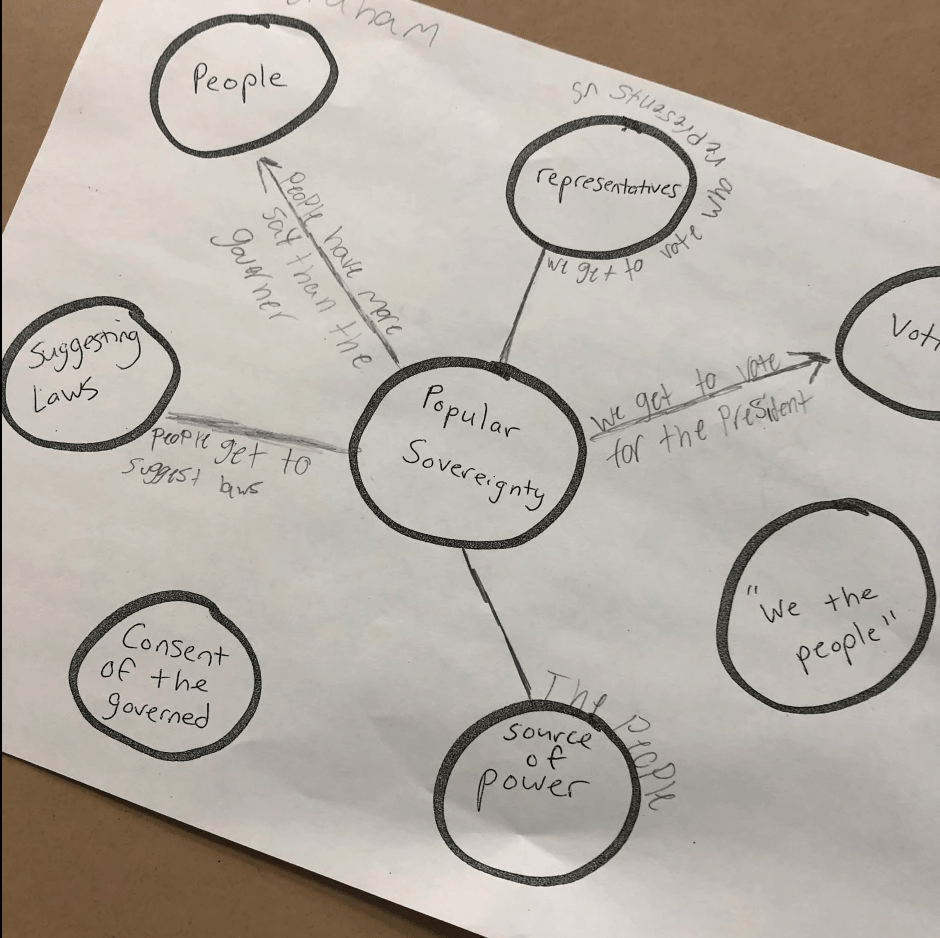
I wanted students working in small groups discussing the idea of popular sovereignty – even with no knowledge of the word. I found a piece of paper and wrote Popular Sovereignty in the middle. Around the word, I pulled out key phrases and words from the CyberSandwich article (I love this article because it hits on everything students should know about popular sovereignty). Here are the key words and phrases:

The first class I did this with, I asked them to make connections and predictions about popular sovereignty and the key words and phrases. Students would then see if their predictions were correct when reading the CyberSandwich article. For example, I asked, “What do you think is the connection between Popular Sovereignty and voting?” However, my plan backfired because they had no clue what popular sovereignty meant. On top of this they were focused on wrong versus correct answers. I wasn’t discouraged by this as I will find a way to make things work because this is what teaching and learning is all about.

The next class I put them in groups of 2-3 and gave everyone a paper. This time, however, I asked them what the most common words and/or themes were around the idea of Popular Sovereignty. The responses were, “People. Government. Laws. Power.” Then I asked, “Based on your responses about themes, what do you think Popular Sovereignty means?” Students stated, “Government has power from people. People give government power. People have the power to make laws. So forth…” This was the key moment that made this successful. After this, group discussion, predictions, and connections were awesome! Here was my setup:

  1. Students got into groups of 2-3.
  2. I had students find common themes and words to help them better understand the main idea.
  3. I gave groups 7-8 minutes to discuss and connect key words and phrases to the main idea.
  4. Same day (ideal) or next day, pair this Keyword Prediction up with a reading from a CyberSandwich or a reading in general to help with checking their predictions and building background knowledge.

The Week That Was In 505

We have a shortened week in 505 with the upcoming Thanksgiving holiday. Monday and Tuesday for class. That’s it. Then a much needed break. Despite the shortened week, it’s a weird week because we are coming off of remote learning the last 3 days.

During remote learning, I asked students to complete 3 assignments. Here are the results of student engagement from those assignments (I simply measured student engagement from the percentage completed – I have 102 students):

  1. A 12 question Quizizz related to vocabulary terms from the Constitutional Convention. – 85% student engagement
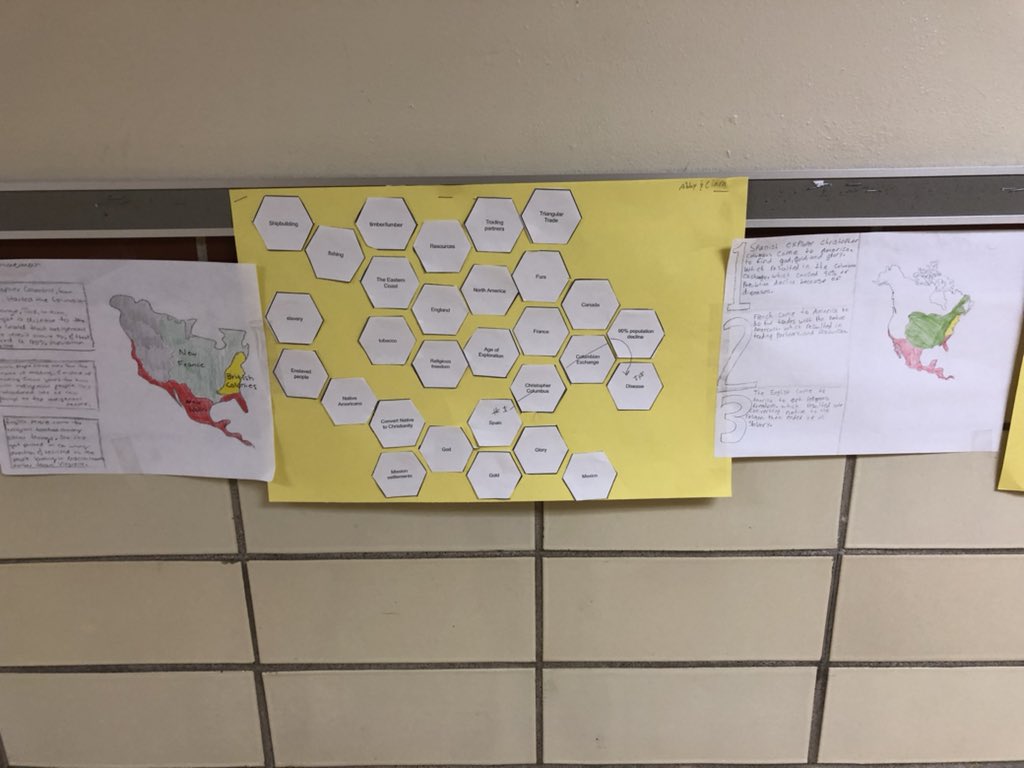
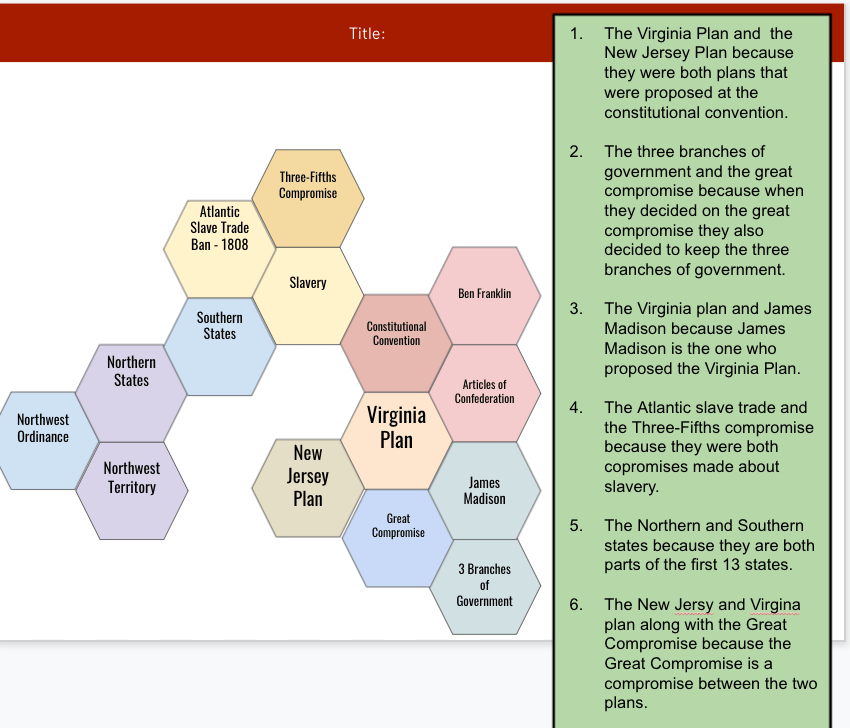
  2. Hexagonal Learning – 70% student engagement
  3. Final Assessment Project Choice – 45% engagement

The 12 question quizizz and Hexagonal learning were from the first day of remote learning. Obviously, a major drop off for days 2 and 3 which included the final assessment. With students being in different places with assignments, the 2 day week is perfect for catching up.

Monday – finish hexagonal learning or the final assessment. Begin on Federalists vs. AntiFederalist choice board.

Tuesday – finish any remaining assignments.

Monday and Tuesday

As mentioned above, students were in all kinds of different spots with assignments. Some students completed all work, some students completed some of the work, and some completed nothing it all. I told every class today, “The easy thing I could do is place a 1 in the gradebook for incomplete assignments and move on. However, FAILURE IS NOT AN OPTION IN 505.” I stand by this statement. I refuse to put zeros into the gradebook. I refuse to let students fail. It’s important for me, and the students, that I focus on learning and find ways to get students learning. If my class is the one successful class for a student, then I’m happy.

As a result, 2nd through 6th periods worked on final assessment projects and the Federalist choice board. 7th period was the class with most students not completing the hexagonal learning. We had a discussion about the hexagonal learning and many students said they were struggling with some of the concepts and making connections. So, I found, and assigned, an EdPuzzle video (6 minutes long) to help reteach concepts. Following the video, students worked on completing the hexagonal learning. In my opinion, if someone is struggling making connection between concepts, they will struggle with creating from the material.

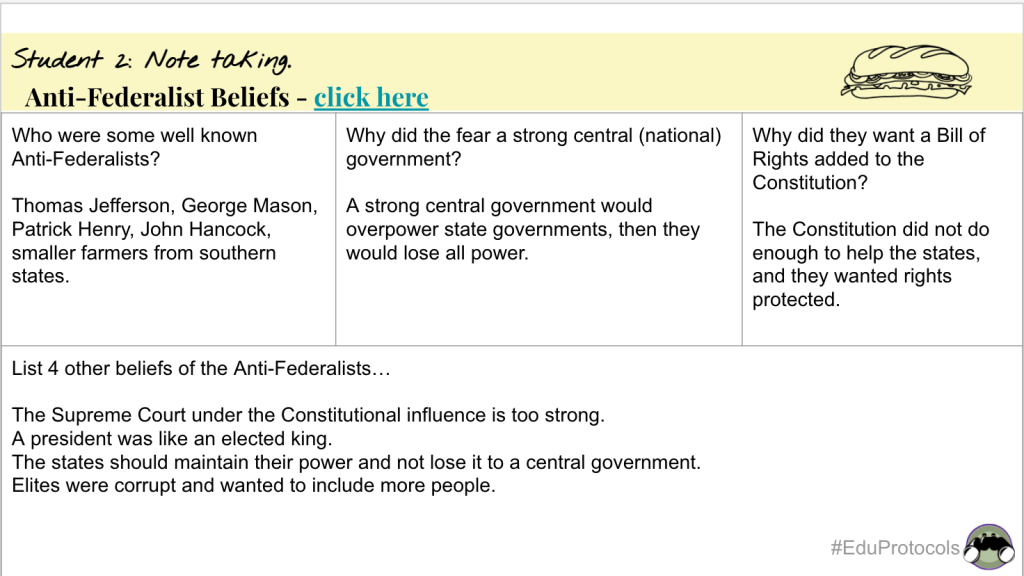
As some students worked to complete final assessments and hexagonal learning projects, another group of students worked on completing the Federalist vs. AntiFederalist choice board. I like to separate the Federalist and AntiFederalists and make a standalone lesson because I feel it’s remembered by students. It’s not all jumbled up with plans and compromises which is hard enough already for 8th graders. The Ohio state tests for high school usually feature a question about the Federalist and AntiFederalist debate. The Federalist choice board lesson had students deciding to learn about the differences between these groups by using a variety of activities of their choosing – CyberSandwich, Quizlet, Quizizz, EdPuzzle, analyzing Primary Sources, or PearDeck. Then students applied their learning to create an infographic, social media smackdown (from www.emc2learning.com), or writing a letter from the perspective of a Federalist or AntiFederalist.

Here are some FInal Assessment Projects:

  1. Netflix Project
  2. Google Presentation
  3. Time Magazine
  4. Google Presentation
  5. Netflix Project
  6. Rap

The above projects represent a small sample size of student examples. Overall, students did a nice job with their assessments. Most students chose to design a Netflix series. The second place choice was writing an essay or creating a presentation. Four students chose the Time Magazine option. Finally, one student chose to write a script which she performed and then took it further and created a rap song.

Here are some student samples of Federalists vs. AntiFederalists (I’ll post more as they are turned in):

Final Thought

As I mentioned earlier, I said to some of my classes, “Failure is not an option in 505.” I will do anything I can to help students find a pathway to learning. Sometimes it’s frustrating because I feel like I care more than they do. Other times it’s overwhelming because I end up juggling 5-6 different pathways (assignments). Other times it’s rewarding because some students genuinely appreciate the effort and show learning.

Remote learning can be a mess. As much as I try to keep things simple, it always ends up being a mess. Some students have spotty internet service. Some don’t have a chromebook. Some have lives at home that aren’t conducive to learning. The easy things for me to do is to grade assignments as they are – normal grading, credit, no credit, etc. But, remote learning is anything but normal. As a result I create multiple pathways for students to show their learning:

  1. Straight up – Choose one of the four assessment options.
  2. Modified – Choose one of the four assessment options but focus on 3 major concepts instead of 5 major concepts.
  3. Forget about the four assessment options and turn in the Hexagonal Learning as the assessment.
  4. Modified – watch an EdPuzzle video for reteaching and complete the Hexagonal Learning.
  5. Forget about the Hexagonal Learning and four assessment options – watch an EdPuzzle video and complete a Quizizz.

This is the former intervention specialist in me coming out. Does anyone else do this? Sometimes I feel this too much, but sometimes I feel it is necessary. Modifying on the fly, or differentiating in the moment, is something I have gotten better with the last few years. I tend to question myself too much. However, one thing I’ve learned in education the past 12 years – there are no wrong and right answers or ideas; just better answers and ideas based on the students you have.

My Message

The Week That Was in 505

This week we were in the final stretch of our Creating the Constitution Unit. We were wrapping up the 3/5ths compromise and moving into the impact of protecting slavery in the Constitution.

The week took a crazy turn when we suddenly switched to remote learning for Wednesday through Friday. We had a short notice and I had to switch some things up. My hexagonal learning became digital and I created final assessment options for the unit.

I was thinking about this a lot today…..before I became a teacher, I was a tennis pro. Not a “travel the world” tennis pro, but I teaching pro at local clubs. In my past tennis life, I was a staff pro, tennis director, and tournament director. I grew up playing tennis and was fortunate enough to take private lessons, group lessons, and play in tennis tournaments. But, I knew it was tough on my parents to pay for those things – tennis is expensive. However, as a tennis pro, and coach, I have always seen it as my role to promote and grow the sport of tennis. Knowing that tennis is expensive, I have always tried to make it affordable for everyone. I have given countless free lessons because I feel that’s important.

Sharing. This is the approach I take to education. This is why I love sharing stuff with others. Let’s promote good teaching. Let’s promote collaboration. Let’s work together for students. I truly don’t mind sharing individual lessons or entire units. This Teachers Pay Teachers stuff is for the birds – if you need something, I got you.

Monday – finishing 3/5ths compromise, SHEG Lesson.

Tuesday – The impact of protecting slavery.

Wednesday – Hexagonal learning.

Thursday and Friday – Final Assessment.

Monday

On Friday I gave students a choice of how they wanted to learn about compromises over slavery at the Constitutional Convention. Monday was a continuation to finish assignments. Students were finishing infographics or the remote learning (structured and basic) assignment. The main goal for this assignment was having students identify 3 compromises over slavery – 3/5ths compromise, Fugitive Slave Law, and Banning the Atlantic Slave Trade in 1808.

The next part of our lesson was a SHEG (Stanford History Education Group) lesson – Why did the Founding Fathers keep slavery in the Constitution. Students analyzed 3 quotes from the Convention, and 2 quotes from historians. Students analyzed these quotes through a graffiti wall that worked out very well! Then students answered the original question through a PearDeck lesson put together by Stacy Yung (@stacyyung). This was a great addition to our lesson from Friday.

Tuesday

This day was building off of the compromises over slavery. The question we were trying to answer was, “What was the impact of protecting slavery in the Constitution?” This lesson is sooo important, especially for the students I teach. But, in the times we are living in, it concerns me. This question is one that people can’t run away from. They can’t deny it. It’s a question that helps us better understand what is happening in our world today. Yet, it worries me with this topic……..and it shouldn’t worry me. That’s sad.

With this lesson, students work together and reac two excerpts. One excerpt is from William Lloyd Garrison. The other excerpt is from Thurgood Marshall. I explain the backgrounds of these men and students begin to read. Students make connections, create context, and make connections with the sources. Students read the documents, filled out the chart, and discussed with their partner. The goal of this lesson is for students to realize that protecting slavery had looooooooong lasting effects such as: amendments, Civil War,Jim Crow Laws, racism, Civil Rights movements, Black Lives Matter, etc. All in all, this was a successful lesson with a few classes.

One class, where I let them choose their groups, was a disaster. Teaching civil rights and human rights is a passion of mine, and this particular class thought it was a joke. It was sad to me. I was discussing slavery and some were laughing. Others were worried about school drama. Honestly, I can’t handle those reactions with such a serious topic. In my opinion, 8th graders should understand the situation and act respectfully. As a result, we ended up having a segment of “Life lessons with Mr. Moler.” I’m sure they didn’t like being lectured, but hopefully one they will appreciate years from now.

Wednesday

Tuesday night I got word we were switching to remote learning for the rest of the week. My plan for a paper and glue hexagonal learning lesson had to be switched. Thanks to Stephanie Howell (@mrshowell24) there was a digital hexagonal learning template. I switched the hexagons to major concepts from our unit with 16 total hexagons.

With remote learning, I dislike Google Meets…..A LOT, and I resort to making directions videos with Screencastify. (I really love how you can have people sign in with their GMail account to watch Screencastify videos. It keeps track of who watches.) Plus, with being at the end of a unit, there was no need for a Google Meet. With the Screencastify video, I walked students through the purpose of Hexagonal Learning and adding textboxes to make connections. Overall, students did a nice job:

Thursday and Friday

For Thursday and Friday, I created 4 options for a final assessment in our unit on Creating the Constitution. I kept the focus on the original question – Should the Constitutional Convention be considered a success? and I kept the focus on having the students explain 5 major concepts from our unit.

When I created the final assessment options I wanted to focus on students’ processing styles:

  1. Write a first person Time Magazine article from the viewpoint of someone who lived during the time of the Constitutional Convention (1787). Create a story about the Constitutional Convention being a success or a failure. Include information on at least 5 major concepts from our unit. Click here for the template (vision and interpretation processing)
  1. With a partner (or by yourself) write and perform a dialogue (write a script) between two representatives at the conclusion of the Constitutional Convention. They should recall 5 major concepts as they discuss the Convention as a success or a failure. Turn in your script. (Use Google slides, docs) (question and connection)
  1. Design a Netflix series about the Constitutional Convention as a success or a failure. Your Netflix series and episodes should focus on 5 major concepts from our unit. Click Here for template (experience and movement)
  1. List at least 5 major concepts from our unit explaining why these concepts are important. Based on these concepts, should the Constitutional Convention be considered successful? You may write an essay or use Google Slides to show the information. (Use Google slides, docs, or a Google Drawing) (structure and certainty)

I created a rubric for the projects so it could be open-ended and allow for student creativity instead of student compliance:

  1. Final Product includes a digital representation which is clear, informative, and organized.
  2. Final Product includes a mixture of media (pictures, videos) that enhances the visual appeal and supports your understanding of the Constitutional Convention.
  3. You created an original product that demonstrates your understanding of the Constitutional Convention:
  4. You chose 5 major concepts.
  5. You provided examples and accurate descriptions of 5 major concepts.
  6. You evaluated the Constitutional Convention as a success or failure.

Overall I was happy with the choices students made and the creativity:

Student choices led me to see the individual processing styles. Most students chose the Netflix assessment, the second most chosen assessment was the structured essay/Google Slides assessment, 4 students chose the Magazine, and 1 student chose the script.

505 Room Messages

The Week That Was In 505

This week was a continuation of Unit 3 – The Constitutional Convention. The compelling question for the unit is: Should the Constitutional Convention be considered a success? The supporting questions for this week were:

  1. What was the purpose of the Constitutional Convention?
  2. What was the argument over representation for the states?
  3. What were compromises over slavery?

Last year when I did this unit, I had everything set up for virtual learning. The stuff I created looked appealing, looked engaging, but it was just okay. Those lessons can be found here. I easily could have said, “Here you go,” and assigned the lessons but that’s a recipe for disaster. These lessons needed something more, so I separated out the main parts of lessons and used some EduProtocols.

Monday – Purpose of the Convention – fast and curious with a Cyber Sandwich and Frayer

Tuesday – The Great Compromise – a fast and curious with a Thin Slide and Sketch and Tell

Wednesday – The Great Compromise – Sketch and Tell and Frayer

Thursday – Veteran’s Day Lesson

Friday – Compromises over Slavery – classes decided how they wanted to learn

Monday

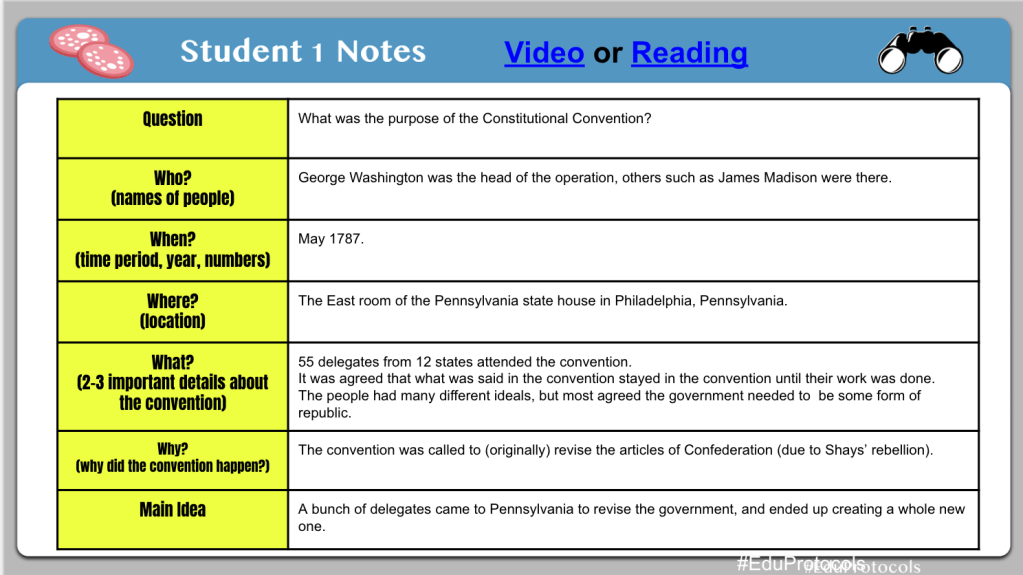
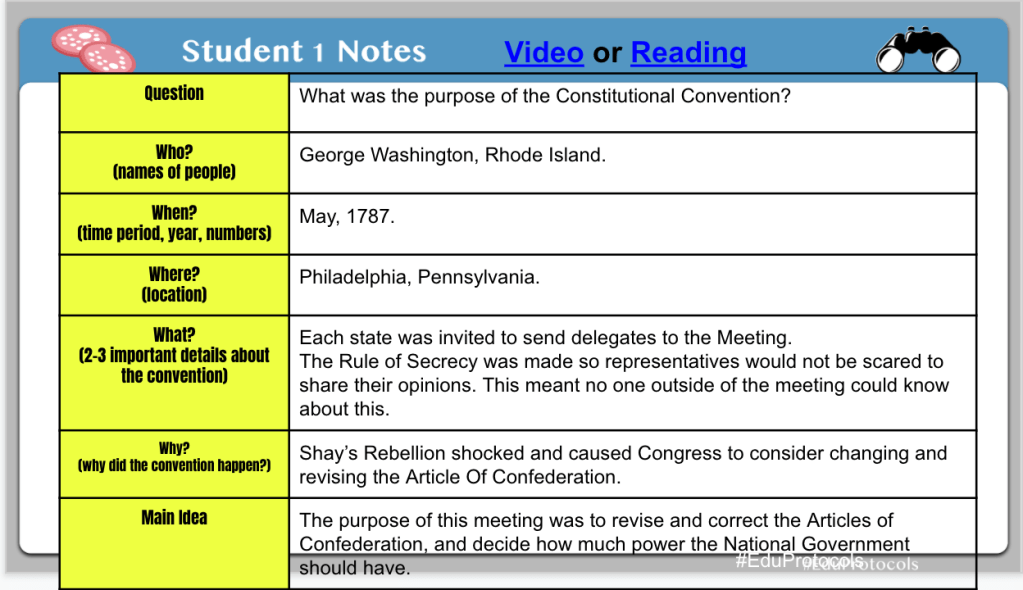
Now that the Articles of Confederation concluded after a weird scheduling week, it was time to begin the Purpose of the Constitutional Convention. The supporting question with this lesson was: What was the purpose of the Constitutional Convention? Now that the students have an understanding of the weaknesses of the Articles of Confederation, and I hinted at why the convention was assembled, it was time to learn a bit more about who, when, where, and why the Constitutional Convention took place. With my original virtual lesson, every part of the lesson was included on a Google Slide. I wanted more out this lesson so I turned it into a fast and curious and Cyber Sandwich.

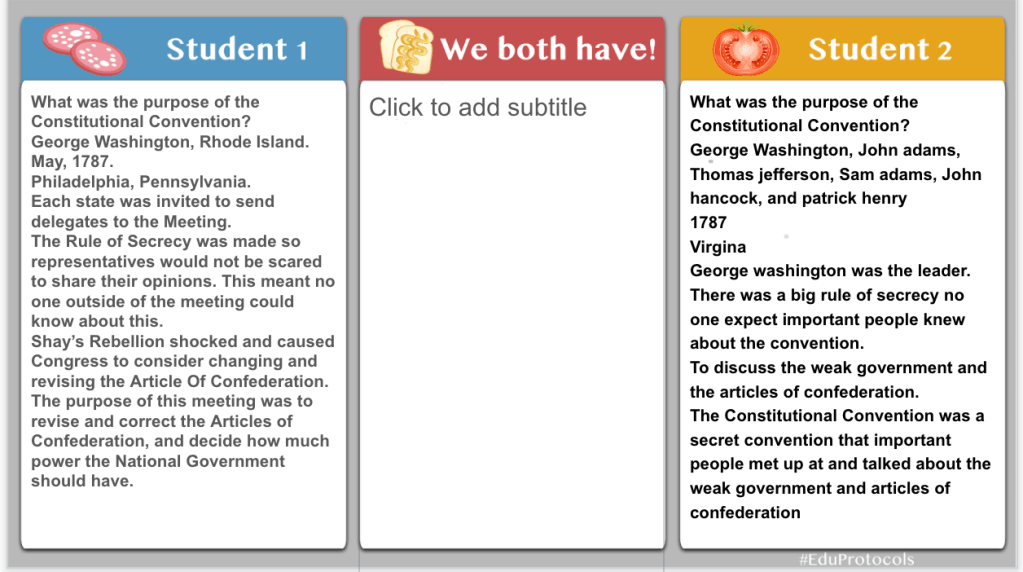
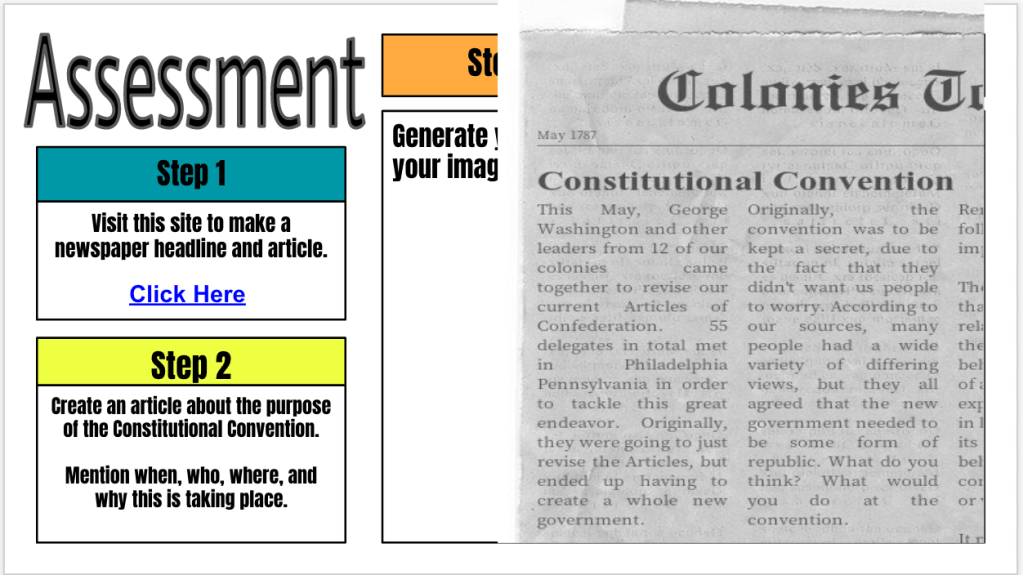
The fast and curious was set up as 10 questions, and the first rep had low class averages (63%, 60%, 68%, 63%, and 49%). Next, I set up the Cyber Sandwich with a Main Idea note taking literacy strategy. Students read for 10 minutes and took notes on who, where, when, why, and how. As always I had the reading linked on the notes slide and I had paper copies. After 10 minutes, students discussed their notes with each other and I shared my notes as well. Instead of a typical summary, students created a fake newspaper clipping about the purpose of the Constitutional Convention. The site I used for the newspaper clipping was www.fodey.com. Students can edit the paper title, headline, date, and article text.

I really liked the Main Idea note taking strategy as it really helped students include key details about the Constitutional Convention in their articles. The quality of the news articles was a lot better than in past years. We finished the class period with another fast and curious and scores went WAY up (99%, 98%, 95%, 96%, 88%).

Tuesday

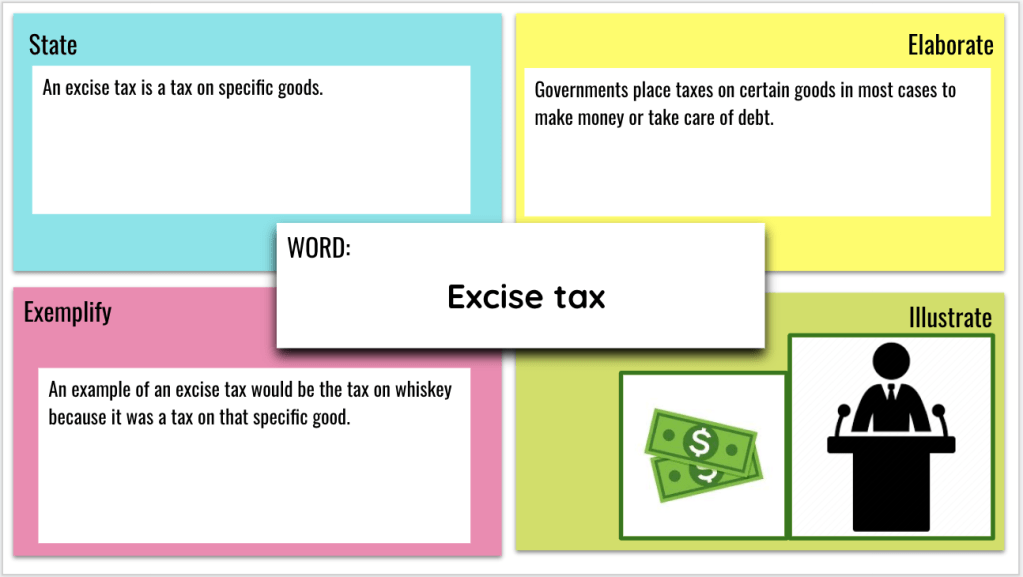
One thing I have been doing throughout this unit is having students go back to the main vocabulary words on a Frayer model and writing their own definitions, own elaborations, characteristics, and including a picture. It has been good having them process their learning in their own ways. So, we began class on Tuesday by defining the Constitutional Convention on their Frayer model slides.

After 5 to 8 minutes we followed up the Frayer model with a Thin Slide to introduce the Great Compromise. The supporting question with the Great Compromise was: What was the argument over representation for the states? The Thin Slide I put together asked students to predict and answer the supporting question based on 2 documents: an excerpt of Article 1 of the Constitution and the 1790 Census. Here is the link to a completed class Thin Slide. Students did a great job with one word and one picture. However, they had a hard time explaining in words why they chose that word.

After the Thin Slide we shifted gears to a fast and curios with a Quizizz over the Great Compromise with some review. Class averages were: 60%, 68%, 74%, 72%, and 59%.

After the quiz was completed, we moved onto the Sketch and Tell where I asked students to create representations and explain the Virginia Plan, New Jersey Plan, and Great Compromise. I chose to do this because students have a hard time understanding these abstract ideas and sayings about representation, Houses, two bodies, Senate, etc. The Sketch and Tell is a perfect way for students to create abstract representations with a more concrete explanation of concepts.

Within the Sketch and Tell I chunked up a reading about the Plans and the Great Compromise and put separate links on all of the slides. My final thought with the Sketch and Tell was having students create representations with Play Dog, Legos, Google Shapes, or Noun Project Icons. Oh yeah, I even made two versions of my Sketch and Tell – one heavily scaffolded and one lightly scaffolded. What’s good for some, is good for all. After reviewing the completed work, for the most part, students did a nice job. I felt like I typed more comments than usual so I used Wednesday as a quick direct instruction day.

This original lesson was all on one Google Drawing slide (located in Unit 3). I decided to change that lesson to a Thin Slide – Sketch and Tell combination because I had a student do the original lesson and her responses about the Great Compromise showed me she was confused. I read through the lesson and the material just didn’t match up and jive. As a result, this lesson you just read about was created.

Wednesday

Wednesday was a shortened class period. I took time to do some direct instruction with these slides. I kept the instruction to under 10 minutes, or I tried to anyway because I love U.S. government related topics. After my direct instruction, students finished the Great Compromise Sketch and Tell and created definitions on their Frayer. Finally, we finished out the lesson with a Quizizz where class averages soared to: 88%, 75%, 93%, 97%, and 83%.

The one number that jumped out to me was that 75%. I began asking why and I dove into the student work a bit more. That particular class , out of 23 students, 14 had incomplete Sketch and Tells. Needless to say, we had a “Life Lessons with Mr. Moler” conversation.


Thursday

Thursday we put a halt to the Constitutional Convention and focused on Veteran’s Day. The lesson I do for Veteran’s Day I put together last year. The lesson worked out so well that I will continue to do it until something better happens, or is created.

I wanted students to do something meaningful for Veteran’s Day instead of a passive lesson followed by moving on with our lives. So, I stumbled upon this organization called A Million Thanks. The organization mails out letters out to Veterans and active duty members all over the world. Before students write letters I show them some great videos with Steve Hartman and veterans. Here is the lesson and order in which I do it (I stick with this order for the effect):

  1. I show this video about a WWII Veteran who wanted to learn how to read.
  2. Then I show this video about a Gulf War Veteran who wrote a letter to President Bush.
  3. Finally I show this video about a Vietnam War veteran who, years later, meets the girl that wrote him a letter when she was in 6th grade.
  4. This transitions us to writing a letter for a veteran or active duty member.
  5. I collect the letters and then we mail them out.

Between the videos and letter writing, some tears are shed. The students take this very seriously, and, to me, this lesson has meaning and purpose. I will continue to do this lesson for many years to come.

Friday

Friday, I began the day knowing it would be about constitutional compromises over slavery. The supporting question for this lesson is: What were compromises over slavery? I had a virtual lesson ready to go, but I didn’t want to do it. Instead I had this idea:

  1. Post this quote, “Most northern delegates agreed that enslaved people should be counted only as property,” and use Question Formulation Technique to let students create questions. Most students have knowledge that slavery existed in the North, but it became illegal through time. Most know that slavery was mainly in the South and continued through the south for an extensive period of time. This quote would surely create many questions.
  2. Students would discuss their questions and select the top 3 for their group.
  3. Then students would copy their questions to a Cyber Sandwich notes slide, read for 10 minutes, find the answers, discuss, and summarize.

I was excited. I created a new, higher level thinking design for notetaking with a Cyber Sandwich. I couldn’t wait to try out this lesson.

When 2nd period rolled in, I had it ready to go and a student said, “Are we making posters today!?” I replied, “No.” Then I proceeded to explain my awesome lesson idea. They were sad. BUT, I asked them, “How do you want to learn about compromises over slavery?”

The students all said they wanted to make a poster. I took 3 options for lessons, put them into a Mentimeter ranking tool, and the students decided between these 3 options:

  1. My virtual lesson – straightforward, organized, watch a video, read, identify 3 compromises, and take a Quizizz.
  2. Number Mania with a reading.
  3. Create questions, decided on best questions, complete a Cyber Sandwich with a partner.

Students, overwhelmingly voted for the Number Mania. So, I had a students pass out the reading and I asked them to read for 10 minutes as they highlighted important numbers and facts. As they read, I created a Number Mania assignment and sent it out through Google Classroom. The common theme throughout the day was Number Mania as students really enjoy that EduProtocol. The common 2nd place finisher was my virtual lesson. As a result, some classes had multiple things going on – some students doing the Number Mania and some doing my virtual lesson.

The one thing I really took away from asking students how they wanted to learn was the processing styles of my students. The students who need structure and certainty are the ones who chose my virtual lesson. The students who are more vision and interpretation oriented chose the Number Mania. The students are more driven by question and connection chose the Question Formulation Technique. Differentiation was not my only goal when I asked students how they wanted to learn the material, I wanted a sense of the processing styles of the students.

505 Classroom Messages

The Week That Was In 505

This week I started my 3rd Unit – Creating the Constitution. In this unit, students consider the following question, “Should the Constitutional Convention be considered a success?” Students end up forming their answer for this question based on the compromises that took place at the convention.

I love the Constitution and government! Finding ways for 8th grade students to connect to abstract ideas about government is a fun challenge for me. The Constitutional Convention isn’t mentioned in great detail within the standard. I believe it occurs only once if you do a search. However, I feel this unit is super important to set up my next unit on the principles of the Constitution.

To begin the Creating the Constitution unit, students need an understanding of the Articles of Confederation. I focus on the weaknesses of the Articles, the Northwest Territory and Northwest Ordinance as a success, and Shays’ Rebellion which highlighted the weaknesses of the articles and made us think differently about a stronger national government.

This week was a weird week with different schedules, and a day of remote learning. Nevertheless, we focused on some vocabulary and the Articles of Confederation.

Monday – Important vocabulary to build a working memory.

Tuesday – remote learning day – quizizz with designing 1 slide of the Solo Iron Chef.

Wednesday – 40 minute classes – finish the Solo Iron Chef

Thursday – 28 minute classes – Frayer and final assessment piece with the Articles of Confederation.

Friday – Catch up and complete work.

Monday

To introduce the Creating The Constitution unit, I began with a splash vocabulary lesson. The point of this lesson is to expose students to vocabulary, get them working with the words, making guesses of their meanings, and guessing which words connect.

I printed this list of vocabulary words and handed a copy to every student. The students partnered up and I read all of the words first so they could hear the pronunciations. Then I gave students 5 minutes to discuss and come up with definitions for what they think the words mean (NO chromebooks or computers). At the end pf 5 minutes, we had a class discussion about words we know, we might know, and have never seen before. The last part of the splash vocabulary lesson, I had students draw lines between words they thought were connected in some way. After my 5 minute timer went off, we had a class discussion about their ideas.

The class discussion went great as students shared where they heard these words before. Many were fearless when they shared some of their definitions for what they thought these words meant. I guess in some way it’s good they feel comfortable being wrong as I try to preach learning nonstop in class. Many students connected the Virginia Plan with the New Jersey Plan because as they stated, “They are plans.” Students also connected the Northwest Ordinance and Northwest Territory because as they stated, “They both have Northwest.” They connected Ratify to the Constitution because as they stated, “They probably had to approve the Constitution.”

Those connections may seem simple. Too simplistic. Not rigorous enough. Years ago I wouldn’t think much of those connections. However, by doing this exercise, students were working with the words and content. Students were building a working memory. As a result, when we begin to study the words within the lessons, they will think back to these connections to make sense of what they’re reading.

The final part of the lesson we did a Quizizz with the 12 vocabulary terms from our list. When the quiz finished, I introduced our compelling question, Should the Constitutional Convention be considered a success?

Tuesday and Wednesday

This was a remote learning day – gross. With remote learning days, I avoid Google Meets or Zooms. Instead, I make directions videos with screencastify and post the video to the assignment. To take attendance, I have students take a Quizizz or do an EdPuzzle. Here’s why I use one of these tools for attendance – I could do a Google Meet, but I’m not forcing student to turn on their camera. I could take attendance from the Google Meet, but are they really there? I could do a lesson, but are they really engaged or learning anything? Through a Quizizz or EdPuzzle, at least I have a timestamped lesson that students actually completed.

The Quizizz that students took related to the 12 vocabulary terms from the day before. At the conclusion of the quizizz, I reminded the students of the compelling question and introduced the supporting question, Why did the Articles of Confederation Fail? I created a Solo Iron Chef for students to complete for this lesson.

The Solo Iron Chef contains 3 slides with 3 different links. I took sections out of their textbook and linked in readings related to The Articles of Confederation, The Northwest Territory, and Shays’ Rebellion. For remote learning, I wanted students to only design and complete the Articles of Confederation slide.

I like the Solo Iron Chef because students are designing their slides to show their learning and it fits their needs. Some students kept in plain. While other students went all out. What’s interesting, students that I had last year (not all, but some) are the students that went all out and designed a colorful slide and changed some fonts. Here was the goal of each slide:

  1. Articles of Confederation – read the linked reading (or listen to it – I always record audio of me reading), list 4 weaknesses, add 2 pictures, create a title, and answer the secret ingredient question, “Why do you think America’s first government was created to be weak?”
  2. Northwest Territory/Ordinance – read the linked reading, list out – How did a territory become a state?, add 2 pictures, create a title, answer the secret ingredient – “What was the first state created out of the Northwest Territory?”
  3. Shays’ Rebellion – read the linked reading, create a cause and effect for Shays’ Rebellion, add 2 pictures, create a title, and answer the secret ingredient question – “Why do you think Shay’s Rebellion is considered one of the most important events in American History?”

On Wednesday, students finished their Solo Iron Chefs and began completing a Frayer model which I will describe under Thursday.

Thursday

Thursday was a shortened class period and students used it to finish up Frayer’s or begin Frayers. Either way was fine. When we began the unit on Monday, we did a splash vocabulary activity to build a working memory with vocabulary. Naturally, most people would then hand a vocabulary list and have students copy definitions. I do not like this practice. Instead, I have students write their own definitions after working with the material.

After students completed the Solo Iron Chef with the Articles of Confederation, Northwest Territory, and Shays’ Rebellion, I wanted them to create their own definitions on the Frayer. I asked them, “Based on what you learned, how would you define that word? How would you elaborate on that word? What examples or characteristics can you list?” If students can create their own definitions, this is learning at it’s finest. Did all students do it the correct way? No, and that’s okay. Here are some examples that students came up with after their learning:

Friday

Friday was a catch up day. I made a checklist for students of assignments that were to be completed on Google Classroom. I cut out the Checklist, and on the back, I wrote an encouraging note to every student. A few students said thank you, some did not, but I could tell they cared because very few checklists were thrown away.

For students that had everything completed during the week, I had one last choice assessment:

  1. Create 3 memes about the Articles of Confederation
  2. There’s An App For That – created by Mike Meehan (@mrmeehanhistory) – choose 6 apps that would help fix the Articles of Confederation.

Both of these involve critical, and creative, thinking and both a super engaging for students. Here some of the results:

My Messages
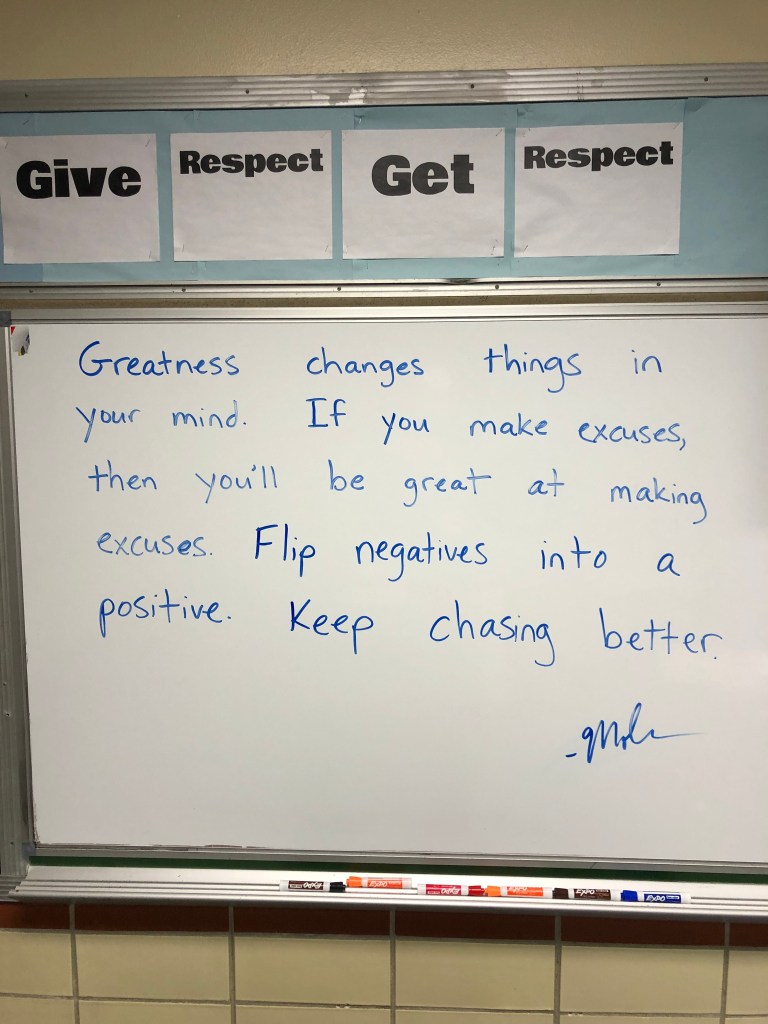
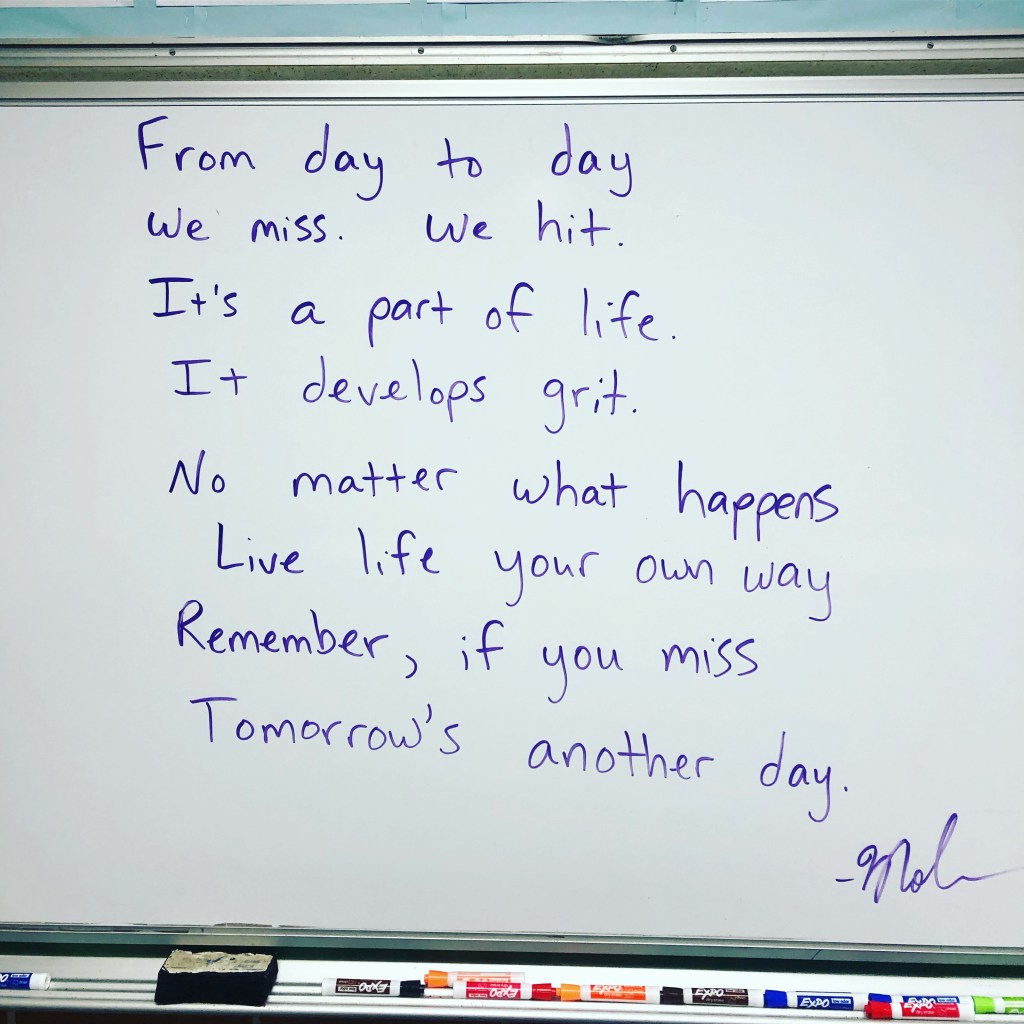
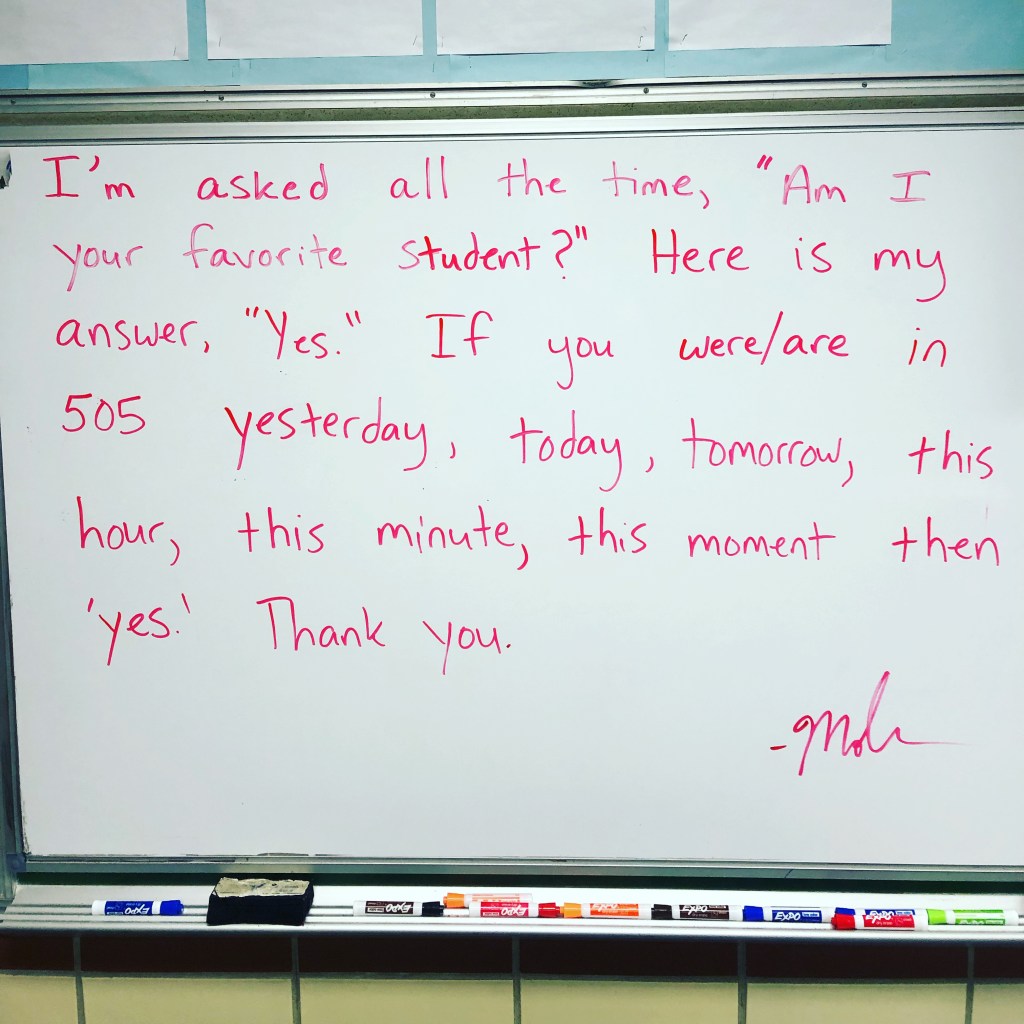
Here my room messages for the week:
The Week That Was in 505

This week was another shortened week. 4 days of class to cover the American Revolutionary War. For the longest time, Ohio’s standards included reasons that led to the Revolutionary War along with the Enlightenment’s influence on the Declaration of Independence. It also included how groups can form and create change. However, it never included anything about the Revolutionary War until 2019. The standards were changed and now include a standard devoted to the Revolutionary War – important battles and groups of people who influenced the outcome. Last year I was browsing through Twitter and found 2 really great files that paired nicely with Ohio’s American Revolutionary War standard. These 2 files were created by Mike Meehan (@mrmeehanhistory).
  1. American Revolutionary War – I altered this file to fit the learning needs of my classroom. It includes weaknesses and strengths of the Continental and British Armies, groups that contributed to the war, Number Mania EduProtocol, Hamilton the Musical, and an interactive map about the Battle of Yorktown.
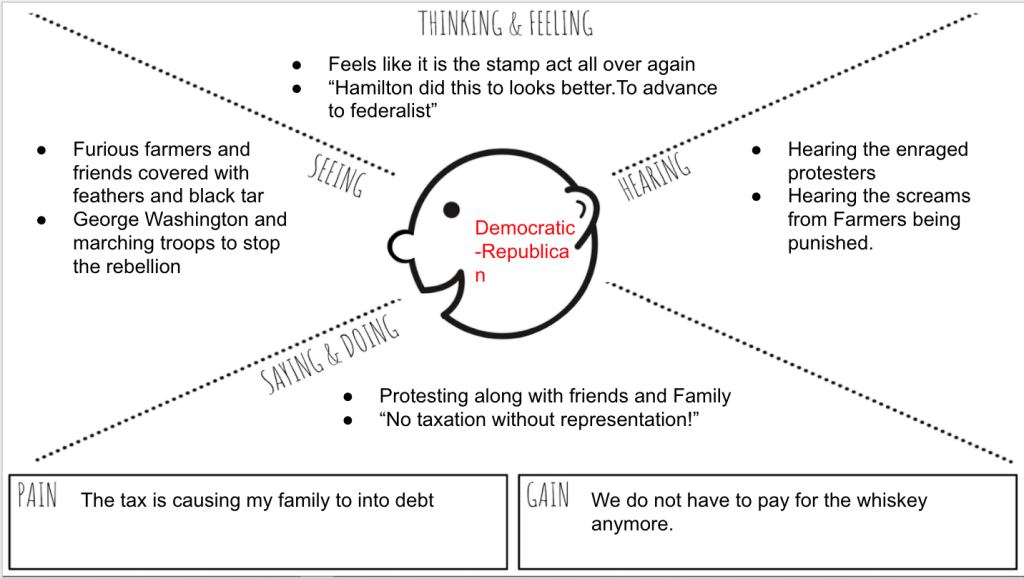
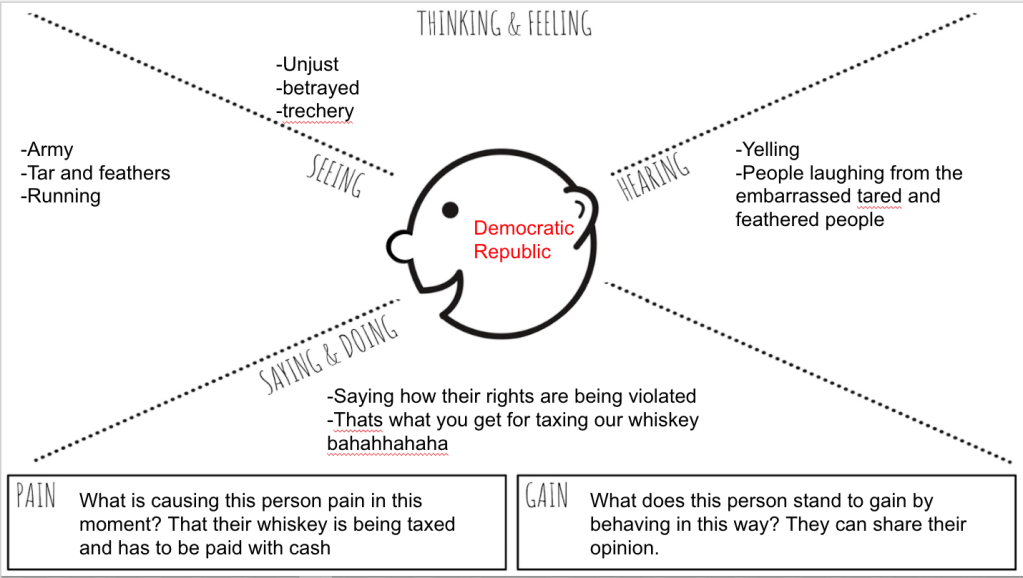
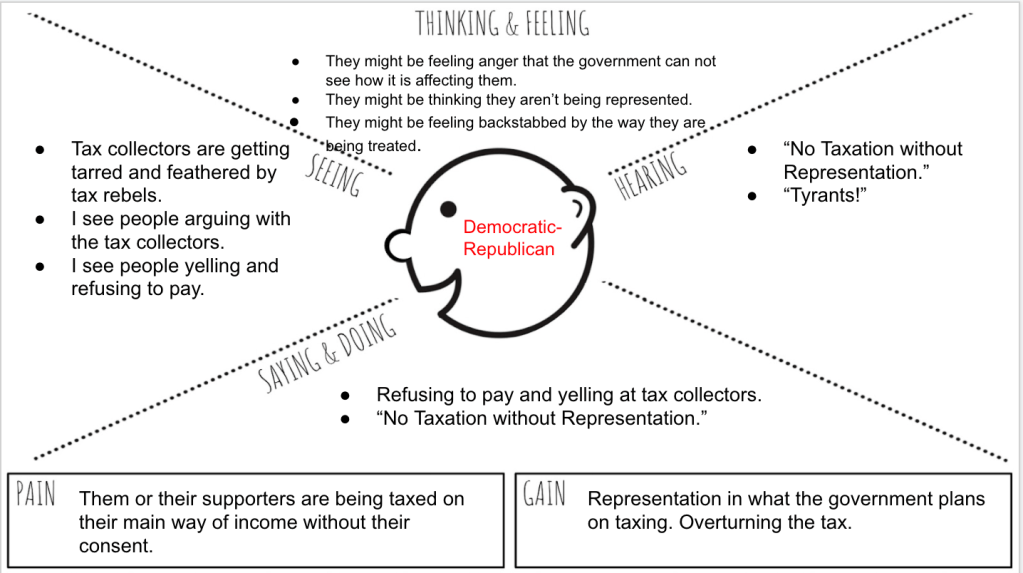
  2. American Revolution Soldier Experience – this is set up as a game and students LOVE this. Students choose to learn about Continental soldiers or Minutemen. I paired this with an Empathy Map or Google Drawing for students to show me what they learned.

I love using these 2 lessons for the Revolutionary War. I rarely do the same lessons 2 years ina. row, but these are keepers.

Monday – no school

Tuesday – finish slides 1 through 7 for the American Revolutionary War.

Wednesday – Finish the Number Mania and slides 8 through 10.

Thursday – Complete the Revolution Soldier Experience.

Friday – Review with Nation Builder from EMC2Learning.

Tuesday

I began the American Revolutionary War by sharing the slide presentation linked above. I love these slides as they cover basic information related to the war. I have never been a big war guy, and never paid much attention to this war until the past 2 years. For the 48 minute class period, I had students complete slides 1 through 7. These slides covered some basics:

  1. The battles of Lexington and Concord – read and drag the arrows to the sentences that answer the questions.
  2. Visit a website and fill out the organizer of strengths and weaknesses of the Continental and British Armies.
  3. Dragging and dropping True/False tiles next to statements that pair up with an Infographic.
  4. Choosing between African Americans, Women, or the French and writing a letter from the perspective of George Washington about how that chosen group contributed to the war.

I finished the day by having students take a Quizizz over the information from the slides they completed. Next year, I’m going to approach this differently and use a Thin Slide or Graffiti Wall paired with a question – Who should have won the Revolutionary War?

Wednesday

Wednesday was a shortened day with 40 minute classes. Covering every important battle in the Revolution is kind of boring. I refuse to do it. As a result, the Number Mania saved the day! I found some awesome information from American Battlefield Trust and linked in 4 different battles that students could choose from:

  1. Battle of Bunker Hill
  2. Battle of Trenton
  3. Battle of Saratoga
  4. Battle of Yorktown

Students had 15 minutes to read the site, submit 2-3 facts through a Google Form, and determine what made their chosen battle important. After 15 minutes, I shared a Google Sheet of information with the students. Students then had the rest of time to create an infographic about their battle.

I love posting up the Google Sheet on the board as students are submitting information because it creates a good discussion over good information versus bad information. For example, a student submitted that the Battle of Yorktown lasted 6 years. We had a discussion about this question, “Does the information sound correct?” We went back and looked and the reading stated, “After 6 long years of war…..”

This was my 3rd rep of Number Mania for the year, and these were the results:

Thursday

We used this day to finish up Number Mania and the last 2 slides. When the Number Mania was completed, students listed to the song, Guns and Ships, from the musical Hamilton. They looked up some people mentioned in the song – Betsy Ross, Marquis de Lafayette, and Hamilton’s role in the Revolutionary War. The last slide was an interactive map where students read about the American strategy for Yorktown and moved pieces to a map. This was a good part of the lesson as students had to locate places and use a map key. These 2 slides took a total of 10 minutes combined.

The last part of the class period, students learned about the experience of an American soldier. THIS. IS. AWESOME!! Students love this lesson as they click through slides, and I hear this every year, “This reminds me of a video game, this is cool!”

This “soldier experience” lesson goes fairly quickly, so I paired it with a choice for students to show me what they learned. Last year, I only posted a blank Google Drawing and had students create something, anything to show me what they learned. This year, I used the same file, but I added an empathy map which worked out wonderfully with this lesson. Here are the results:

Friday

The final day of the week was used for 2 of my classes to catch up on work. We did a quick Gimkit, then students worked on finishing anything they needed to finish from the week. On the other hand, Three of my classes were far enough along that we were able to try a new lesson from EMC2Learning called Nation Builder. (sorry I cannot share this file)

I can’t give away all the details on Nation Builder, but students competed in groups of 6-8 to build the best nation. Now, they didn’t actually design a nation or civilization. Instead, they used content from our Revolution unit and made connections in different ‘sectors’. Students could not use the same concepts across sectors, thus creating great discussions and teamwork. Students did some awesome work with discussion, team building, reviewing concepts. I love ending the week with new, fun games with crazy scoring twists! Now I’m ready to move onto the Constitutional Convention.

My Room Messages for the Week